
Many Australian parents are asking the same question now: is ChatGPT actually safe for kids? It is a sensible question, because the answer is not a simple yes or no. ChatGPT can be useful for children when it is used with supervision, clear boundaries, and a real learning goal. It becomes less helpful when it turns into private, unsupervised, open-ended screen time or a shortcut that does the thinking for the child.
That distinction matters. Parents are not only deciding whether a tool is "safe". They are also deciding what kind of habits the tool is teaching. If a child uses AI to ask better questions, improve a game idea, or get unstuck on a small problem, that can be productive. If the child starts copying answers they do not understand, sharing too much personal information, or treating the tool as an authority, the learning quality drops quickly.
For most families, the practical answer is this: ChatGPT is safest when it is used like a shared learning tool, not a digital babysitter. The parent does not need to hover over every sentence, but the setup should stay visible, guided, and age-appropriate. If you are already thinking about classes or structured projects, our guide to AI as a coach, not a ghostwriter is a useful companion because it explains what good support looks like in practice.
The real safety question is about context, not hype
Parents sometimes hear two extreme messages at once. One says AI is dangerous and children should stay away from it. The other says children need to use it immediately or they will fall behind. Neither position is very helpful on its own. The more useful question is what the child is doing with the tool, with whom, and for how long.
A child asking ChatGPT to help brainstorm characters for a game, explain a confusing idea in simpler language, or suggest ways to improve a project is in a different situation from a child sitting alone asking endless open prompts with no guidance. The first case can build judgement. The second can drift into over-reliance, oversharing, or low-quality screen time.
This is why strong AI learning for children usually starts with a project. A project gives the child a reason to ask better questions and a way to judge whether the answer helped. That is also why our programs keep the child in the builder's seat rather than letting the tool run the whole activity.
What the main risks usually look like at home
Most of the real risks are ordinary family-use risks rather than dramatic ones. They are manageable, but they do need adult attention.
- Oversharing personal information. Children may not naturally understand that names, school details, passwords, addresses, or private family information should stay out of the chat.
- Passive dependence. A child can become used to asking the tool to produce the answer instead of trying first, which weakens confidence and ownership.
- Confident but imperfect answers. ChatGPT can sound certain even when it is incomplete, vague, or simply not the best answer for the task.
- Age mismatch. A tool can move faster than a child can evaluate, especially if the prompts are broad and the output is long.
- Too much unstructured screen time. If the session has no real goal, AI use can become one more way to scroll, dabble, and drift.
None of those risks mean a family must avoid AI completely. They mean the adult setup matters. A calm, visible structure usually reduces most of the problems before they start.
What safer use looks like for most primary-age children
For many families, a safer pattern is surprisingly simple. The child should use ChatGPT with a concrete task, short sessions, and an adult close enough to notice what kind of questions are being asked. The goal is not surveillance. The goal is scaffolding.
- Keep the tool in a shared space. Kitchen table use is usually better than private bedroom use for beginners.
- Start with one task. For example: improve a game rule, explain a tricky concept, or brainstorm a story world.
- Make the child say what they think first. AI should come after an attempt, not instead of one.
- Set a no-private-details rule. Keep names, school details, contact information, passwords, and family specifics out of prompts.
- Ask "does this answer actually help?" Children need practice evaluating, not only receiving.
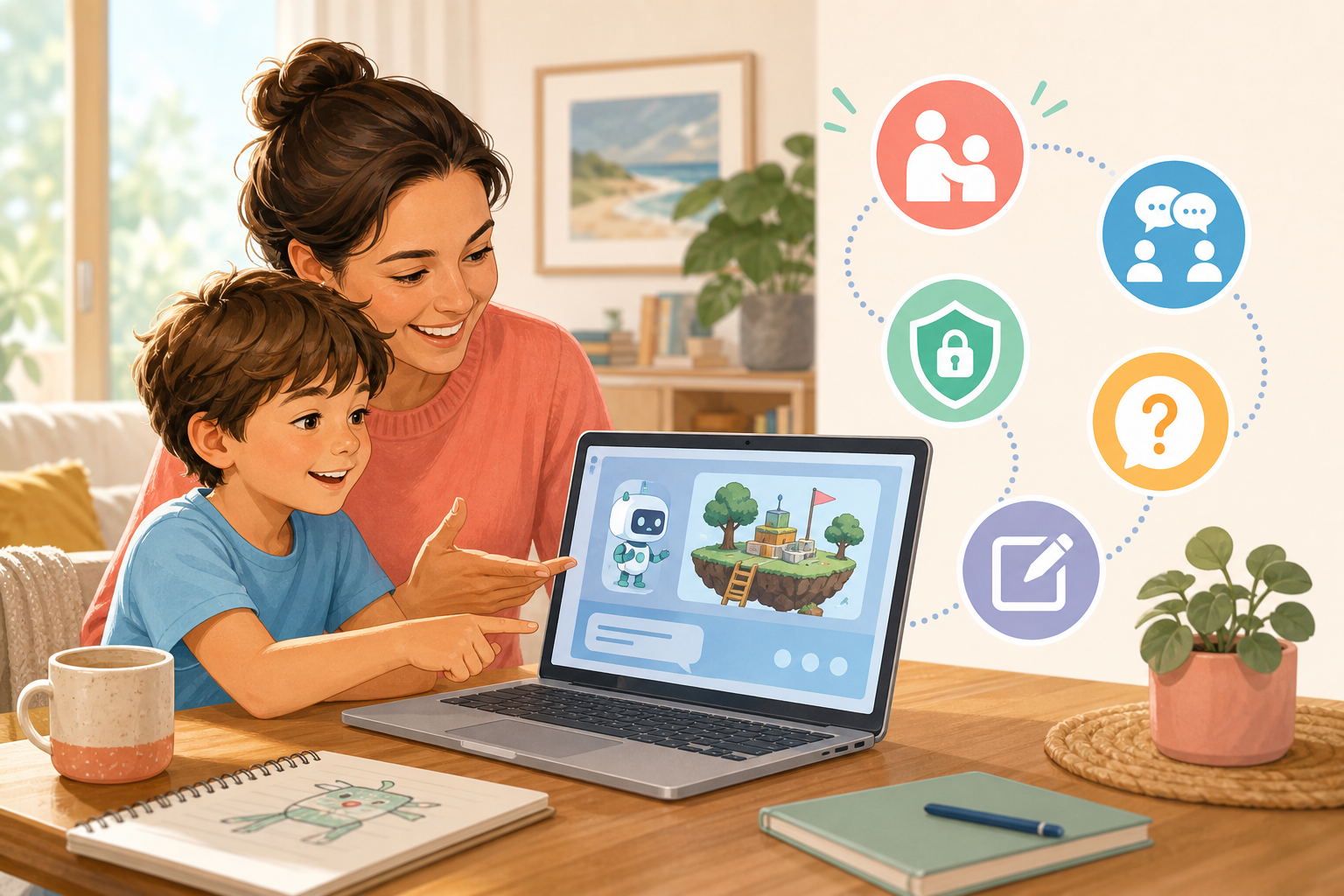
That evaluation habit matters more than many parents realise. If a child learns to ask, "Is this right for my project?" or "Can I explain this in my own words?" the tool becomes much healthier. If the child learns only to accept output quickly, the tool starts training passivity.
Why project-based use is usually safer than open-ended prompting
One of the best ways to keep AI use healthy is to attach it to building. When a child is making a small game, designing a character, or improving a simple creative project, the AI has a job to do. It helps with a problem the child can see. That makes it easier for the child and the parent to judge whether the answer is useful.
Project-based use also reduces the temptation to treat ChatGPT as entertainment on its own. The focus shifts from "what else can it say?" to "did that suggestion improve what I am making?" That is a far better learning loop, especially for primary-aged children. If you want the broader parent case for that approach, our article on why kids learn AI better by building games explains why visible projects help children think more clearly.
At Airbotix, that is why the emphasis is on building real games and creative tools with support, not prompting for polished output and stopping there. The child should still be making choices, testing results, and improving version two.
What to ask a provider before enrolling
If you are considering a class, holiday workshop, or term program, safety is partly about teaching design. A provider should be able to explain how AI is used, what the child owns, and how adults handle mistakes or questionable outputs.
- Ask whether AI is used as support or as the main producer. The healthier answer is support.
- Ask how children are taught not to overshare. Clear prompt boundaries should be normal, not an afterthought.
- Ask what the child actually builds. A real project creates better learning and makes supervision easier.
- Ask how teachers respond when the AI gives a weak answer. Good programs use that moment to teach judgement, not just move on.
These questions also help you spot the difference between a flashy demo and a strong learning environment. If the provider mainly talks about what the AI can generate, rather than what the child will learn to do, that is worth noticing.
When a child may not be ready yet
Some children are not ready for independent AI use yet, and that is fine. Readiness is less about chasing the earliest possible age and more about whether the child can describe a goal, tolerate small mistakes, and understand simple boundaries. If a child cannot yet tell when an answer is off-topic, cannot resist typing private details, or becomes frustrated the moment the tool is imperfect, the setup probably needs to be more guided or delayed.
If you are weighing readiness more broadly, our article on what age children should start learning AI is a useful next read. It breaks the question down by stage and behaviour rather than pretending there is one perfect age for every child.
The best standard is simple: the child should stay in charge of the thinking
For most Australian families, that is the clearest rule. ChatGPT can be safe and useful for kids when the child stays active, the adult stays involved, and the task has a real purpose. It becomes less healthy when the tool starts replacing effort, judgement, or conversation.
Parents do not need to ban AI to protect good learning habits. They need a setup that keeps the child curious, visible, and responsible for the project. If you want that kind of structure, explore our Airbotix programs. They are designed to help children build with AI confidently while keeping the technology in the role it should have: a coach, not a ghostwriter.