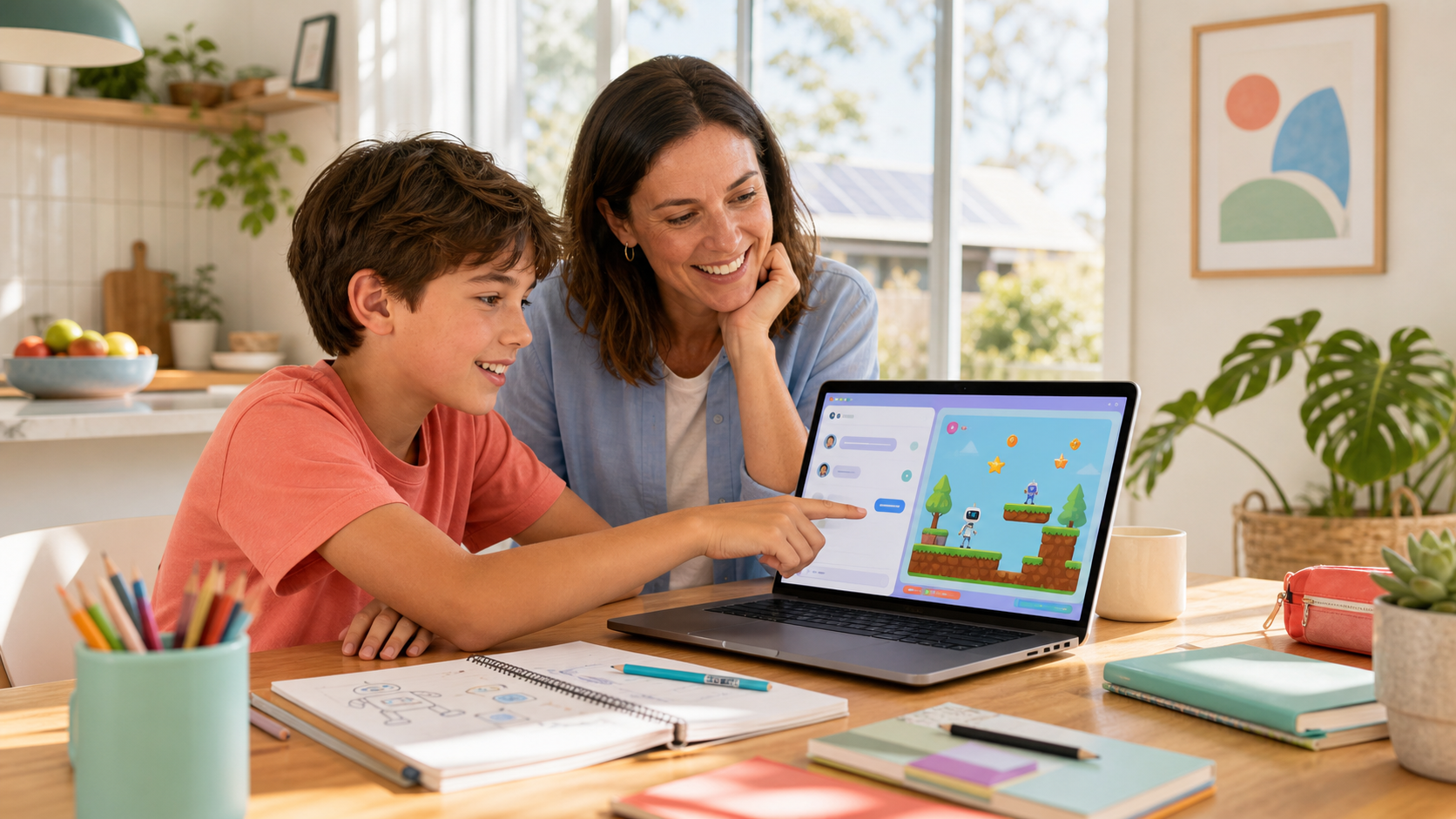
Many Sydney parents are now comparing kids coding classes that promise to teach AI. The difficult part is not finding a program that mentions AI. It is working out whether your child will actually think, build, and debug, or whether the software will quietly do most of the work for them. That is the real difference between AI as a coach and AI as a ghostwriter.
For children, this distinction matters more than the marketing. A class can look modern because it uses an AI tool, but still leave the child passive. Another class can use the same technology and produce the opposite result: stronger confidence, better judgement, and a child who can explain what they made and why it works. Parents do not need to be technical to spot the difference. You just need to know what to look for.
What "coach, not ghostwriter" actually means
In a healthy AI coding lesson, the child stays responsible for the idea, the decisions, and the improvement. AI helps by explaining options, suggesting a next step, or pointing out what might be wrong. The child still has to test the result, notice when it is off-track, and decide what to change.
That is very different from a ghostwriter model. In a ghostwriter lesson, the child types a short prompt, receives a near-finished answer, and mainly watches the output appear. It can feel impressive in the moment, but it does not build much independence. The child has not practised breaking an idea into steps, checking logic, or recovering from mistakes. They have seen a result, but they have not really owned the process.
- Coach model: the child describes the goal, evaluates the AI's help, and keeps editing.
- Ghostwriter model: the AI supplies most of the solution and the child becomes a spectator.
- Coach model: mistakes become useful because the child learns how to fix them.
- Ghostwriter model: mistakes often get hidden because the fastest move is to ask the AI for another full answer.
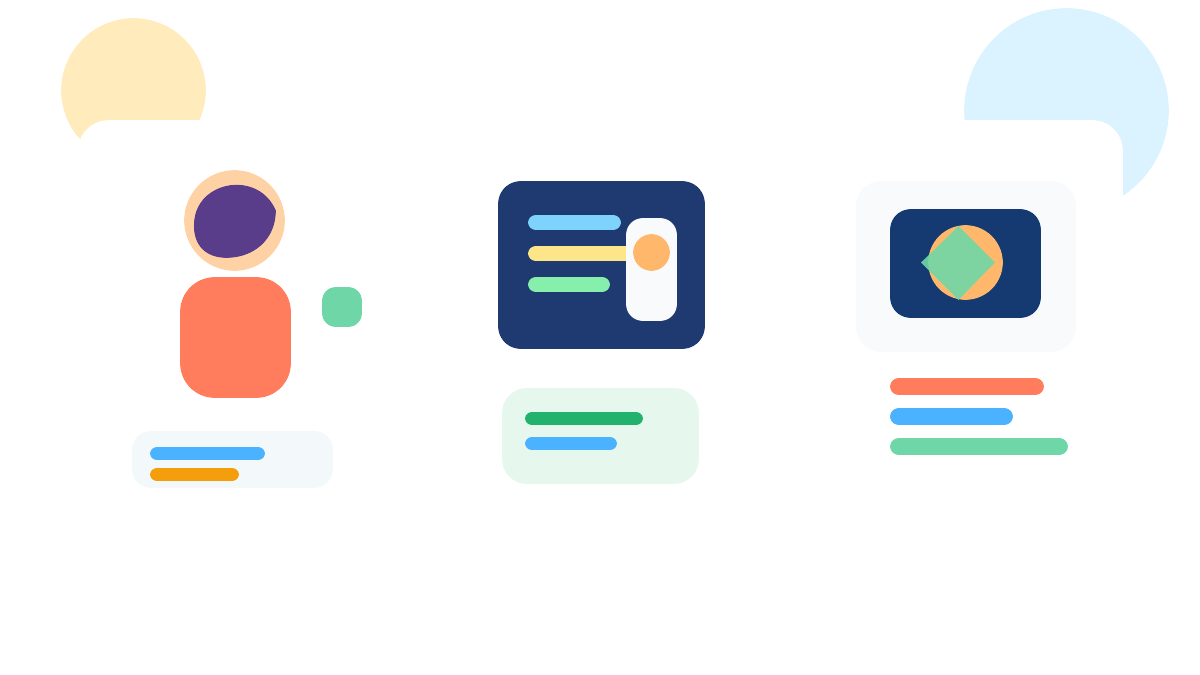
Why parents should care about this difference
When AI does too much, children can mistake speed for learning. They may leave with something flashy on screen, but struggle to explain what happened when the game breaks or the rules change. That creates a fragile kind of confidence. It looks good until the first unexpected problem appears.
When AI behaves like a coach, children build a sturdier kind of confidence. They learn that bugs are normal, that clear instructions matter, and that the first answer is rarely the final one. Those are exactly the habits that carry into later projects, schoolwork, and real problem-solving. It is one reason our Snake game lesson works so well as a first step: the child can finish something real, but only by staying involved all the way through.
This also connects to a wider question many families ask: if AI can already write code, what is my child learning? We unpack that more fully in Is Coding Still Worth Learning for Kids in the Age of AI?, but the short version is simple. The valuable skill is not memorising every command. It is learning how to direct tools well, judge quality, and keep improving until the result matches the idea.
Signs a class may be leaning too far toward ghostwriting
You do not need to sit through an entire term to notice when a program is over-automating the work. A few warning signs show up quickly.
- The child cannot explain their own project. If you ask what they changed and why, and they can only say "the AI did it", that is a concern.
- Most of the session is prompt-and-wait. Children spend more time requesting full answers than testing ideas in small steps.
- Finished projects look polished but interchangeable. Everyone leaves with roughly the same output, with little evidence of personal choices.
- Debugging is skipped. The program celebrates completion more than understanding what broke and how it was repaired.
- The teaching language sounds passive. Phrases like "the AI builds it for them" or "they just tell it what they want" are clues.
Some parents actually prefer a quick result at first because it feels reassuring. That is understandable. But if the child is never stretched to make decisions, the early convenience becomes a ceiling. The better experience is one where the child gets a win and can talk you through how they achieved it.
What a stronger AI coding lesson looks like
In a good session, the teacher keeps the project moving without removing the child's ownership. A child might begin with a simple game idea, ask the AI for help with movement or scoring, then test it, notice something odd, and revise. The adult's role is to keep that loop healthy: not too hard, not too passive, and always anchored in what the child is trying to make.
That is also why format alone is not the whole story. Weekly sessions and holiday workshops can both work when the teaching model is right. If you are weighing up those two paths, our guide to after-school classes versus school-holiday workshops can help you decide which cadence suits your child. But whichever format you choose, the core question stays the same: is your child building, or mostly watching?
Four questions Sydney parents can ask before enrolling
- What does the child do when the AI gets something wrong? You want to hear about testing, spotting issues, and revising, not just regenerating a full answer.
- How much of the project is chosen by the child? Personal goals, tweaks, and creative decisions are signs of real ownership.
- Can beginners succeed without becoming dependent on the tool? The best classes lower the barrier to starting without removing the thinking.
- What will my child be able to explain afterwards? A useful answer mentions logic, decisions, or debugging, not just "they built a game".
These questions work whether you are looking at a one-off Sydney holiday session or a longer NSW after-school program. Parents often assume they need to judge the technology itself. Usually, it is more useful to judge the learning behaviour around the technology.
The goal is independence, not automation theatre
Children do not need to become mini software engineers overnight. They do need repeated chances to think clearly, try something, see what happened, and improve it. AI can support that beautifully when used well. It can also interrupt it when used as a shortcut. The difference is less about the tool and more about the teaching choices surrounding it.
If you want your child to leave class more capable than when they arrived, look for a program that treats AI as scaffolding, not a substitute. The child should still be the author. The project should still carry their fingerprints. And by the end, they should be able to tell you what worked, what did not, and what they would change next time.
If that is the kind of experience you want, explore our Airbotix programs and start with the format that fits your child best. A strong first class does not just show them what AI can do. It shows them what they can do with AI in the right role.