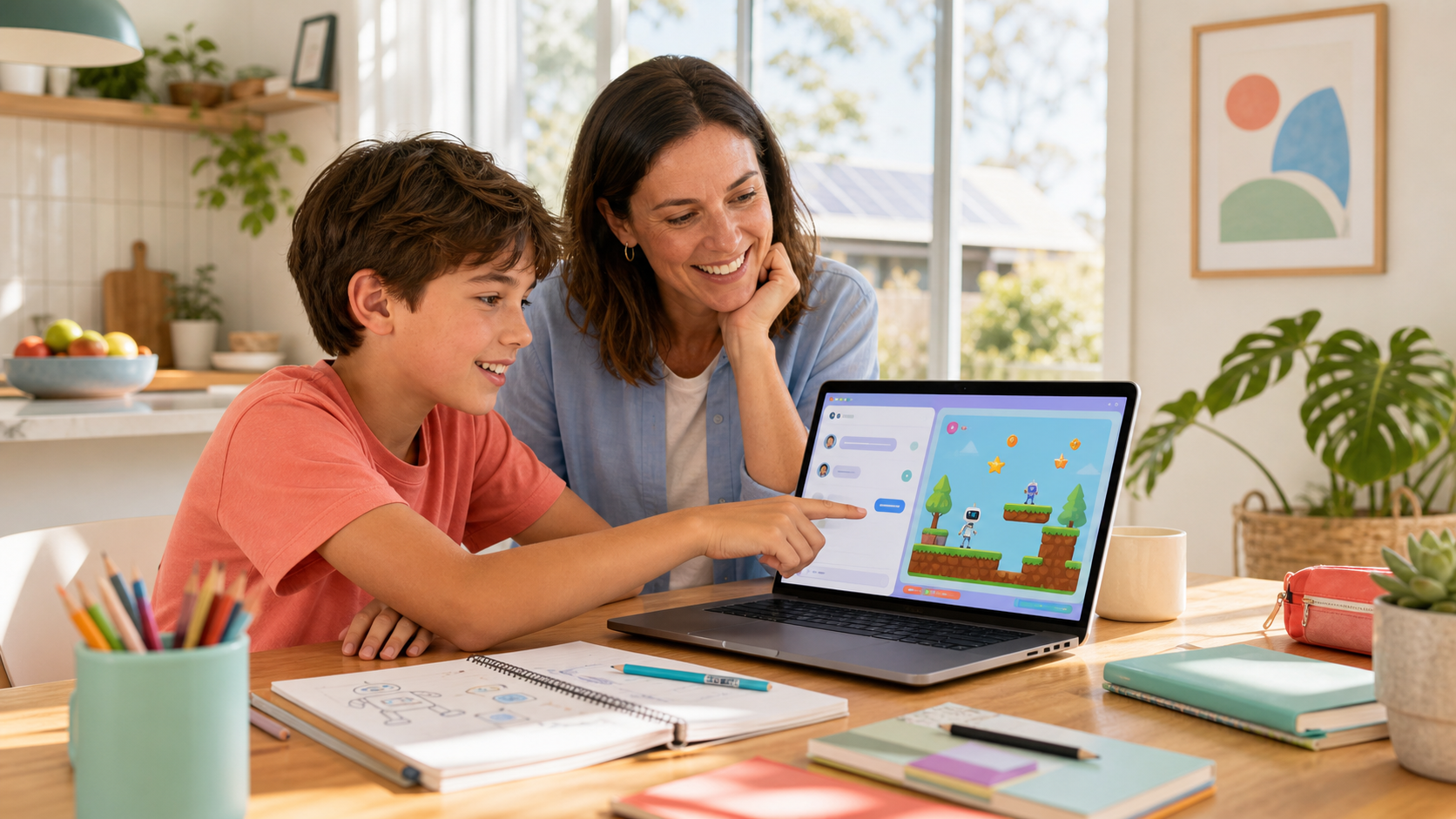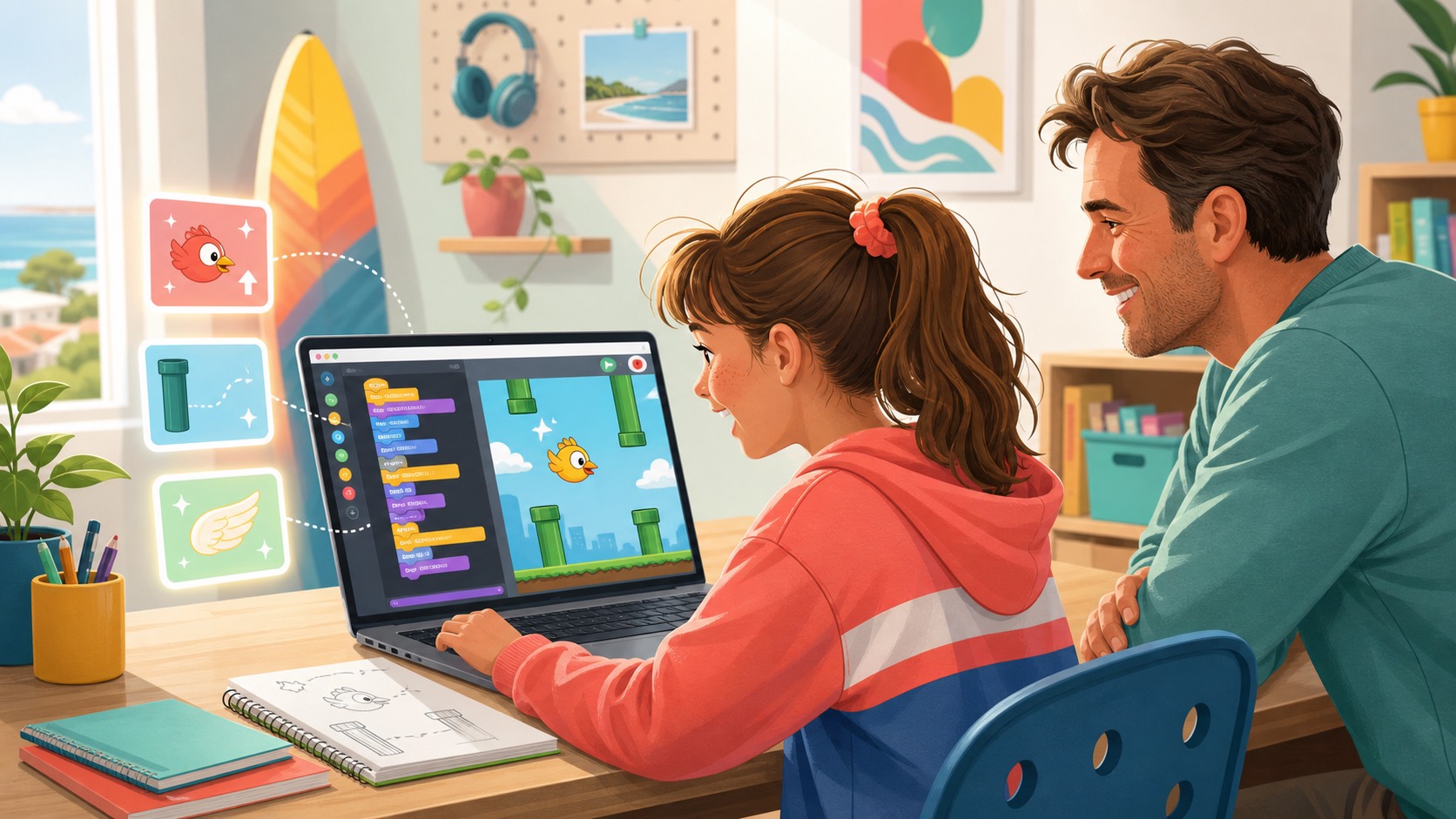
Many families feel pushed into a shallow screen-time argument now. One side says children are already spending too long on devices. The other says children need more exposure to AI, coding, and digital tools because the world is changing. Both concerns are real. Neither becomes much clearer if the family only counts minutes.
The better question is what happened during the time on the screen. Did the session pull the child deeper into passive consumption, or did it help the child make, test, explain, and improve something of their own? That distinction matters more than the presence of a device on its own.
Australian parent guidance points in the same direction. eSafety does not treat one universal minute-count as the whole answer; it keeps the focus on age, routines, supervision, sleep, and the quality of what the child is doing. The Australian Government’s Australian Framework for Generative AI in Schools also frames AI use around responsible, ethical benefit rather than hype. For families, that means the practical test is not “Was AI involved?” It is “Did the digital work build judgement, ownership, and a visible result?”
If you want the broader Family Guide behind this topic, Airbotix has already published it as a Chinese-language resource. This article is the English canonical version of the narrower screen-time framework.

1. Productive digital work starts with a clear job
A useful session usually begins with a concrete purpose. The child is trying to make a scene, improve a game rule, fix one bug, explain one concept, or finish one step. The screen is serving a task. It is not simply filling time.
That may sound obvious, but it quickly separates productive work from endless digital drift. A feed has no finish line. A project does. Even a small digital task becomes more educational when the child can answer a simple question before starting: what am I trying to make or solve?
- At home: ask for the job before you ask for the tool.
- At school: keep the task small enough that the child can explain the goal in one or two sentences.
- In a program: the showcase is stronger when the brief is visible alongside the outcome.
2. There should be something visible afterwards
Productive digital work normally leaves evidence behind. That does not need to be a polished final masterpiece. It may be a story scene, a playable interaction, a checklist, an explanation, a project file, a test result, or a version-two improvement. The important part is that there is something real to discuss.
This is one reason project-based use is healthier than unstructured screen use. A child who finishes with something visible has a reason to explain what changed. A child who finishes only with more scrolling usually does not. When families are trying to decide whether a digital habit is worth keeping, visible output is far more useful than vague claims that the child was doing something “educational”.
The same logic also helps when judging AI use. If the screen session produced a result but no explanation, no changes, and no trace of the child’s own choices, the learning may be thinner than the result suggests. If you want a related parent lens on this, our guide to safer ChatGPT use for children is a useful companion because it focuses on supervision and active participation rather than novelty.
3. The child should still own the decisions
The healthiest digital sessions do not remove the child from the thinking. Even when software or AI helps, the child should still be able to say what they chose, what they rejected, what they improved, and why. That is the difference between assistance and replacement.
This is why we keep returning to the principle of AI as a coach, not a ghostwriter. If the tool does most of the deciding while the child mostly watches, the output can look impressive while teaching very little. If the child stays responsible for the direction, the software becomes a way to practise judgement and revision.
Parents can hear the difference quickly. One answer sounds like, “The AI made it.” A stronger answer sounds like, “The first version did not fit, so I changed the rule, tested it again, and kept the second version.” The second answer is not only more reassuring. It is better evidence of learning.
4. Productive sessions have a boundary and a next step
One reason passive screen time becomes draining is that it often has no natural endpoint. There is always another short video, another round, another recommendation, another tab. Productive digital work usually feels different because it can stop at a sensible point.
A healthy session often ends with one finished step, one reflection, and one next action. The child completed a scene, fixed a bug, wrote a better explanation, or decided what version two should improve. That kind of boundary matters more than many parents realise. It is easier to end a session around a finished step than around a vague promise of “five more minutes”.
- One useful stop signal: the child can show what changed during this session.
- One useful reflection prompt: what would you improve next time?
- One useful family rule: start with a task and end with an explanation.
What this can look like across different stages
The pattern does not need to look identical at every age. The signal is the same, but the form changes with the child’s stage and the product they are using.
Story Blocks
For younger children, productive digital work can be wonderfully concrete. In Story Blocks, the child changes one readable block, reruns the scene, and can explain why the story now works. That matters because Story Blocks is not an AI chat product. The learning sits in sequence, cause and effect, testing, and retelling. The child sees that one changed instruction creates one changed result.
Creative Code Studio
In Creative Code Studio, the work becomes more iterative. A child can describe an idea, watch a playable version appear, reject a weak AI suggestion, and improve version two. The educational value is not that a game appears quickly. It is that the child stays in charge of the judgement about whether the change actually helped.
Kids OpenCode
For older children, Kids OpenCode raises the bar again. Productive digital work may involve planning a larger project, approving file changes, testing a real structure, and explaining why the project is organised that way. The screen is no longer only a place to consume or even only to experiment. It becomes a place to manage a real build process.
Across Story Blocks, Creative Code Studio, and Kids OpenCode, the principle stays the same: the child should stay in charge of the thinking while the digital tool helps them build something real.
A short checklist for parents
- Ask for the job. What was your child trying to make or solve?
- Ask for the evidence. What can they show you afterwards?
- Ask about the decisions. What did they choose, reject, or improve themselves?
- Ask for the boundary. What finished today, and what is the next step?
If the answers are thin, the session may still have been enjoyable. It may simply not justify the stronger claim that it was productive digital work. If the answers are strong, you have something better than a minutes argument. You have visible evidence.
When it is better to pause than to push harder
Not every digital struggle means a child needs more software, more AI, or more screen time. Sometimes the better move is to step back. If the child is using AI to avoid effort, fighting every stop point, or collapsing into private, unsupervised use with no real task, the family probably needs a stronger rule before it needs a stronger tool.
That does not mean retreating into fear. It means resetting the environment so digital work serves a purpose again. Families can always return to a smaller task: one scene, one rule, one explanation, one bug fix, one version-two idea. Productive digital work is easier to sustain when the child can experience one finished step at a time.
If you want to see how that structure looks in practice, explore our Airbotix programs or start with the broader Chinese-language Family Guide. The goal is not to give children more screen time for its own sake. The goal is to turn screen time into creation time.