Teach kids to code with AI.
Group AI classes, 1-on-1 tutoring, and our own kids-safe AI coding tool — all designed in Australia for the next generation of builders.
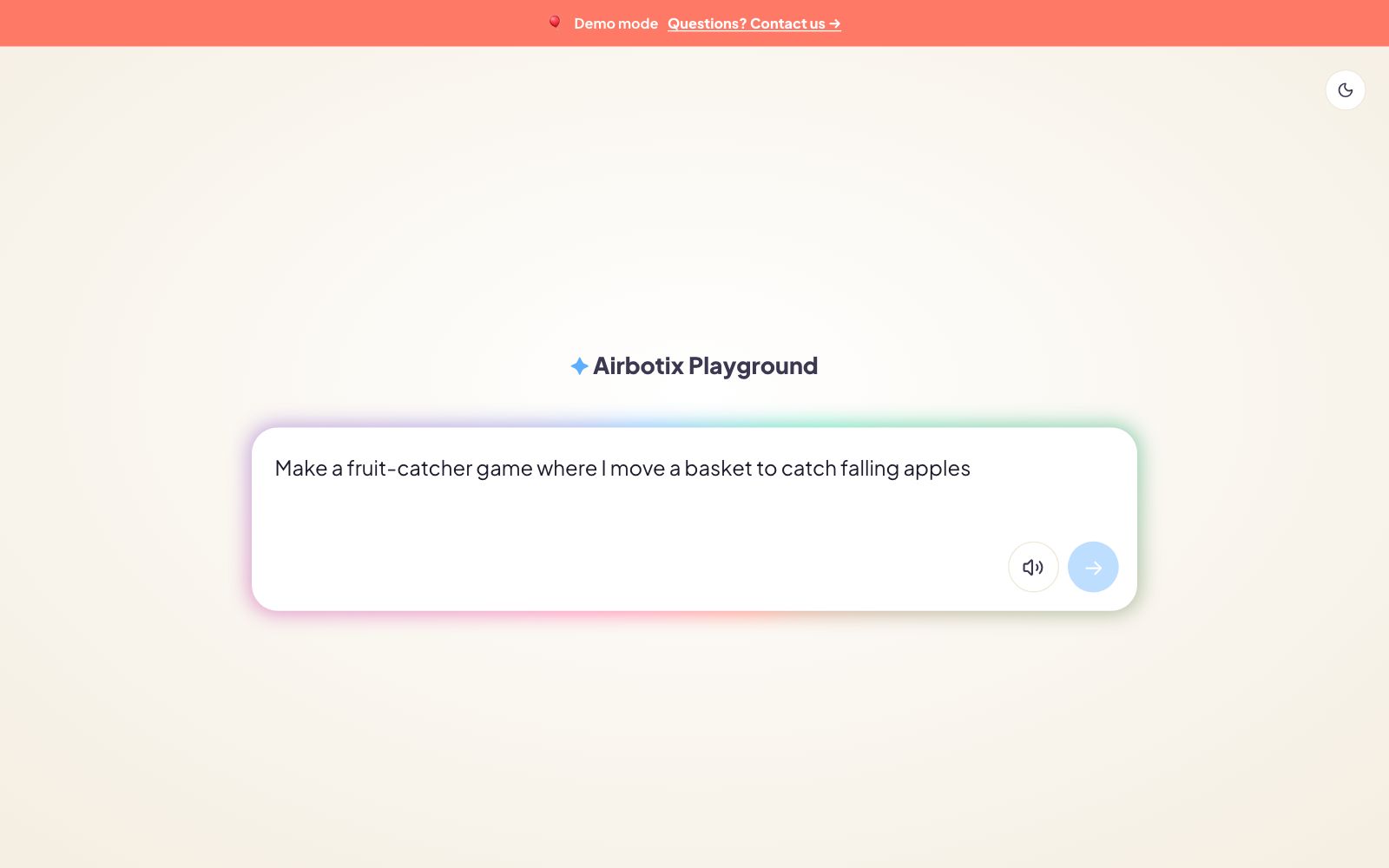
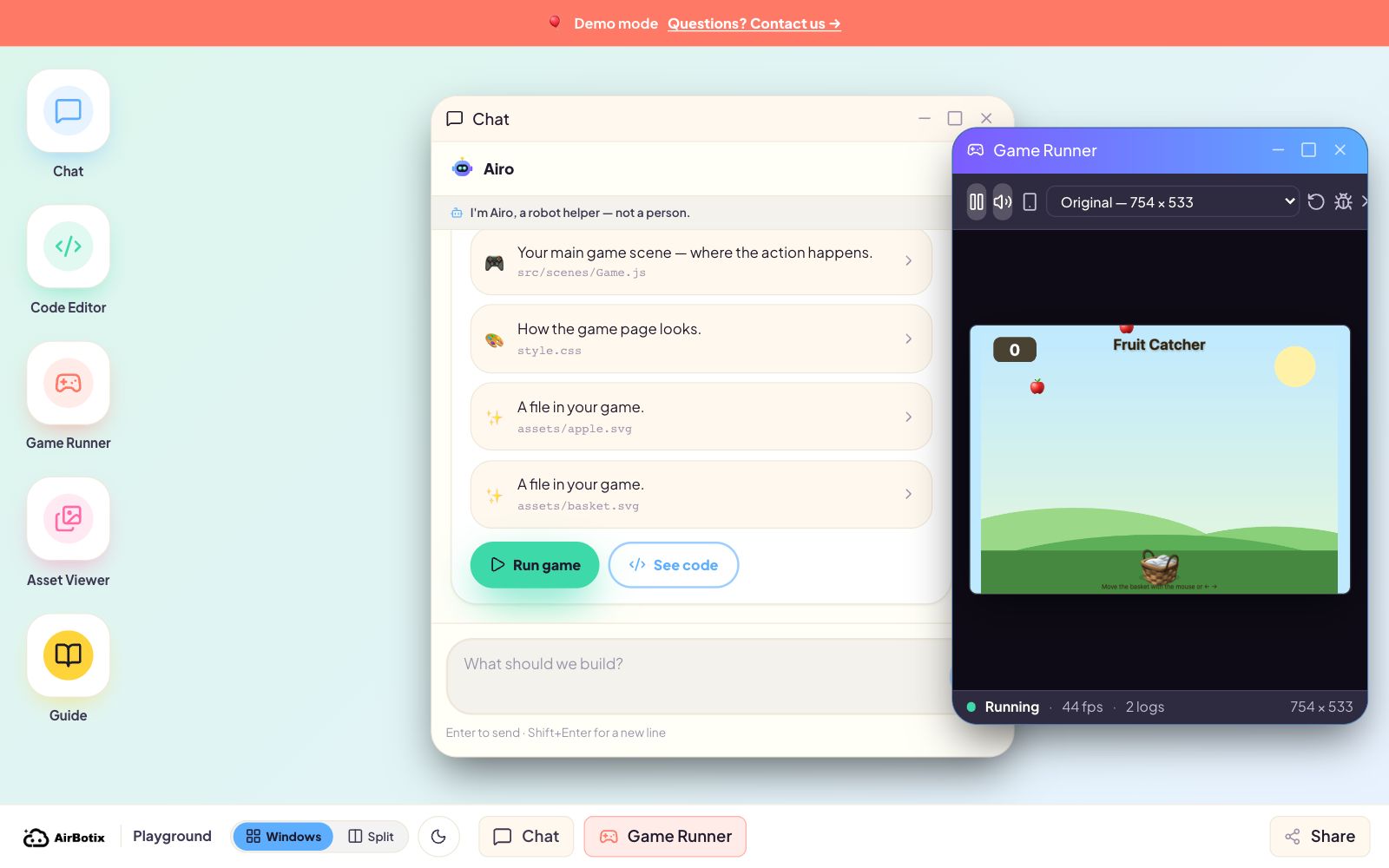
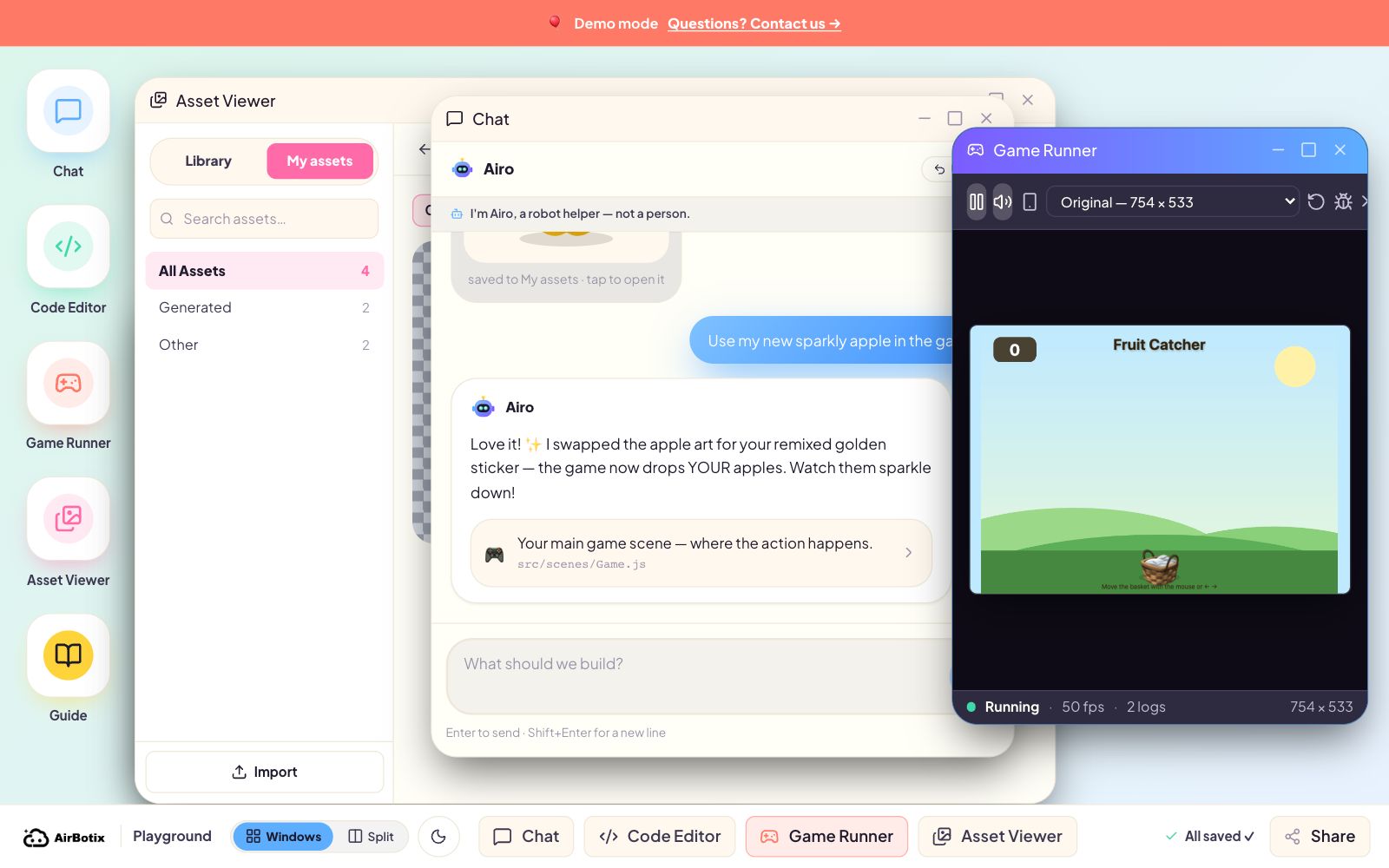
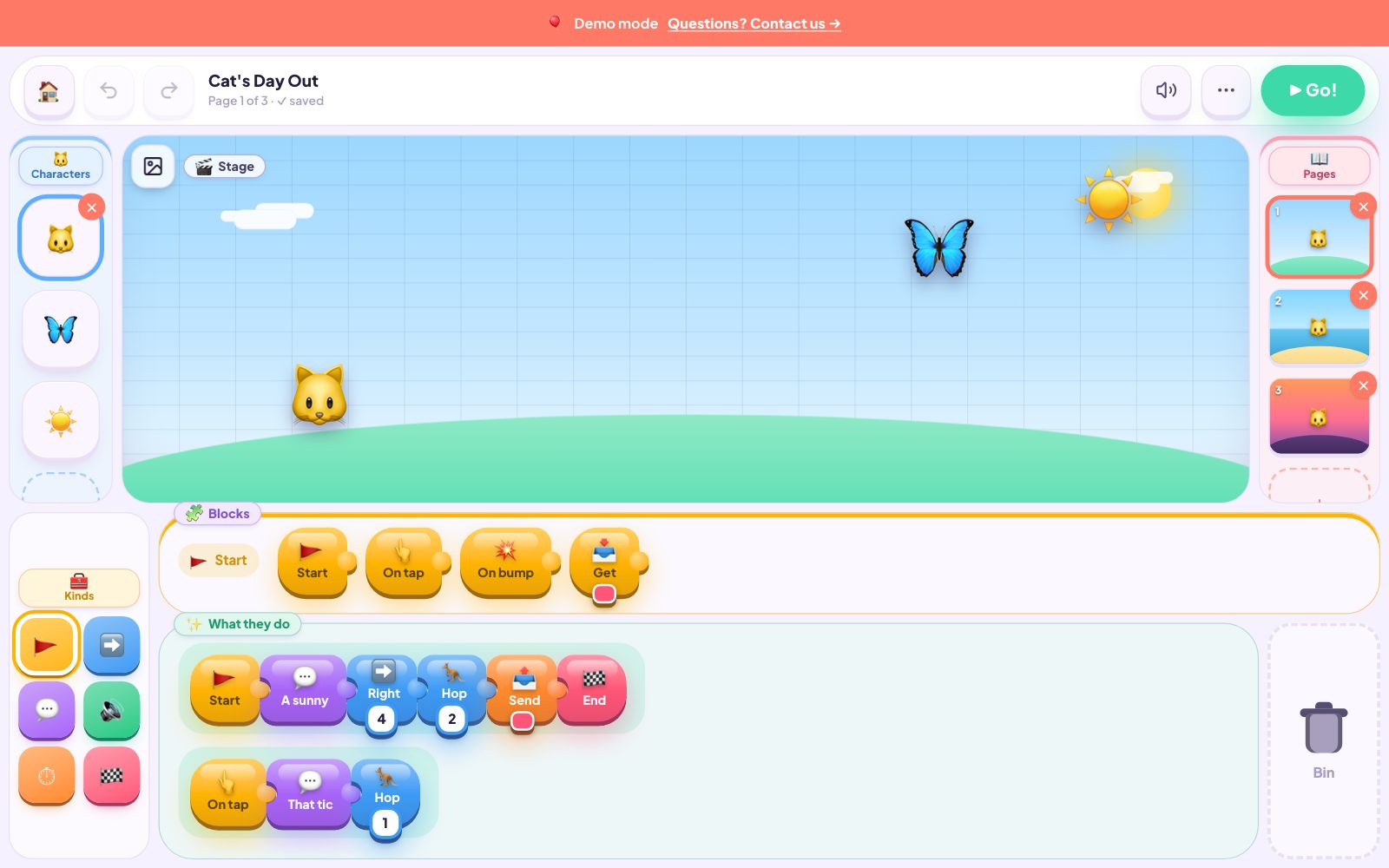
OUR FLAGSHIP — KIDS OPENCODEThe first AI coding tool built for kids, not adults using kids.
ChatGPT was built for adults. Cursor and Claude Code are built for engineers. Scratch and Tynker are pre-AI. Kids OpenCode is the only AI coding agent designed specifically for K-12 students — with the safety, scaffolding, and parent visibility every other tool is missing.
- ✓Kid-safe by default — sandboxed tools, age-aware prompts, no shell access.
- ✓Parent-visible — replay every AI conversation and code change in your dashboard.
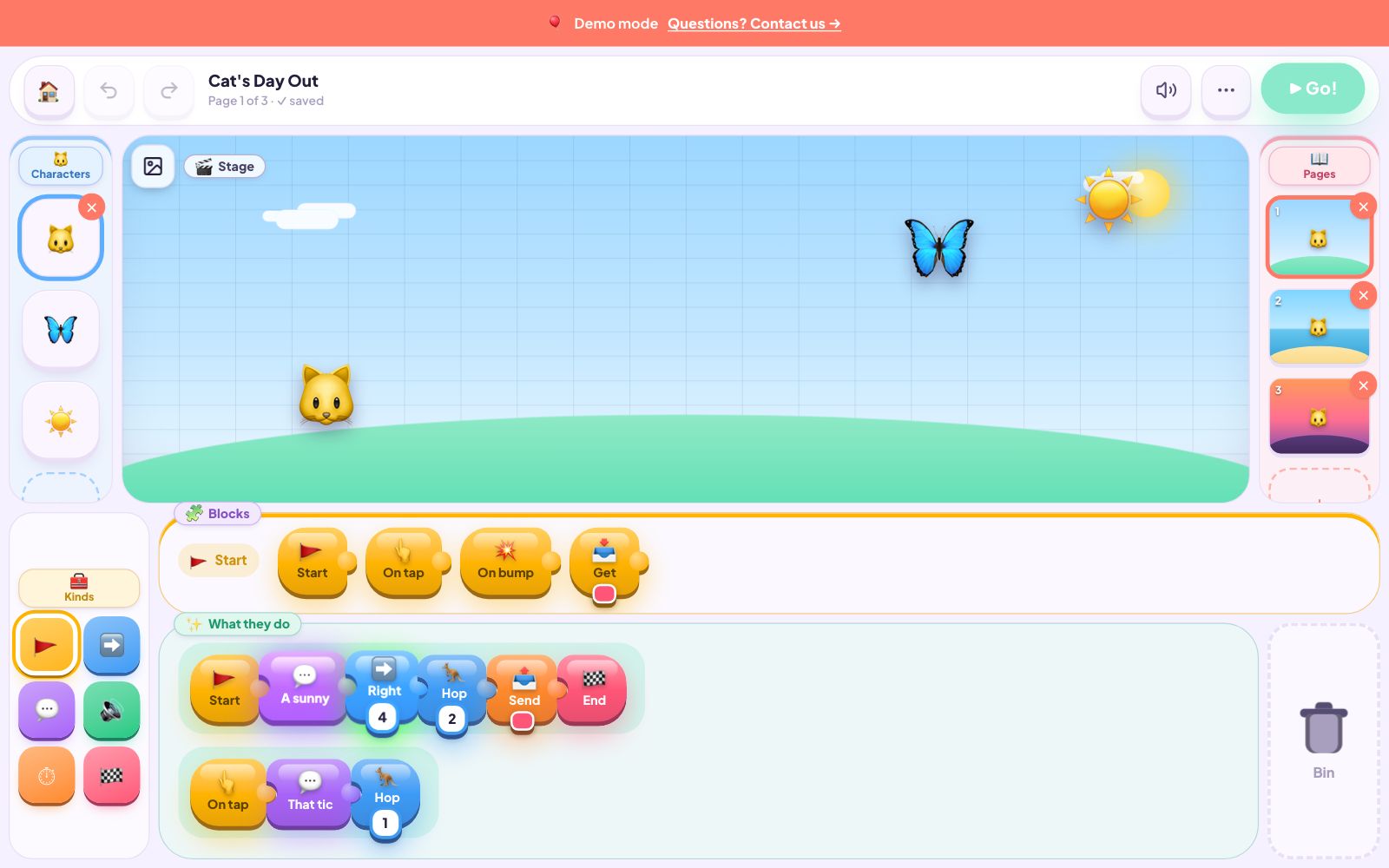
- ✓Curriculum-driven — projects with structure, not an empty chat box.
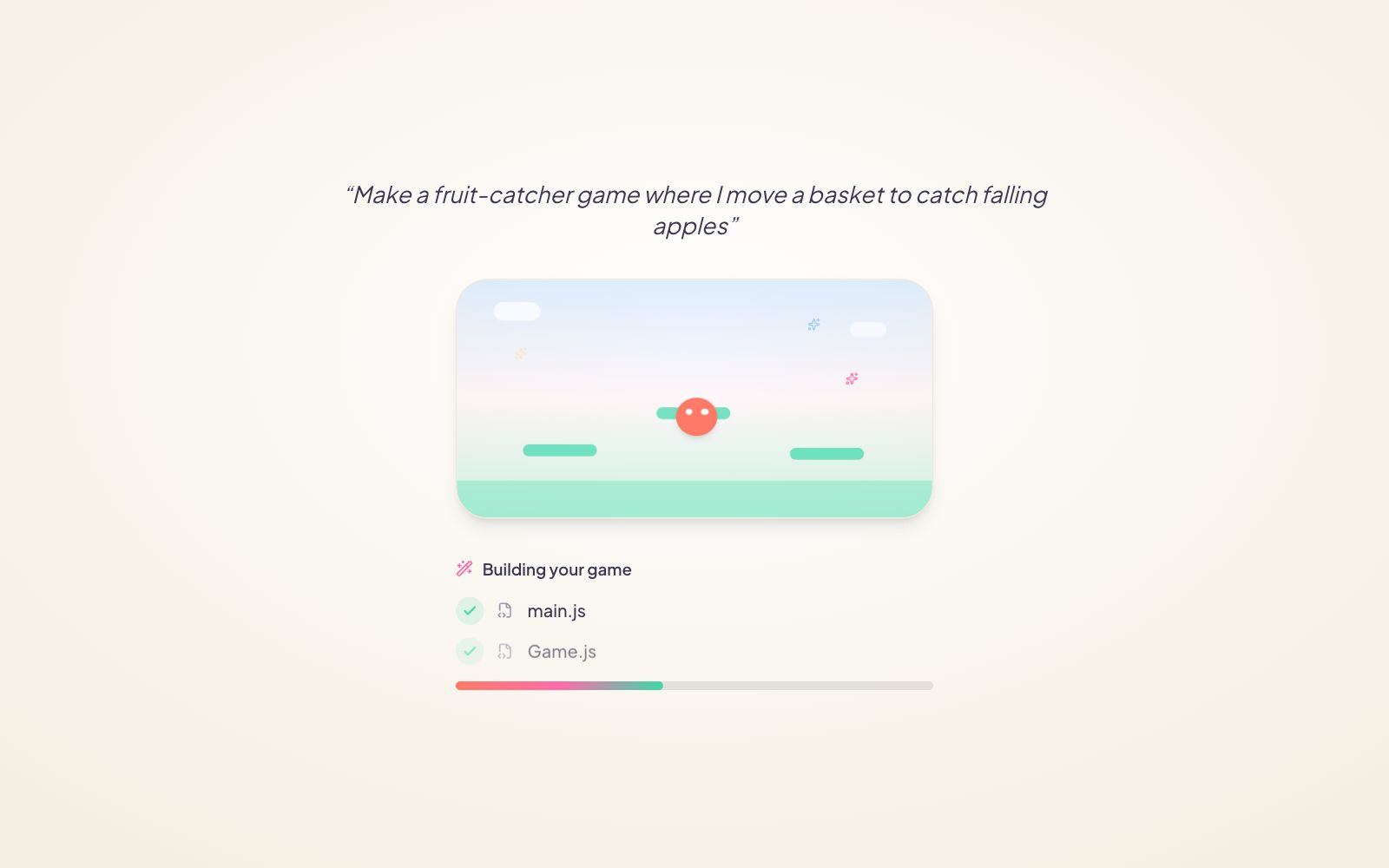
index.html— main pagestyle.css— pink themehamster.png— generate image
Built on best-in-class AI infrastructure
We don’t build the AI models. We build the kid-safe layer on top — Kids OpenCode for coding, our platform for learning, our curriculum for structure.
Four ways kids learn AI with us.
AI coding, built for kids.
The first AI coding agent designed for K-12 — not adults using kids. Parent-visible, sandboxed, and curriculum-driven. Our flagship product.
AI & Robotics for schools.
Hands-on 1–3 day intensives. Real mBot robots, AI decision-making, all hardware included. We come to you. AU Digital Technologies F-10 aligned.
Small-group AI classes.
Weekly term cohorts, holiday intensives, and school partnerships. AI Creative Lab (8-11) + AI Coding Studio (12-17). 3-6 kids per class.
Private AI coding sessions.
Personalised online tutoring with senior instructors. Bring an idea, leave with a real project. From A$70/hour.
Every move your kid makes with AI — you can see it.
When you let your kid use ChatGPT or Cursor, you have no idea what they typed, what the AI said, or what got built. With Airbotix, all of that is visible to you — by design, not by accident.
Agent Action Replay
Every conversation, every line of code the AI writes, every tool it uses — replay it all in your parent dashboard. Not just a vague summary.
Kid-Safe AI by Default
Our DeepRouter gateway injects safety prompts on every AI call — built into the stack, not a UI overlay that kids could bypass.
Sandboxed Tools
Kids OpenCode can read, write, and edit project files. It cannot run arbitrary commands, fetch external resources, or escape its sandbox.
Mission-Driven, Not Open Chat
Kids aren’t dropped into a ChatGPT box. They’re in a Mission — a guided project with structure — and AI is the tool.
Private by Default
Kid creations are private to the family. Sharing to a class wall needs teacher review. Going public requires parent consent.
The only AI coding tool actually designed for kids.
Plenty of products claim to teach kids AI. Almost none of them check every box that actually matters for K-12. Here’s where we sit in the landscape.
ChatGPT Cursor · Claude Code | Khanmigo Cluey · tutoring bots | Scratch Tynker · Code.org | Airbotix Kids OpenCode | |
|---|---|---|---|---|
| AI-native | ✓ | ◐ | ✕ | ✓ |
| Built for K-12 kids | ✕ | ✓ | ✓ | ✓ |
| Purpose-built AI coding tool | ✕ | ✕ | ✕ | ✓ |
| Parent visibility / audit replay | ✕ | ◐ | ✕ | ✓ |
| Curriculum-driven (not open chat) | ✕ | ◐ | ✓ | ✓ |
Yes Partial No
Ready to give your kid the right AI head start?
Book a free 15-minute call. We’ll figure out which program fits — workshop, weekly class, 1-on-1, or the platform waitlist.
Book a Free Consult