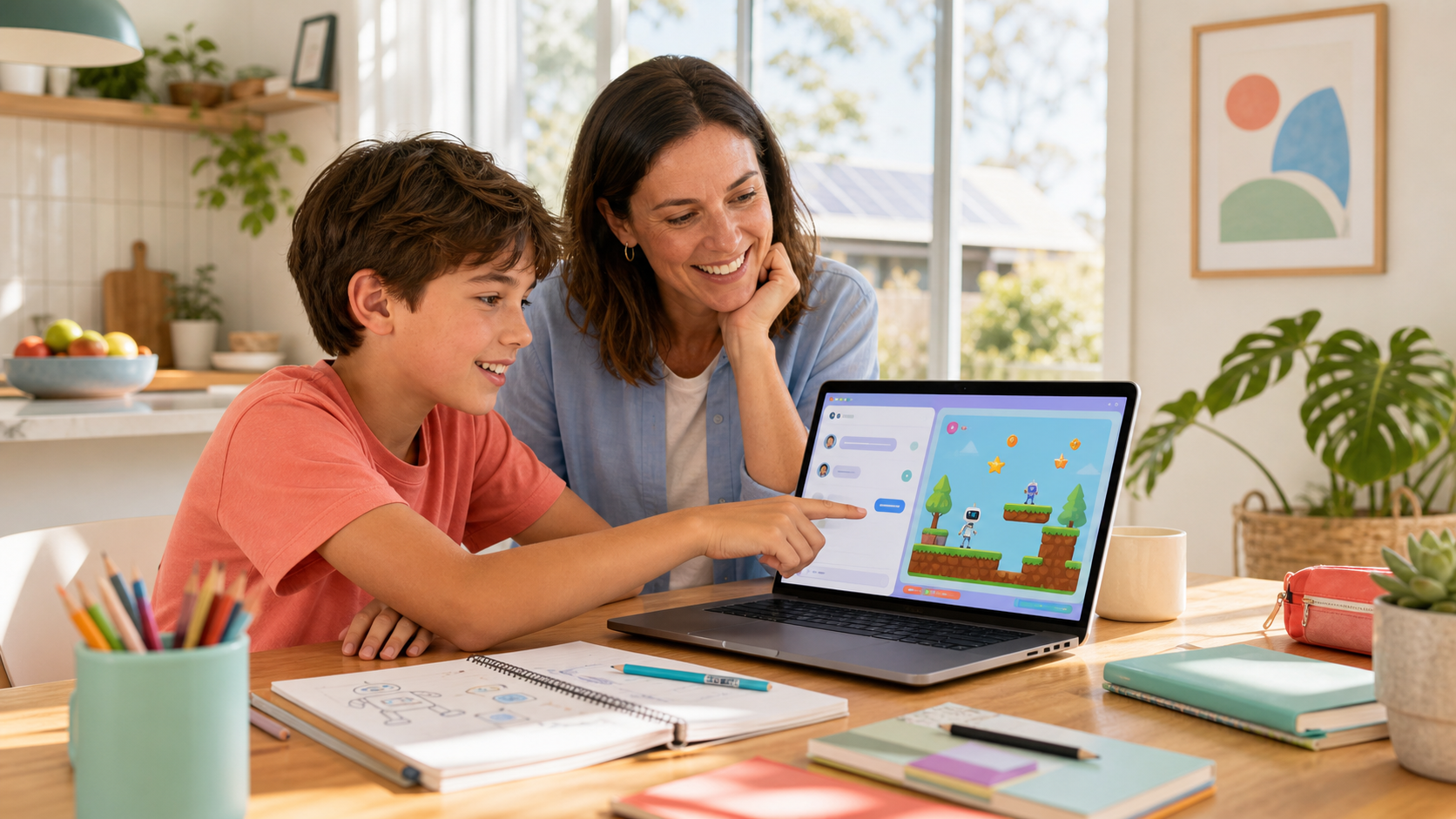
Many AI activities look strong in a short demonstration. The screen is polished. The result appears quickly. The adult presenter seems in control. The problem is that a smooth demo is not the same thing as a classroom-ready experience.
Schools, teachers, and community-programme organisers need a tougher test. Can the activity survive a real room with mixed confidence levels, limited time, ordinary classroom transitions, and a teacher who still needs to lead the group instead of becoming full-time technical support? If the answer is no, the activity may still be interesting. It is simply not ready to be judged as a practical school offering yet.
A more useful standard is to look for five signals: the task is age-fit and concrete, the learner can inspect and explain the next change, the teacher role stays practical, safety and parent communication are explicit, and the session leaves visible evidence behind. Those signals make it easier to judge educational design without needing inflated claims about outcomes, partnerships, or future-readiness.

1. The task is age-fit and concrete
The first question is simple: what is the learner actually trying to make, test, or explain right now?
A classroom-ready activity gives the room one visible job. That may be finishing one story scene, improving one game rule, debugging one behaviour, or explaining one idea more clearly. It is not a vague promise that learners will “use AI” for a while and somehow produce learning from exposure alone.
Age fit matters because different stages need different forms of ownership. On the current Airbotix product ladder, Story Blocks is designed for ages 5–8, Creative Code Studio for ages 8–14, and Kids OpenCode for ages 12+. Those are not cosmetic labels. They shape what kind of task a learner can genuinely own.
- Story Blocks: younger children can change a readable block, rerun the scene, and explain what changed.
- Creative Code Studio: learners can ask for one focused change, inspect the real JavaScript, test it, and improve version two.
- Kids OpenCode: older learners can manage a larger project, approve file changes, and explain why a technical decision belongs where it does.
If the provider cannot explain why the task matches the learner stage, the work may still be interesting, but it is not classroom-ready yet.
2. The learner can inspect, test, and explain the next change
A polished output is not enough evidence. The stronger question is whether the learner stays visible inside the process.
Can the learner say what changed? Can they predict what the next test should show? Can they point to the first version, notice what is weak about it, and make a better second version? That is the point where AI-assisted work starts becoming educationally credible rather than merely impressive.
One practical loop is simple enough for families and schools to audit:
Ask → Inspect → Test → Improve
That loop matters because it keeps the learner’s judgement in the room. A class should not need to trust the final result blindly. It should be able to see the process that produced it. That same evidence standard is why our earlier article on visible AI learning evidence focuses on the explanation, revision, artefact, and transfer rather than the tool alone.
3. The teacher role is practical, not overloaded
Classroom-ready project work should support the teacher instead of trapping them in live technical rescue.
In a real school or community room, the adult still has to manage transitions, confidence, timing, behaviour, and follow-up. If the activity only works when one expert is constantly taking over devices, interpreting every prompt, and debugging every problem, the experience may be a lab demo rather than a dependable classroom format.
That is why the operational design matters as much as the creative idea. A stronger school offer usually has a clear sequence, predictable stops, manageable adult roles, and a stable device plan. The current Airbotix For Schools page keeps that boundary explicit through co-taught delivery, supplied hardware, Digital Technologies alignment, and a compliance pack available before a school commits to the room setup.
- Good sign: the teacher can stay focused on the class while the activity structure carries the technical flow.
- Warning sign: the lesson depends on one specialist handling every stuck moment personally.
4. Safety and parent communication are explicit before the session starts
A school-ready AI activity needs more than a good prompt and a good screen. It also needs a clean explanation of what the learner can do, what the learner should not do, how supervision works, and what adults will say to parents before delivery.
This does not need to become a fear-based conversation. It does need to be a clear one. Schools and organisers should be able to explain the AI boundary, the data boundary, the age boundary, and the educational purpose before the first device is opened. If that explanation is vague, the room is being asked to trust the novelty of the tool rather than the quality of the learning design.
That parent-facing clarity also matters for school credibility. Families are more likely to trust a programme when it can explain why the task is worthwhile, what learners will actually make, and what kind of supervision sits around the technology. If the home conversation needs a simpler companion frame, our guide on turning screen time into creation time is built around the same “purpose before minutes” logic.
5. The session leaves visible evidence and a sensible next step
Excitement in the room is not enough. A classroom-ready activity should leave something concrete behind.
That might be a story scene, a playable interaction, a tested code change, a short explanation, or a written note about what version two should improve. The point is not polish. The point is that the work can be reviewed afterwards by a teacher, school leader, parent, or programme organiser.
This is one of the clearest ways to separate educational design from entertainment alone. If the only proof is that students seemed engaged while the tool was open, the claim is weak. If the room can point to a concrete artefact, a test, and a learner explanation, the educational claim is much stronger.
What this looks like across the Airbotix ladder
The five signals should look different across ages, but the principle remains consistent.
Story Blocks
For younger learners, classroom readiness often means keeping the logic readable and the task observable. Story Blocks is useful here because the child can change a block, rerun the scene, and see the consequence immediately. The current public product page also makes the tool boundary explicit: Story Blocks is not an AI chatbot experience dressed up as early learning.
Creative Code Studio
For middle years, classroom readiness looks more iterative. The learner should be able to ask for one change, inspect the real JavaScript, test the result, notice a problem, and improve it. The value is not that AI can produce a game quickly. The value is that the learner can still judge what the code did and why the next version is better.
Kids OpenCode
For older learners, classroom readiness includes wider project ownership. Learners can review a larger structure, approve changes, test a real build process, and explain an engineering decision in plain language. That is a higher bar than novelty, and it should be.
Across Story Blocks, Creative Code Studio, and Kids OpenCode, the strongest rule stays the same: the learner should remain visible in the thinking while the tool helps them build something real.
Five questions to ask before booking or approving an AI project
- What exactly will learners make, test, or explain?
- What part of the process can learners inspect and describe themselves?
- What stays with the teacher, and what is already supported by the programme design?
- How are the AI boundary, data boundary, and parent explanation handled?
- What visible artefact or reflection remains after the session ends?
If those questions have concrete answers, the activity is moving towards classroom readiness. If the answers stay vague, the room is still being asked to trust a demo instead of evaluating a learning design.
If you want to review how this translates into a real school offer, start with Airbotix for Schools. If you want to see how the same principle appears across family and programme pathways, explore our programmes. The goal is not to make AI look impressive for five minutes. The goal is to make project work that a real room can actually run.