
Confidence to begin
A playable first version removes blank-screen anxiety and gives the child something concrete to question.
Children describe an idea in plain words, watch Airo build a real JavaScript game, then change, test, understand and fix what they made.
For parents: Your child is not watching AI make a game for them. They are making decisions, checking every result and learning how ideas connect to real code.
Play the game demo
This is not screen time added for its own sake. It is a practical environment for children to make decisions, see consequences and explain what they created.
A playable first version removes blank-screen anxiety and gives the child something concrete to question.
The child chooses the direction, checks whether each AI change worked and asks for a better result when it did not.
Highlighted code, explanations and debugging gradually help the child move from describing behaviour to understanding and editing it.
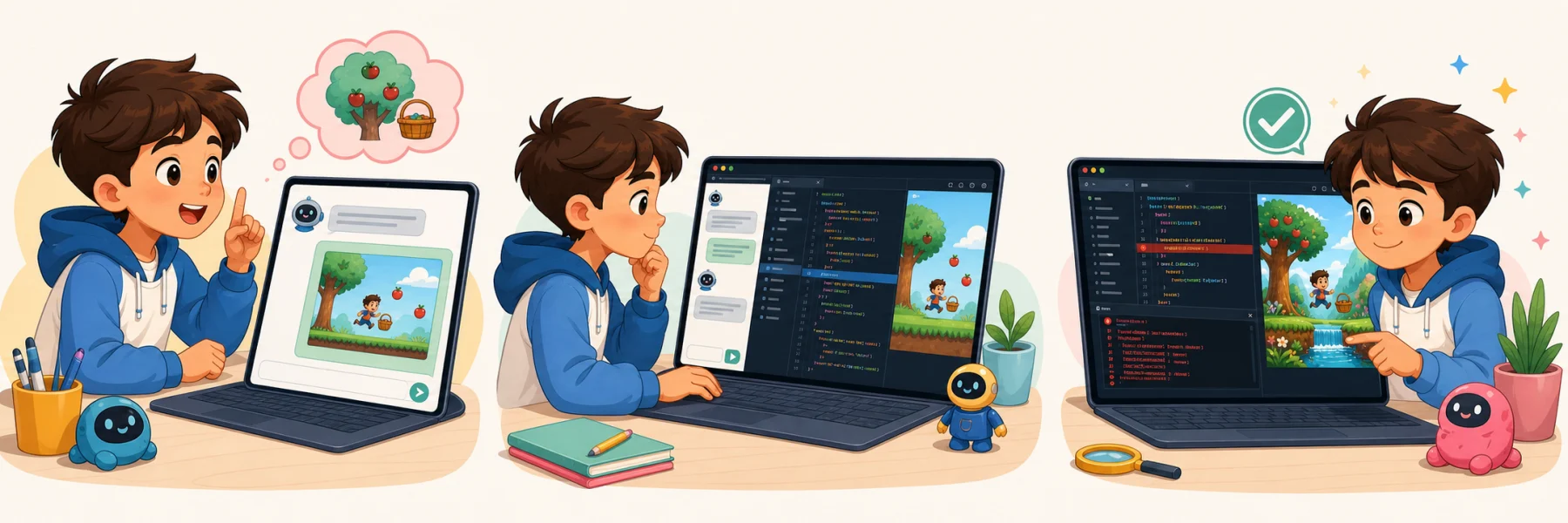
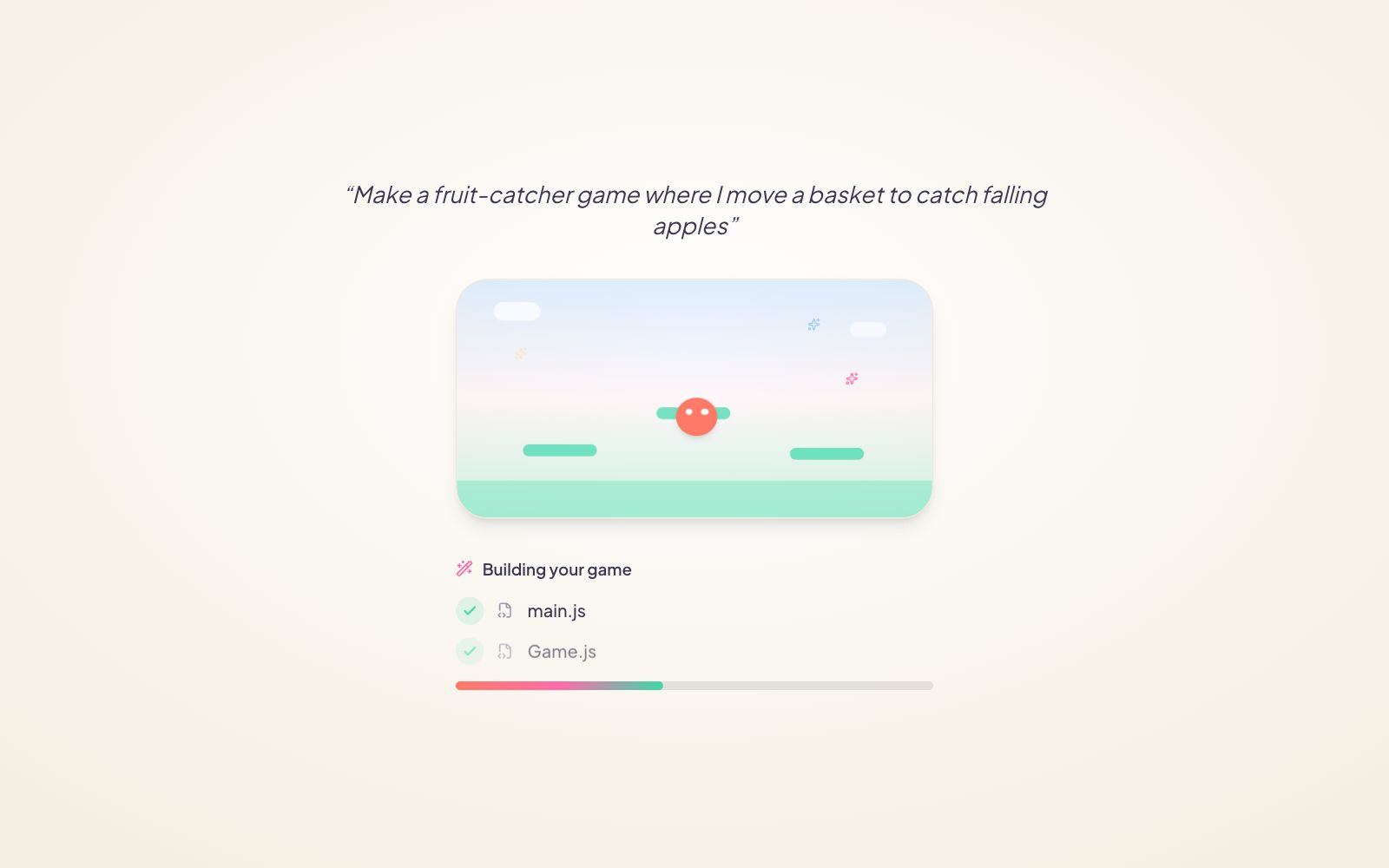
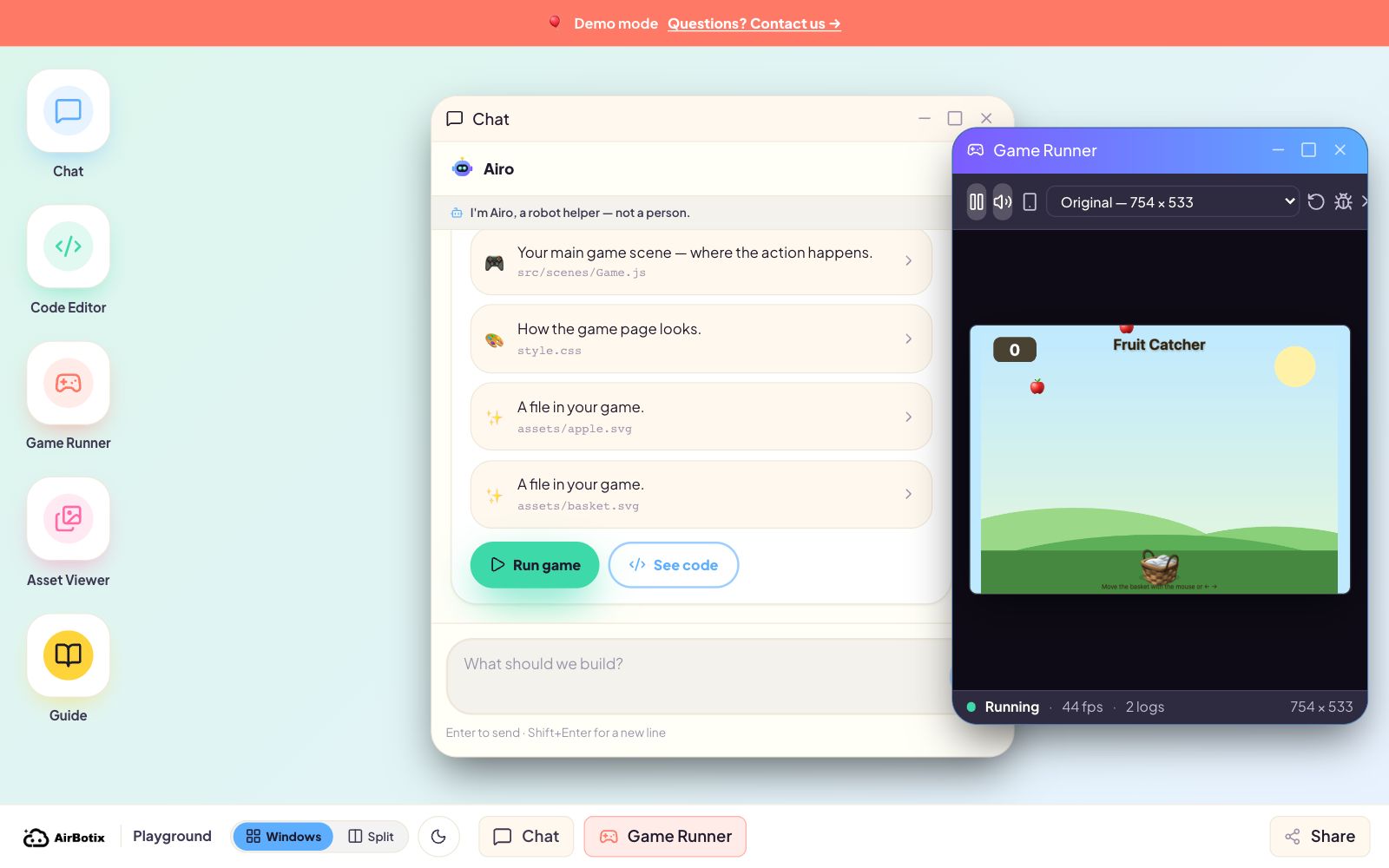
One sentence becomes a running JavaScript game.
What you can notice: A playable result appears quickly, so the lesson starts with curiosity rather than setup.
Each request makes one visible change and highlights the exact line.
What you can notice: Your child can point to what changed and explain what the code controls.
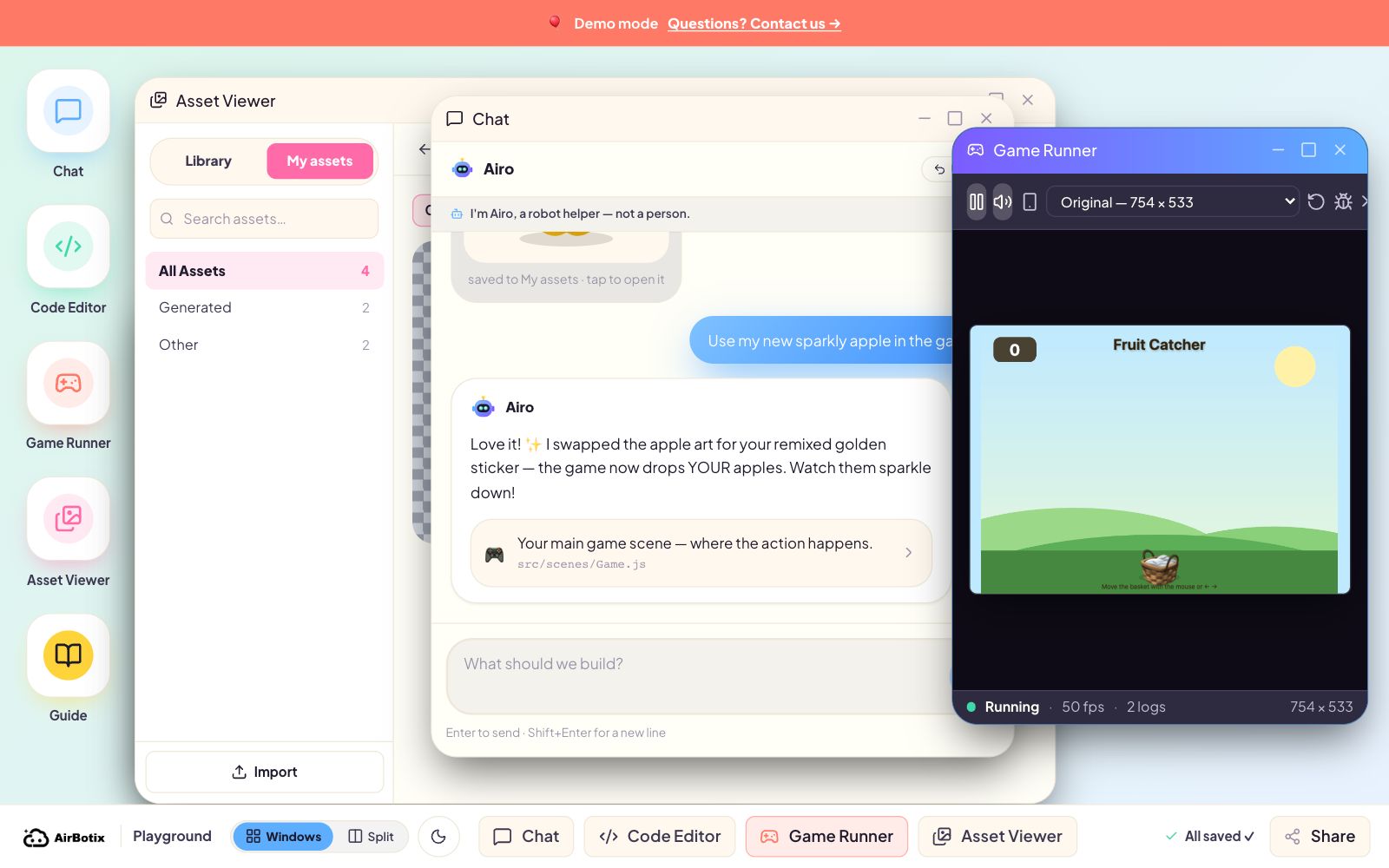
Create an asset, remix it and use it inside the game.
What you can notice: Creative choices belong to the child; AI is a tool for trying their direction.
Read a console error, use the Game Guide and make a grown-up-approved play link.
What you can notice: A mistake becomes evidence of problem-solving, not something to hide or restart.
Break a big idea into clear requests, then judge whether the result is actually right.
Connect a visible game behaviour to the exact JavaScript line behind it.
Read a console clue, change one thing, run again and compare the result.
Choose the rules, challenge, characters and visual style instead of following one fixed answer.
You do not have to judge learning by screen time. Ask your child to show, change and explain their creation.
The product makes ideas visible. The teacher turns those moments into questions, predictions and explanations.
The product makes sharing and autonomy visible instead of hiding them behind a generic “kids-safe” label.
The free demo and a signed-in learning account are different. We spell out both so families know what happens before a child starts.
Ideas, prompts, code changes and play tests
Demo: memory only · Account: saved for continuity
Review · approve sharing · export · delete · pause
The demo uses in-memory project state, sends no project or AI requests to the Airbotix backend and starts fresh after a reload.
In the Learn app, AI conversations are saved inside the child’s Family Account so the child can continue and a parent — and, in a class, the teacher — can review the thread.
Airbotix states that children’s project files, conversations and audit records are not sold, used for advertising or used to train AI models.
Parents can request access, export or deletion, pause AI processing, and control whether a project receives a play-only sharing link.
Read the complete Privacy Policy and Parental Consent.
AI can produce a change, but the learning loop belongs to the child: ask, play, inspect the changed line, explain it, improve it and debug it. The teacher keeps the child in charge of the decisions.
No. The game gives the code a visible meaning first. Children can start by changing behaviour in plain language, then gradually read the highlighted JavaScript behind it.
That is part of the lesson. The real console shows the error, the child reads the clue, asks for help when needed and tests the repair.
A child cannot create a public link alone. Sharing waits for grown-up approval, opens as a play-only page and can be switched off later.
No signup. Follow the guided tour, then explore the real studio.
Play the game demo