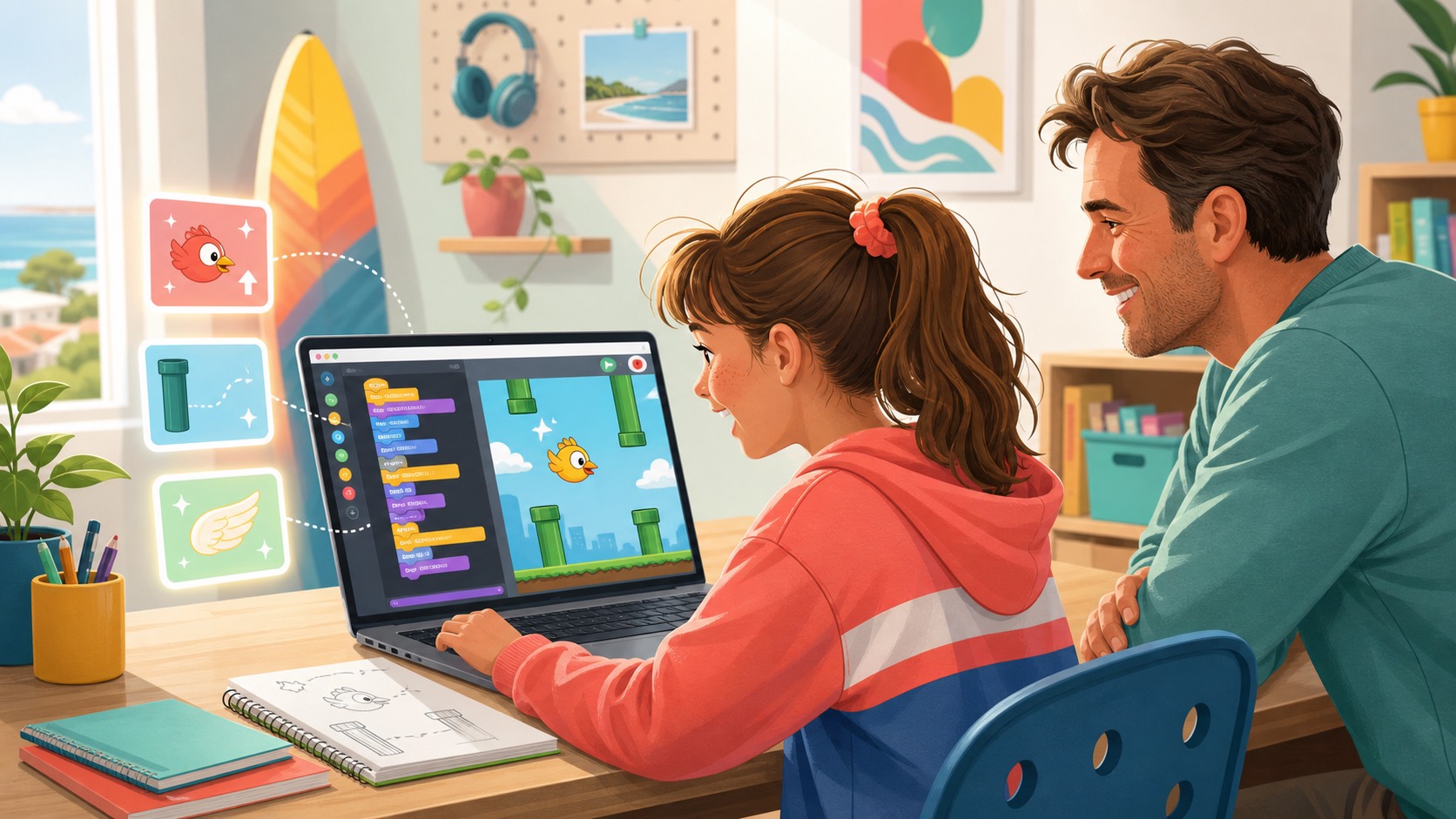
Many Sydney parents look at a simple side-scrolling game and understandably wonder whether it is really "serious" learning. Compared with maths worksheets, spelling lists, or a more traditional coding exercise, a Flappy Bird-style project can look light. A child taps to keep a bird in the air, avoids pipes, and celebrates when the score goes up. It is easy to miss how much thinking sits underneath that apparently simple result.
In practice, a project like this is one of the clearest ways for children to learn how AI, coding, and problem-solving fit together. The game is small enough for a beginner to hold in their head, but rich enough to teach real decisions. The child has to think about timing, rules, feedback, fairness, mistakes, and improvement. That is exactly why game-building is such a strong entry point for AI literacy. It keeps the learning visible.
If you have already read our guide to why children learn AI better by building games, this is the practical next question: what does a child actually learn inside one recognisable project? A Flappy Bird-style game is a useful example because the mechanics are easy to understand and the learning loop is strong.
The project looks simple, but the decisions are real
A beginner usually does not start by building a polished game all at once. They start with small, meaningful choices. What should make the bird move? How fast should it fall? How wide should the gap be? When should the score increase? What should happen if the player hits an obstacle?
Those may sound like game-design details, but they are really logic decisions. Each one asks the child to turn an idea into a rule, test the result, and judge whether it feels right. That shift matters. The child is not only consuming a tool. They are shaping behaviour on screen.
That is one reason our Snake game guide works so well as a first pillar activity. Once children see that a small rule can change the whole feel of a game, they start to understand coding as a creative system rather than a page of instructions to memorise. A Flappy Bird-style build extends that same lesson into timing and control.
Children practise cause and effect in a visible way
For beginners, visible cause and effect is everything. When a child changes one instruction and immediately sees the bird rise faster, fall slower, or hit a pipe sooner, the learning is concrete. They do not need to be told that code changes outcomes. They can see it.
This matters for confidence. Many children become hesitant when learning feels abstract or overly technical too early. A game gives them a direct connection between effort and outcome. The experiment is short. The feedback is quick. The next improvement is obvious enough to try.
- They learn sequencing. One event needs to happen before another.
- They learn conditions. If the bird hits the pipe, something changes.
- They learn variables. Score, speed, gravity, and spacing all need tuning.
- They learn feedback loops. A small adjustment can make the game easier, harder, smoother, or frustrating.
Timing and judgement become part of the learning
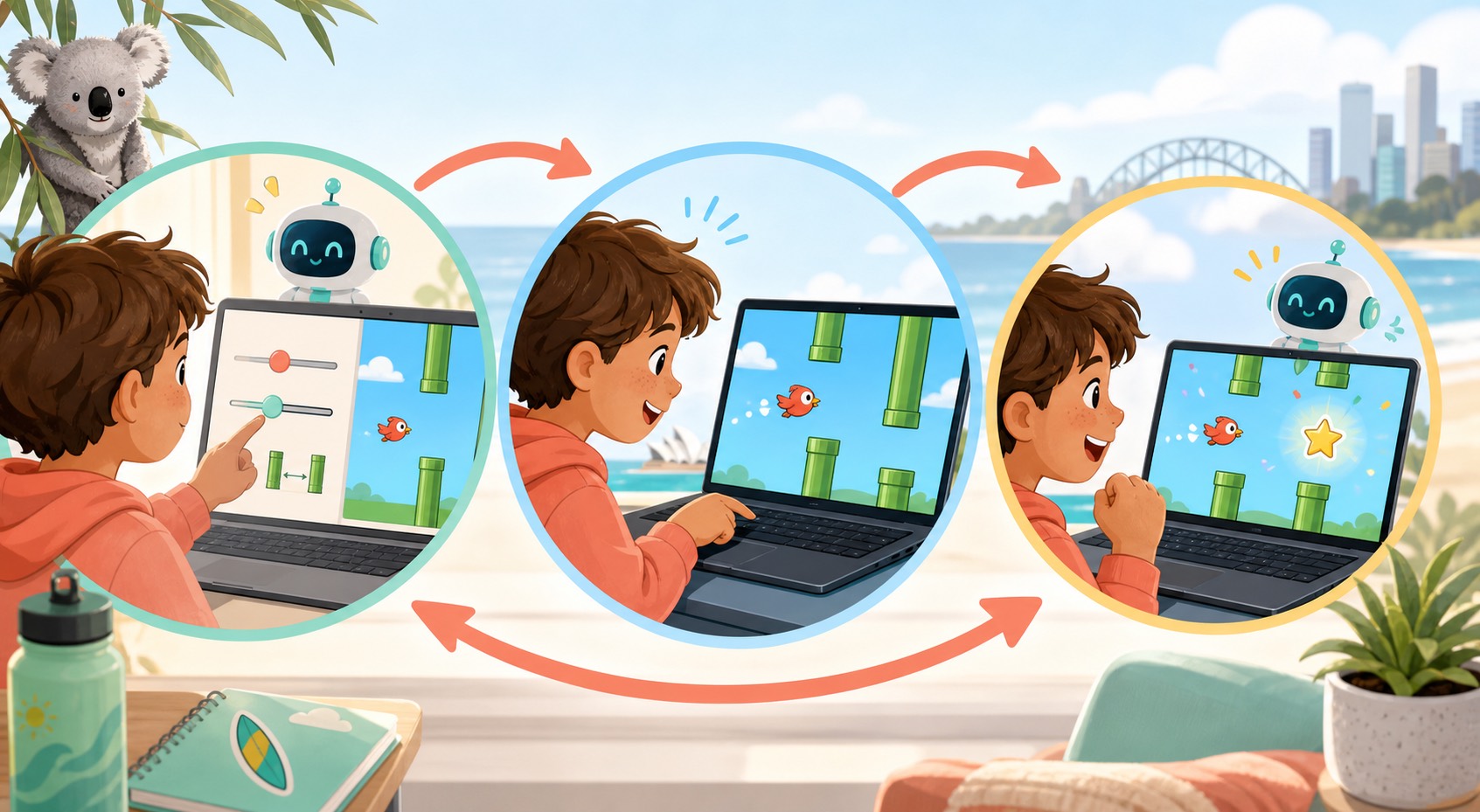
A Flappy Bird-style build is especially useful because it is not only about static logic. It teaches timing. The child quickly discovers that a game can be technically "working" while still feeling wrong. Maybe the jump is too floaty. Maybe the obstacle gap is unfair. Maybe the score ticks up in the wrong place. These are not failures. They are the start of judgement.
This is an important difference between passive AI use and active AI learning. If an AI tool produces a full answer and the child simply accepts it, they miss the judgement layer. If the AI suggests one way to tune gravity or scoring and the child tests whether it actually feels better, they are doing real evaluation. That is a much healthier habit.
It also gives parents something practical to watch for. A strong class should not only help children "make it run". It should help them compare versions and decide which one feels more playable. That is where technical thinking starts becoming design thinking, and where AI becomes useful without taking over.
Debugging becomes normal instead of scary
One of the best things about this kind of project is that mistakes are expected. The bird might drop too fast. The collision might trigger too early. The score might not update. Because the project is playful and visible, those bugs usually feel fixable rather than shameful. Children can see what is wrong, name it, and try another version.
That is valuable well beyond coding. A child who gets used to "test, notice, fix, try again" is building resilience. They are learning that a first draft does not need to be perfect to be useful. They are also learning how to stay calm when a tool, prompt, or rule does not work the first time.
If you want a fuller parent checklist for that distinction, our article on AI as a coach, not a ghostwriter explains why the adult setup matters so much. The project is only powerful when the child still owns the decisions.
AI should shorten the gap to experimentation, not replace the child
Used well, AI can make a beginner project more accessible. A child who is unsure how to start can ask for help describing a jump rule, a scoring idea, or a safer way to structure a game loop. That support reduces blank-page friction. It does not need to remove the thinking.
The healthy pattern is simple: the child decides what they want, the AI helps them get unstuck, and the child tests whether the suggestion actually matches their goal. That is a far better learning sequence than typing one vague prompt and receiving a finished game they cannot explain.
For many families, this is also why AI game-building feels more productive than passive screen time. The child is not only watching something happen. They are building, judging, and refining. If you are still deciding whether your child is ready for that kind of project rhythm, our age-stage guide can help.
What Sydney parents should look for in a beginner program
If a provider says children will build games with AI, ask what the child actually owns. A polished screenshot is not enough. You want evidence that the child is making choices, noticing problems, and improving the project with support.
- Ask what mechanics the child changes themselves. Tuning and revision matter more than decoration alone.
- Check whether mistakes stay visible. Good teachers use bugs as learning moments instead of quietly fixing everything.
- Ask how AI is used during the session. It should clarify, suggest, and coach rather than output the whole project.
- Look for a build-test-improve rhythm. The best learning usually happens in version two and version three.
That is also where familiar games help. Parents do not need to be technical to recognise progress. You can see whether your child changed the jump feel, adjusted difficulty, or explained why the scoring now works better. The project becomes a window into the learning.
A small game can teach bigger habits
A Flappy Bird-style project is not valuable because children might one day remake an old mobile game. It is valuable because the project teaches them how to turn an idea into rules, use AI support without becoming dependent on it, and improve something through testing. Those are durable habits.
For parents, that is the real takeaway. When children build a simple game well, they are not only learning a novelty skill. They are practising logic, judgement, persistence, and creative ownership in a format that feels approachable enough to enjoy.
If you want that kind of learning environment, explore our Airbotix programs. They are designed to keep the child in the builder's seat, with AI in the role of coach and each project tied to visible, confidence-building progress.