Many Sydney parents know they want their child to learn more than passive screen habits, but get stuck on the first practical question: should we start with Scratch, Python, or one of the new AI-assisted coding programs? It is an understandable point of confusion. Each option sounds modern, each comes with strong opinions, and none of them means much if your child loses confidence in the first few sessions.
The most useful answer is that there is no single “best” tool for every beginner. The better question is: what starting point will help your child stay curious, make decisions, and finish small projects they can explain? For most families, the strongest first experience is not the most advanced-looking one. It is the one that gives a child enough support to begin, while still keeping them responsible for the building.
Start with the learning behaviour, not the label
Parents are often encouraged to compare platforms as if they were shopping for a permanent identity. Scratch can sound “junior”. Python can sound “serious”. AI-assisted coding can sound “future-ready”. In real life, these are just different entry ramps.
What matters most at the start is whether your child is practising the right habits. Are they breaking an idea into steps? Testing what happened? Spotting a problem and trying again? Making creative choices instead of waiting to be told exactly what to do? If those habits are present, the tool is helping. If those habits are missing, the tool is probably being asked to carry too much of the learning.
- Scratch lowers the barrier to first success and helps children see logic visually.
- Python gives beginners a more direct path into typed code and clearer cause-and-effect in syntax.
- AI-assisted coding can speed up understanding when it behaves like a coach, not a ghostwriter.
What Scratch is good at
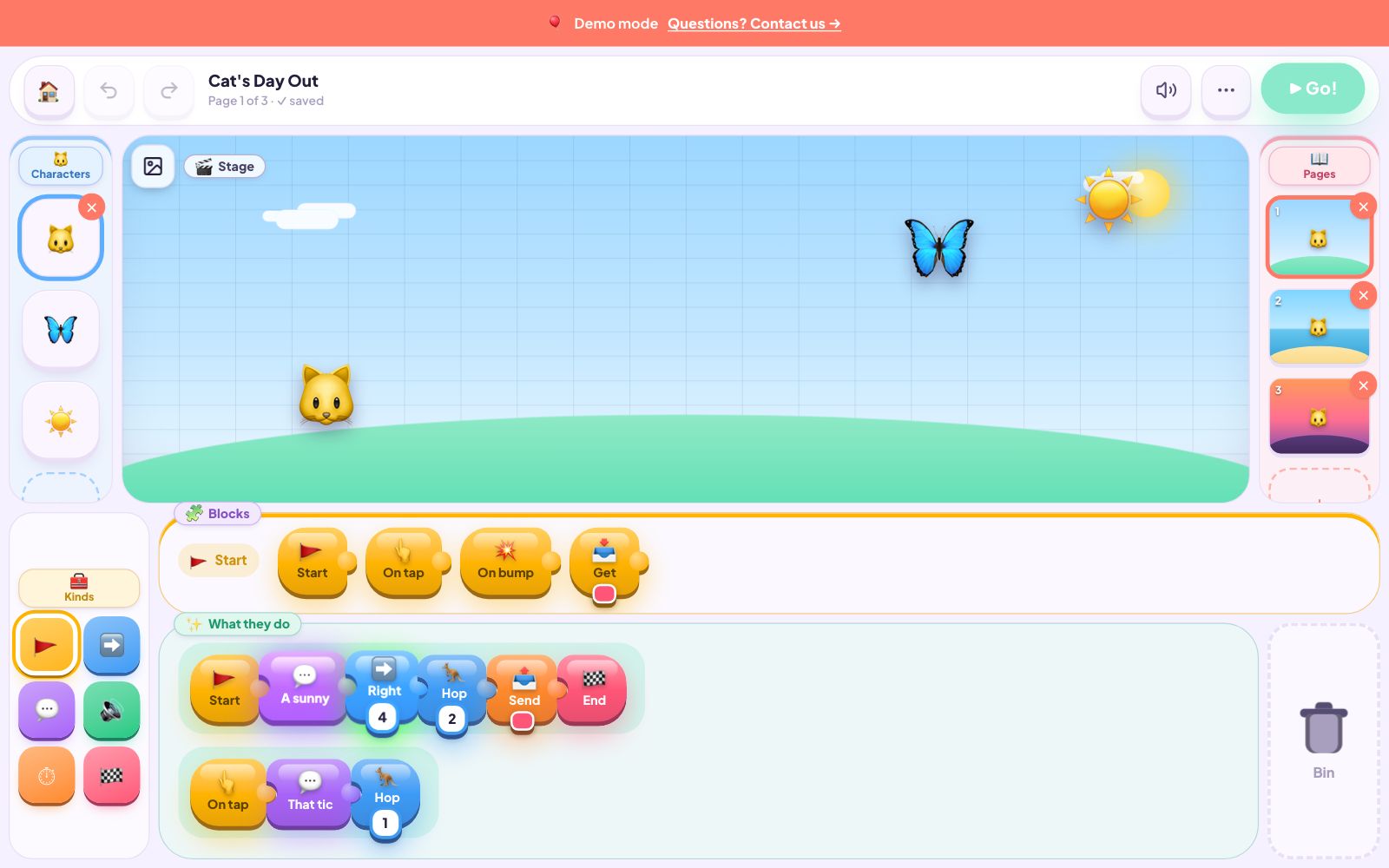
Scratch is still one of the most useful starting points for children who are new to coding and feel more comfortable learning through visible building blocks. It reduces the frustration of spelling, punctuation, and typing speed, so the child can focus on sequence, events, loops, and conditions. For many primary-aged beginners, that is a genuine advantage.
Scratch also makes experimentation feel safe. A child can move pieces around, test quickly, and see the result without feeling that one tiny typo has ruined everything. That early momentum matters. A child who feels successful in the first hour is far more likely to persist into the second and third project.
The limitation is not that Scratch is “bad”. It is that some children outgrow it quickly, especially if they are eager for more open-ended creation or feel ready for a more text-based environment. Parents sometimes stay with it too long because it feels safe. The goal is not to keep a child in the easiest lane forever. The goal is to get them moving confidently enough to take the next step.
What Python is good at
Python is often a strong option for children who want a more grown-up coding experience, enjoy reading and writing instructions, or get motivated by the feeling of using a “real” language. It tends to suit older primary or secondary beginners who can tolerate a little more friction in exchange for more freedom.
One reason parents like Python is that the relationship between instruction and outcome becomes very clear. The child types something precise, runs it, and sees exactly what happened. That sharpens debugging habits. It also creates a satisfying sense of ownership when the project works because the child knows they were closer to the mechanics.
The catch is that Python can overwhelm beginners if it arrives before they are ready to handle errors calmly. A child who is already nervous about “getting it wrong” may interpret a small syntax mistake as proof that coding is not for them. In that case, Python is not the wrong destination. It may simply be the wrong first step.
Where AI-assisted coding fits for beginners
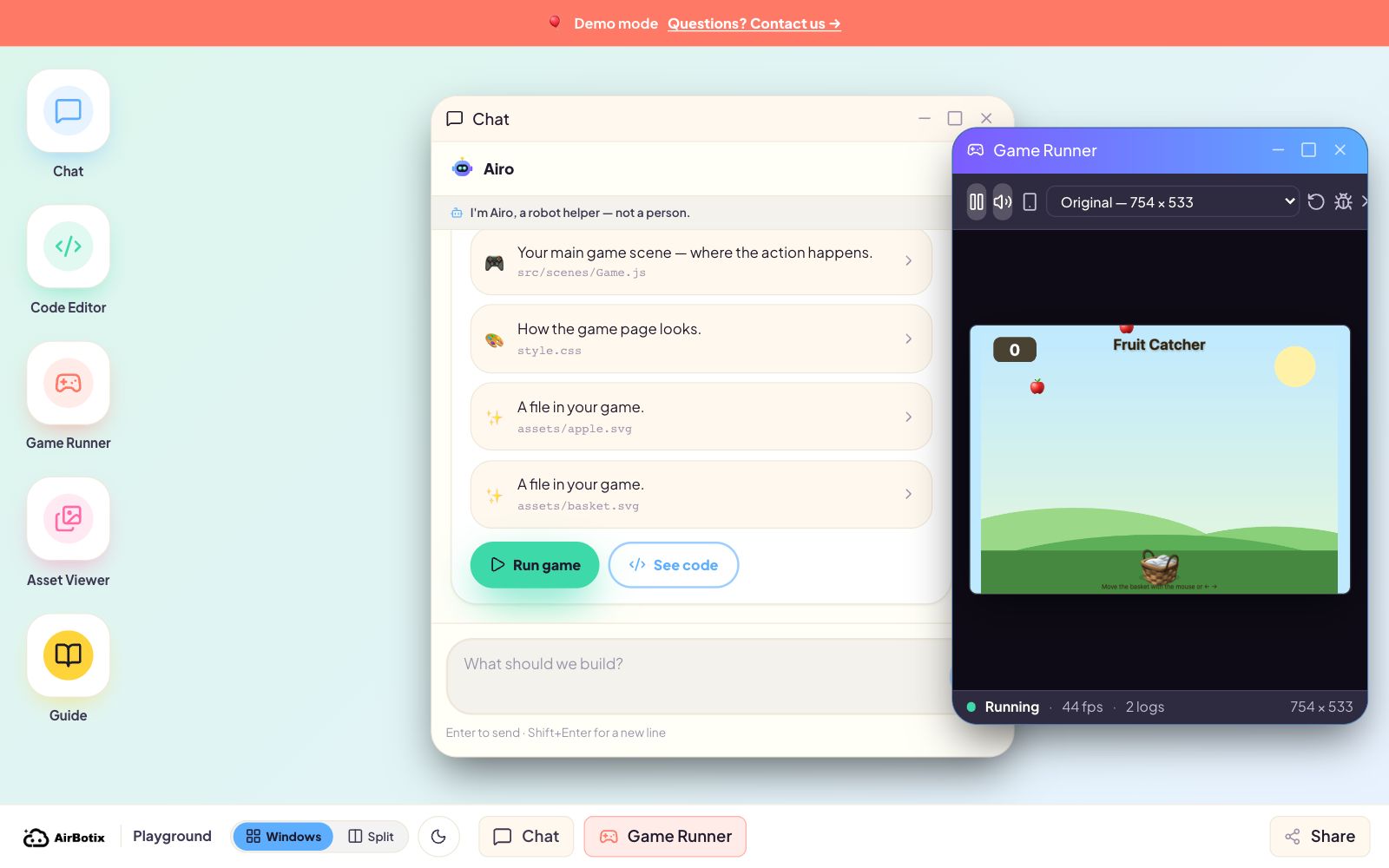
AI-assisted coding is the newest option, so it attracts both the most excitement and the most confusion. Used well, it can be excellent for beginners because it shortens the distance between idea and experiment. A child can describe what they want, get support, test the result, and keep improving without being stranded by a blank page.
Used badly, it creates a spectator. That happens when the system writes most of the project while the child watches. The child leaves with something shiny but cannot explain how it works. That is why the teaching model matters more than the tool itself. We explored that in our guide to AI as a coach, not a ghostwriter, and it is the standard parents should keep in mind here too.
For many children, AI-assisted coding works best as a bridge. It can make typed coding feel less intimidating while still requiring the child to decide what they want, judge what came back, and refine the result. That is one reason our Snake game lesson works so well for beginners. Children get a real project outcome quickly, but they do it by iterating, not by pressing a magic button.
How Sydney parents can choose a starting point
You do not need a perfect age chart to make a good decision. Children of the same age can want very different things. A more practical filter is confidence, patience, and preferred style of learning.
- Start with Scratch if your child is young, visually oriented, or still building confidence with step-by-step logic.
- Start with Python if your child actively wants typed code, enjoys precision, and is unlikely to shut down when something breaks.
- Start with AI-assisted coding if your child has lots of ideas, benefits from guided momentum, and still needs support turning those ideas into working projects.
There is also a practical family factor. Some children need a quick win after school so they keep showing up. Others like stretching into a harder tool because that challenge itself feels motivating. If you are also choosing between a weekly commitment and a shorter burst, our guide to after-school classes versus school-holiday workshops can help you match the format to your child’s energy.
The strongest first path is often a staged one
Parents sometimes assume they must pick one lane and defend it. In reality, the healthiest learning path is often staged. A child may begin with visual logic, move into typed code, and then use AI to accelerate experimentation while keeping ownership of the work. Another child may begin in an AI-supported environment and later decide they want more direct control through Python. Both paths can be valid.
The common thread is that the child should never become passive. They should still be choosing the game rules, spotting bugs, changing the feel, and explaining what they built. Those are the durable skills. The specific entry tool matters, but it matters far less than whether the child is genuinely thinking.
Questions to ask before enrolling
- What does a beginner actually build in the first session? You want something concrete, small, and child-owned.
- How does the teacher handle mistakes? Good programs treat bugs as part of the learning, not as a sign the child should step aside.
- Can my child explain the project afterwards? This is one of the clearest tests of real engagement.
- What happens when my child is ready for the next level? A strong provider has a pathway, not a dead end.
If you are choosing for a beginner now, do not worry about whether you are selecting the most impressive-sounding technology. Choose the environment that keeps your child building with confidence and curiosity. The best first step is the one that makes them want to come back and make version two.
If you want that kind of start, explore our Airbotix programs. The goal is not just to introduce children to coding tools. It is to help them become capable, creative, and thoughtful builders from the beginning.