

Build your own Super Mario game with AI.
Over 8 weeks, your kid builds their very own Super Mario game from scratch — with AI helping every step. They design the hero, draw the world, make the music and sound effects, and code the jumping, coins and enemies. It ends as a real game they can play and share with friends.
Part of the AI Coding Studio track.
Not sure how to fit 8 weeks in?
You do not need to have the whole term planned before contacting us. Start with the days that normally work and we will help with the rest.
Free 15-minute fit check. No date choice needed yet.
- 1
Tell us what works
Share your child's age, suburb and the weekdays that usually suit your family.
- 2
We match the right cohort
We confirm the next start date, face-to-face venue and a weekly time before you commit.
- 3
Keep one weekly rhythm
Your child comes at the same time each week and builds one visible part of the game each session.
Upcoming times and locations.
Local backend is not reachable, so class times cannot be loaded.
A whole game — made with AI, end to end.
Most kids’ coding classes stop at “move a square.” Here, AI makes the art, the music, the sound, and helps write the code — so a 10-year-old can ship a game that actually looks and sounds like a game. Four AI skills, woven through all 8 weeks:
AI Art
Hero, enemies, coins, tiles, backgrounds and UI — kids prompt and art-direct every sprite with Flux/SDXL, then drop them straight into the game.
AI Music
An original 8-bit theme song + power-up and victory jingles, composed with Suno. Every kid leaves with a soundtrack that is theirs.
AI Sound FX
Jump, coin, stomp and game-over sounds — generated, trimmed, and wired to the right moment so the game actually feels alive.
AI Coding
Direct an AI agent to write the game logic, then read it, debug it, and make it your own — the real skill of building with AI, not just typing syntax.
8 weeks, 8 things they can show.
Every single week ends with a visible, playable result — never “we’ll see it next term.” The game grows in front of them, session by session.
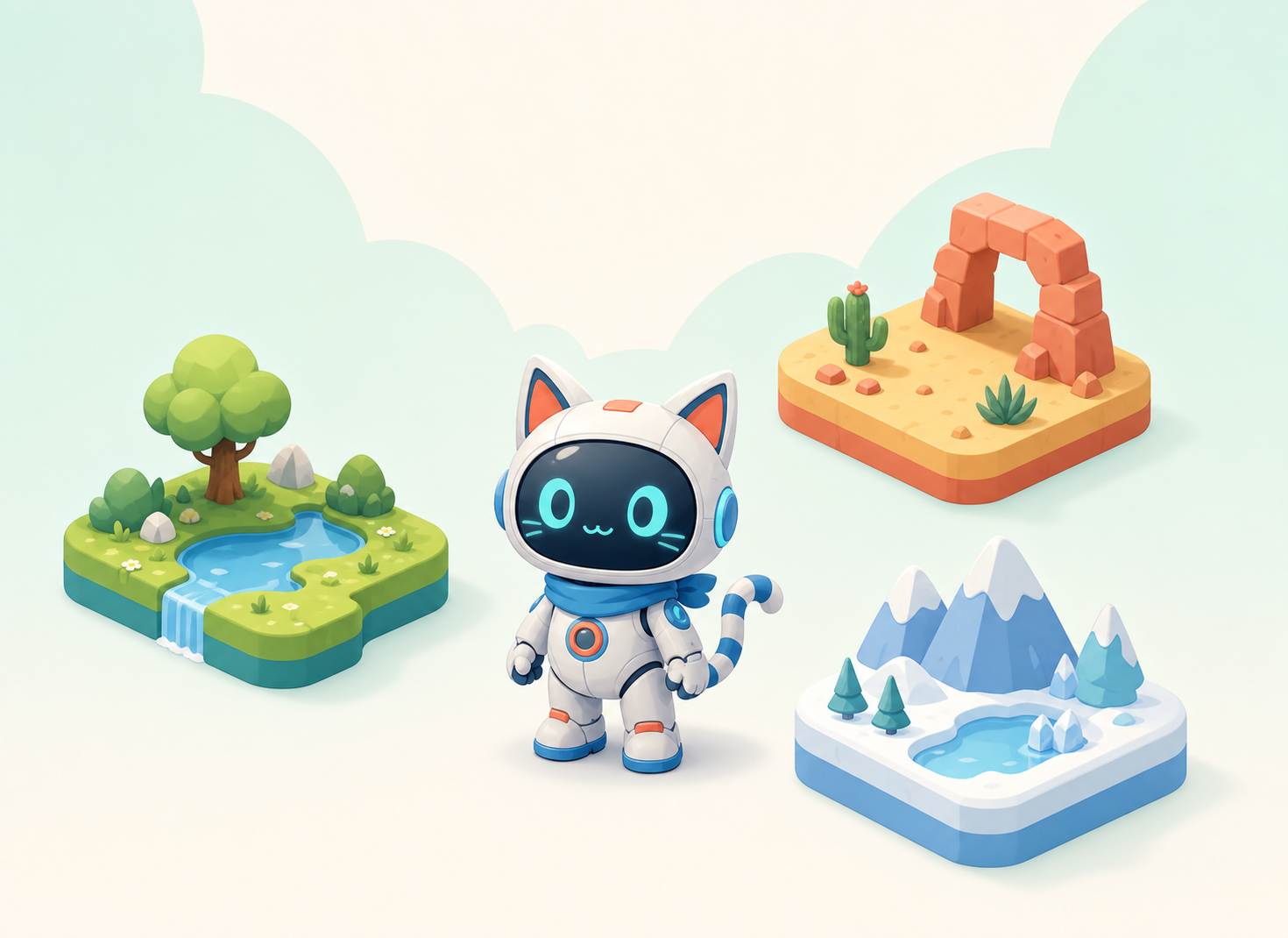
Design your hero & world
What makes a Super Mario game fun. Sketch your hero (your very own Mario!) and pick a world theme — lava castle? candy land? space?
AI this week: AI concept art: prompt Flux/SDXL for a character sheet and a world style. Pick your favourite, set up the game project in Kids OpenCode.
Spot what makes a hero, world and title screen memorable.
Art-direct a character sheet with matching front, side and jump poses.
Unlocked in class: the exact title-screen build, teacher prompts and project checklist stay hidden until the hero design is ready.
Unlocked in class: the guided build sequence, teacher prompts and the next working feature.
Unlocked in class: coach check-ins, AI debugging prompts and targeted fixes.
Unlocked in class: extension challenges, individual polish and the end-of-lesson checkpoint.
A title screen with your original hero standing in their world.
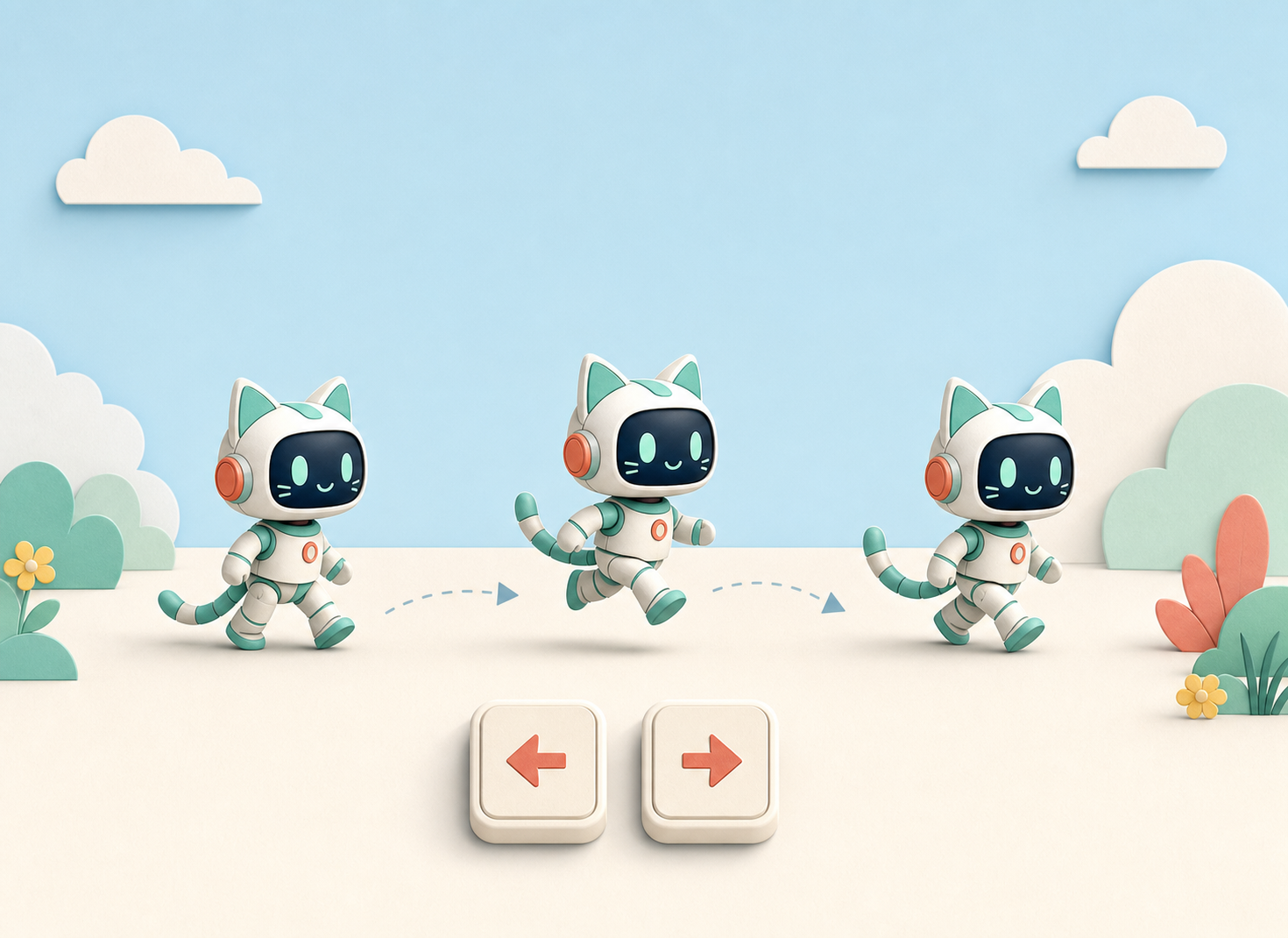
Make it move & jump
Keyboard input, walking and running, and sprite animation — then gravity, jump height and “coyote time”, the invisible tuning that makes a jump feel satisfying instead of floaty. The whole character controller in one week.
AI this week: AI-generate idle + run animation frames and read/debug the movement code the AI writes; then use AI to tune the jump physics and explain what each number does — so you understand the feel, not just copy it.
Generate idle + run frames, then read and debug AI-written keyboard movement.
Narrate the movement code line by line before running your own — the habit of the course.
Unlocked in class: the movement checklist, AI-debug prompts and the one-variable-at-a-time tuning targets appear once the animation frames are ready.
Unlocked in class: the guided build sequence, teacher prompts and the next working feature.
Unlocked in class: coach check-ins, AI debugging prompts and targeted fixes.
Unlocked in class: extension challenges, individual polish and the end-of-lesson checkpoint.
Your hero walks, runs and jumps — with a jump that actually feels good (and you can say why).
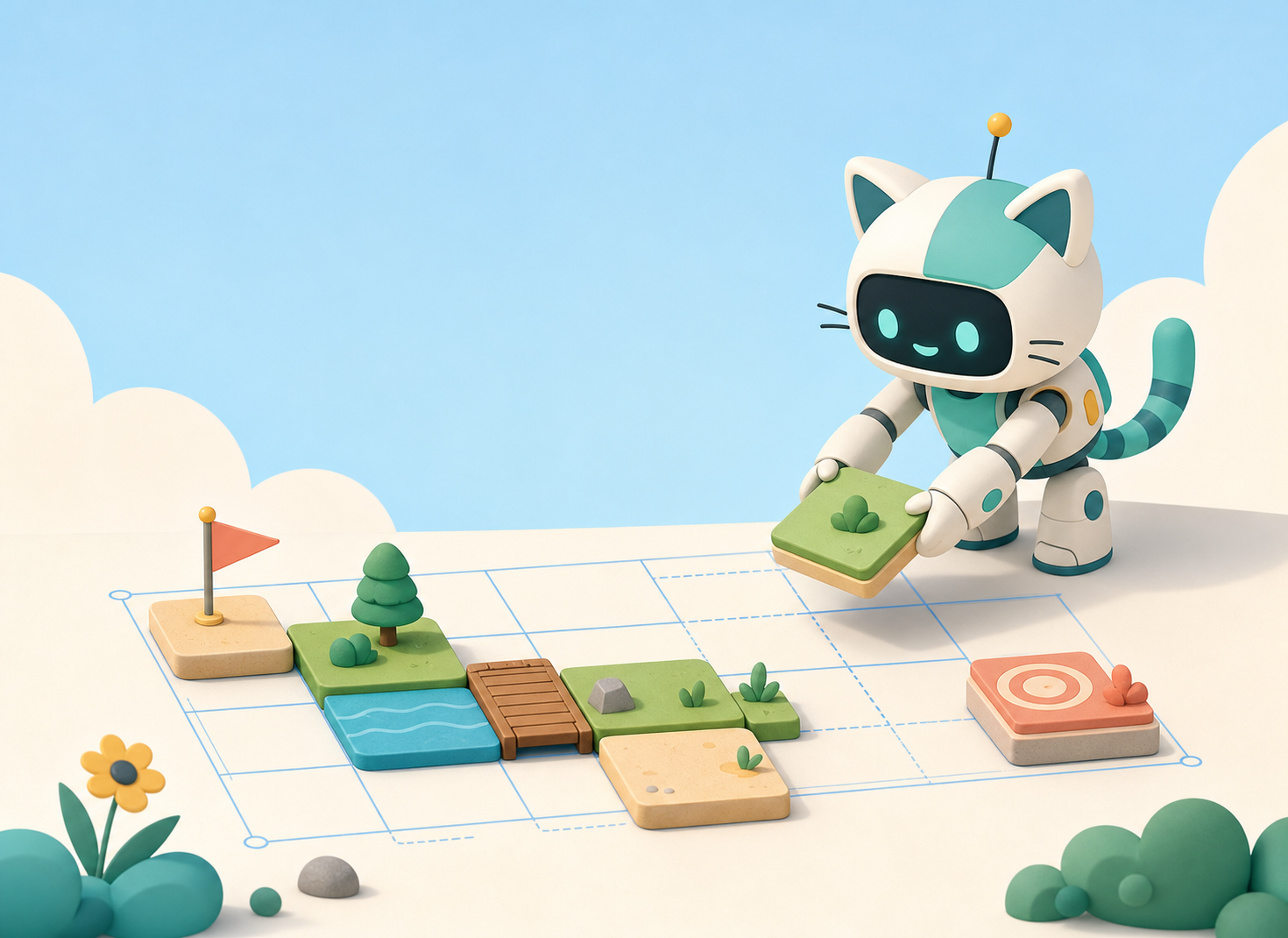
Build the level
Tilemaps, platforms, gaps and pipes — designing a level players want to run through.
AI this week: AI-generate the tile set: ground, bricks, pipes, clouds, decorations — all in your world’s art style.
A real Super Mario level you can run and jump through.
Coins, sound & music
Collectibles and the first audio week — the moment the game stops being silent.
AI this week: AI sound FX for the coin + jump, and an original 8-bit theme song with Suno, wired to play at the right time.
Coins that go *ding*, and your own theme music playing.
Enemies & danger
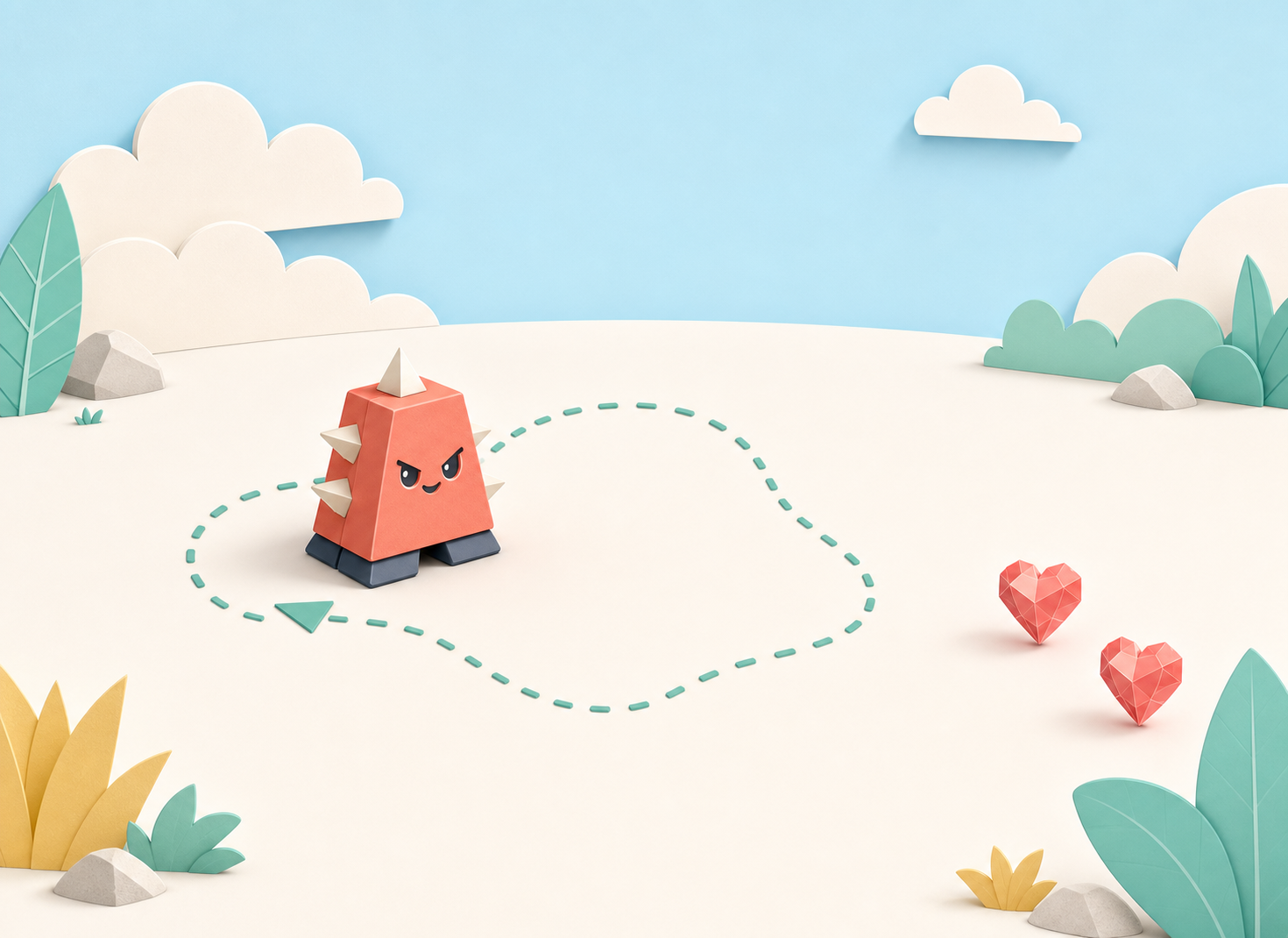
Patrolling enemies, stomp-to-defeat, and taking damage — risk that makes the coins worth collecting.
AI this week: AI-generate an enemy sprite + walk cycle, then build its patrol behaviour with AI-written logic you review.
An enemy you can stomp — or that ends your run.
Power-ups
Items, state changes (grow / speed / double-jump), and particle effects for that satisfying *pop*.
AI this week: AI-generate the power-up item art and a short pickup jingle; AI helps add the particle burst.
Grab a power-up and watch your hero level up on screen.

Win, lose & polish
Score, lives, a goal flag, and title / win / lose screens — closing the full game loop so it is a real game, not a demo.
AI this week: AI-generate the UI art (hearts, score font, banners) and a victory fanfare to celebrate a clear.
A complete, beatable level — start screen to win/lose.
Ship it & demo day
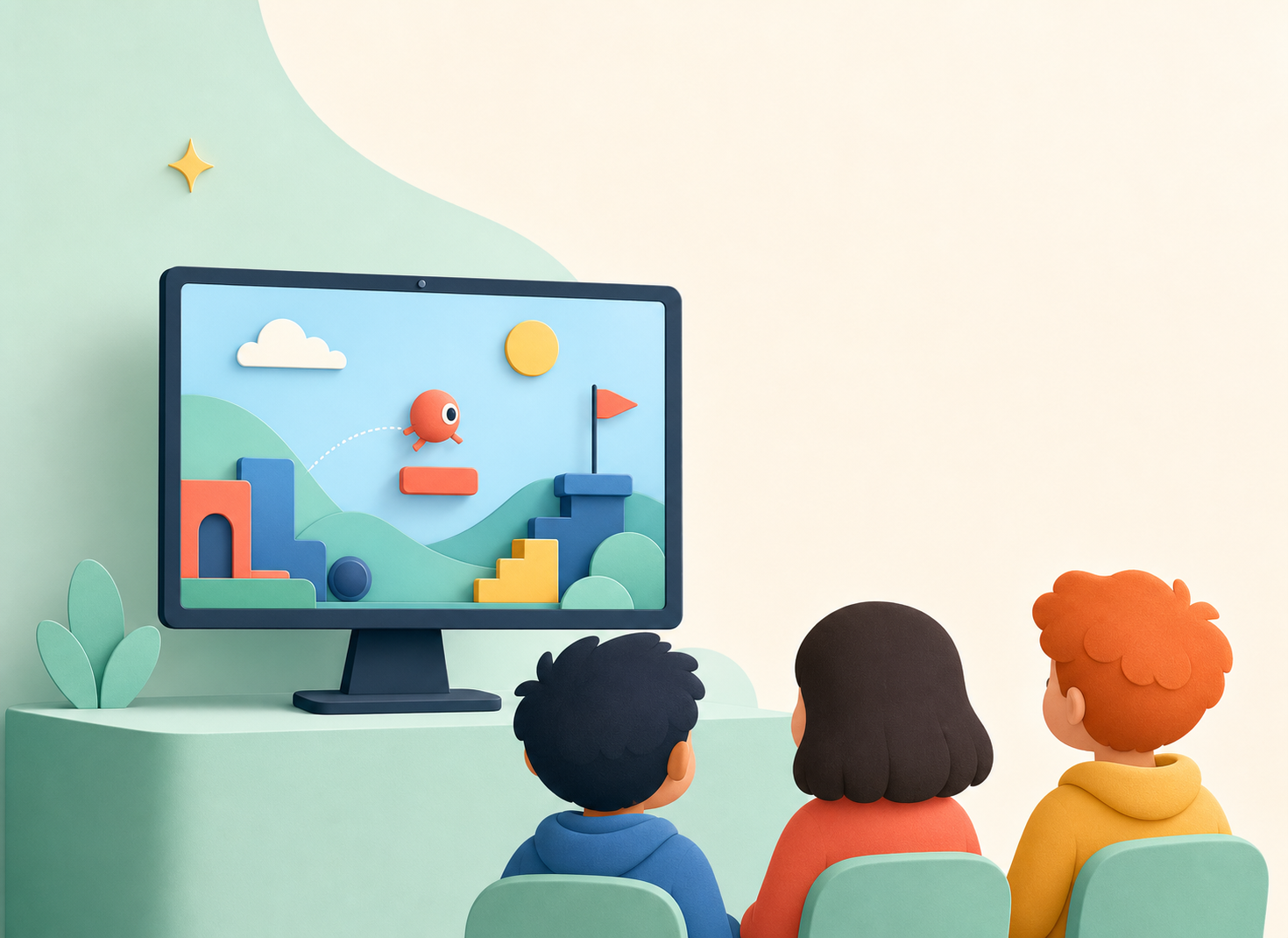
Playtest, balance the difficulty, fix the last bugs, and deploy to a public link. Then everyone plays each other’s games.
AI this week: AI as debugging partner for the final bugs, plus an AI-made title card and a short trailer GIF to show it off.
A public game URL + a shareable trailer. Demo day!
Real skills, and a game with their name on it.
- ✓Directing an AI agent to write real game code — then reading and debugging it
- ✓AI image generation for game assets (sprites, tiles, enemies, UI)
- ✓AI music + sound design (theme song, jingles, sound effects)
- ✓Core game-dev concepts: game loop, physics, collisions, state, levels
- ✓Playtesting, balancing and giving/taking feedback like a real studio
- ✓Deploying to a public link and presenting your work (demo day)
Format
Delivered in person as a hands-on workshop. 3–6 kids per cohort. 8 weekly sessions, ~90 min each.
Tools we use
Built in Kids OpenCode (safe + scaffolded). Art via Flux/SDXL, music via Suno, sound via ElevenLabs — all through our DeepRouter gateway with kid-safe defaults. The game runs in the browser and deploys to a public link.
8 sessions · A$60 per session
Free 15-min consult first · refundable if the cohort doesn’t fill.
Common questions.
Is this an in-person class?
Yes. We run this class face to face in a small group, so the teacher can sit with each child when they get stuck.
Does my kid need to know how to code first?
No traditional coding required — but this is a step up from AI Creative Lab. Kids should be comfortable typing and reading English. We teach how to direct AI to write the game code, then read and fix it, rather than memorising syntax.
What will they actually have at the end?
A complete, playable Super Mario game — their own hero, AI-made art, music and sound — live at a public link they can text to friends, plus a short trailer GIF. It is a real game they made, not a worksheet.
Will my kid really build a Super Mario game?
Yes — a real Super Mario–type game: run, jump, stomp enemies, collect coins, reach the flag. The twist is your kid designs their own hero, world and music with AI, so it’s their version — not a copy of anyone else’s.
What happens if my child misses a week?
Let us know as soon as you can. We will look at where the class is up to and tell you the most practical catch-up option.
Your kid’s first shipped game is 8 weeks away.
Book a free 15-min consult — we’ll check it’s the right fit and tell you when the next cohort starts.
Book Free Consult