Brisbane, QLD
9 weekly sessions
- Schedule
- Dates & times TBA
- Delivery
- Venue & teacher TBA
Level 2 of Game Studio. Your kid takes the Super Mario game they built and makes it truly multiplayer — first two heroes side by side on one keyboard, then live over the internet with a friend across town. Along the way they learn how online games really work — servers, rooms, lag and the tricks that beat it — and finish with an in-person class tournament the whole family can watch.
Part of the AI Coding Studio track.
You do not need to have the whole term planned before contacting us. Start with the days that normally work and we will help with the rest.
Free 15-minute fit check. No date choice needed yet.
Share your child's age, suburb and the weekdays that usually suit your family.
We confirm the next start date, face-to-face venue and a weekly time before you commit.
Your child comes at the same time each week and builds one visible part of the game each session.
Local backend is not reachable, so class times cannot be loaded.
These offerings are planned, but they are not scheduled classes yet. Registering interest does not reserve a paid seat. We will confirm the dates, venue and teacher before asking you to enrol.
9 weekly sessions
9 weekly sessions
9 weekly sessions
Level 1 taught your kid to ship a game. Level 2 teaches the thing that makes games come alive: other people. Four skills, woven through all 9 weeks:
Design play for two: a second hero, co-op moves (boost jumps, rescues), and levels that need teamwork to beat.
What a server is, what lag is, how two screens stay in sync — then actually connect over the internet with room codes. First real network engineering, on a game they love.
Private rooms, invites, scoreboards, a spectator link — your kid doesn’t just play online, they run the room.
Direct an AI agent to write the netcode, then read it, test it and debug it — including the hardest bugs of all: the ones that only happen online.
Each capability is tied to something children actually do in the course. The lesson markers below show where that practice happens.
Training intensity describes how strongly and how often the course deliberately practises a capability. It is not a score for your child.
Models client/server state, latency, rooms and synchronisation, then debugs distributed behaviour.
Practised in 6 of 9 lessons
Prototypes co-op mechanics and rebuilds levels for fairness, teamwork and online play.
Practised in 4 of 9 lessons
Co-designs, tests and plays a shared multiplayer experience with classmates in different roles.
Practised in 6 of 9 lessons
Compares laggy and smoothed builds, explains the difference and independently tunes the result.
Practised in 3 of 9 lessons
Presents a multiplayer game and hosts a class tournament for a family audience.
Practised in 2 of 9 lessons
Two chapters and a finale: first a friend appears in their game, then the game crosses the internet, and finally the whole class meets in a tournament. Every week ships something playable.
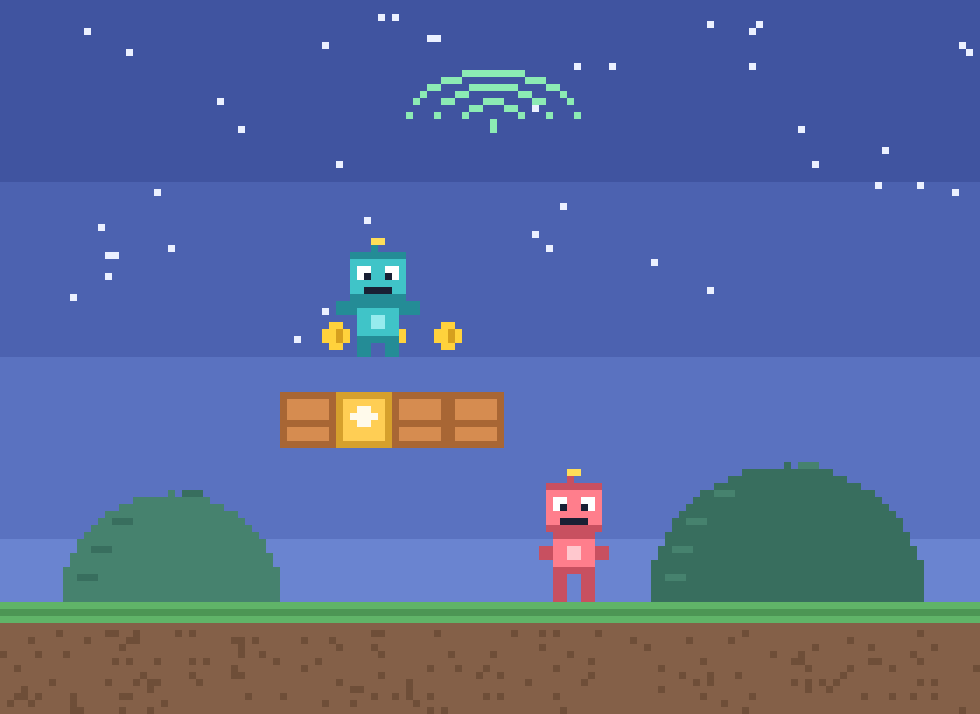
A second hero in the game: character select screen, two sets of keys, two players on one keyboard.
AI this week: AI-generate the second hero’s sprite set in your world’s art style; AI writes the input handling, you read and tune it.
Two heroes running and jumping in the same level.
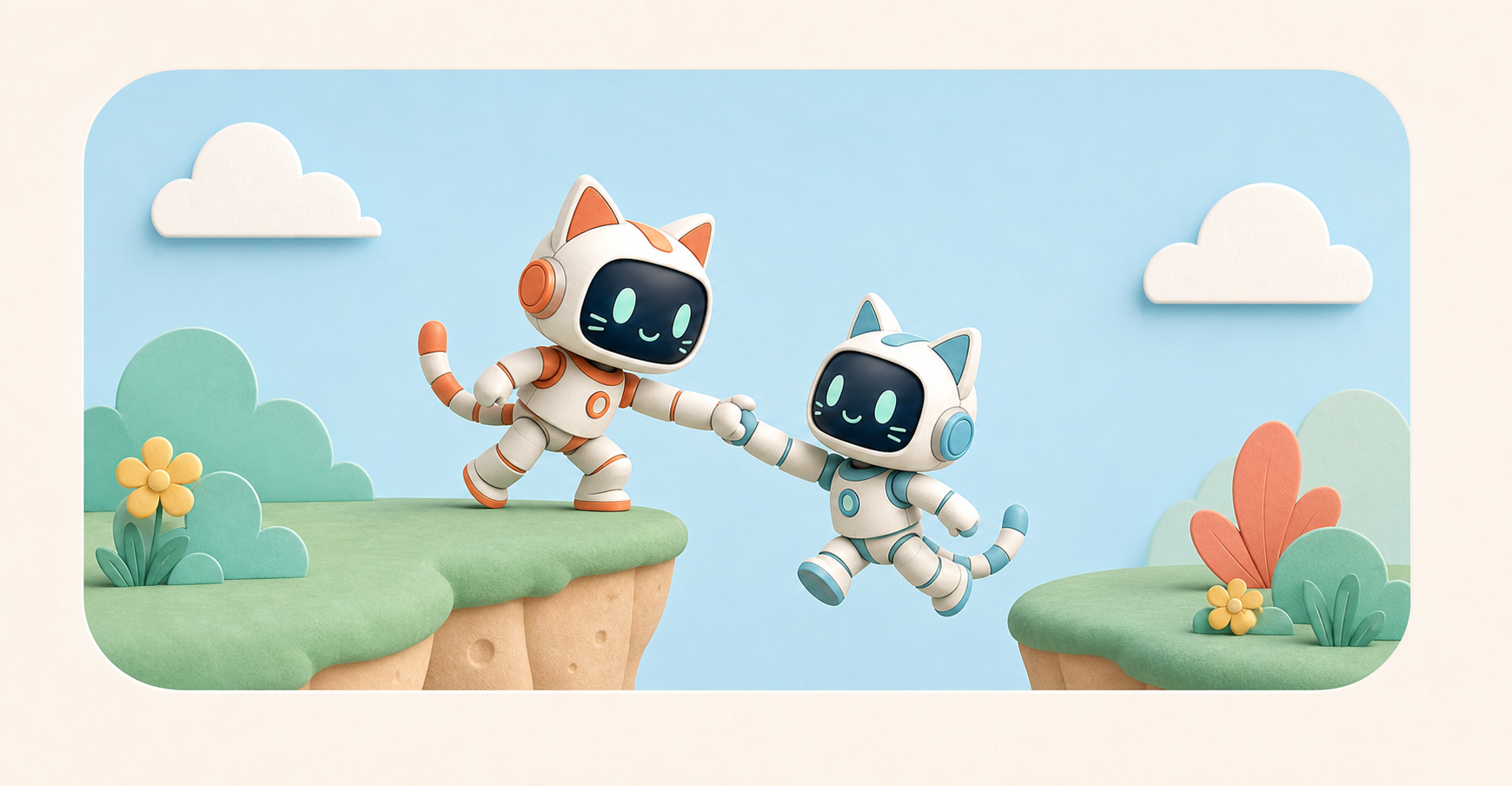
A camera that follows two players at once, shared lives, and rescuing a fallen teammate.
AI this week: Use AI to explore camera strategies (zoom out? split the difference?) and pick what feels right.
A co-op level you can only clear by working together.
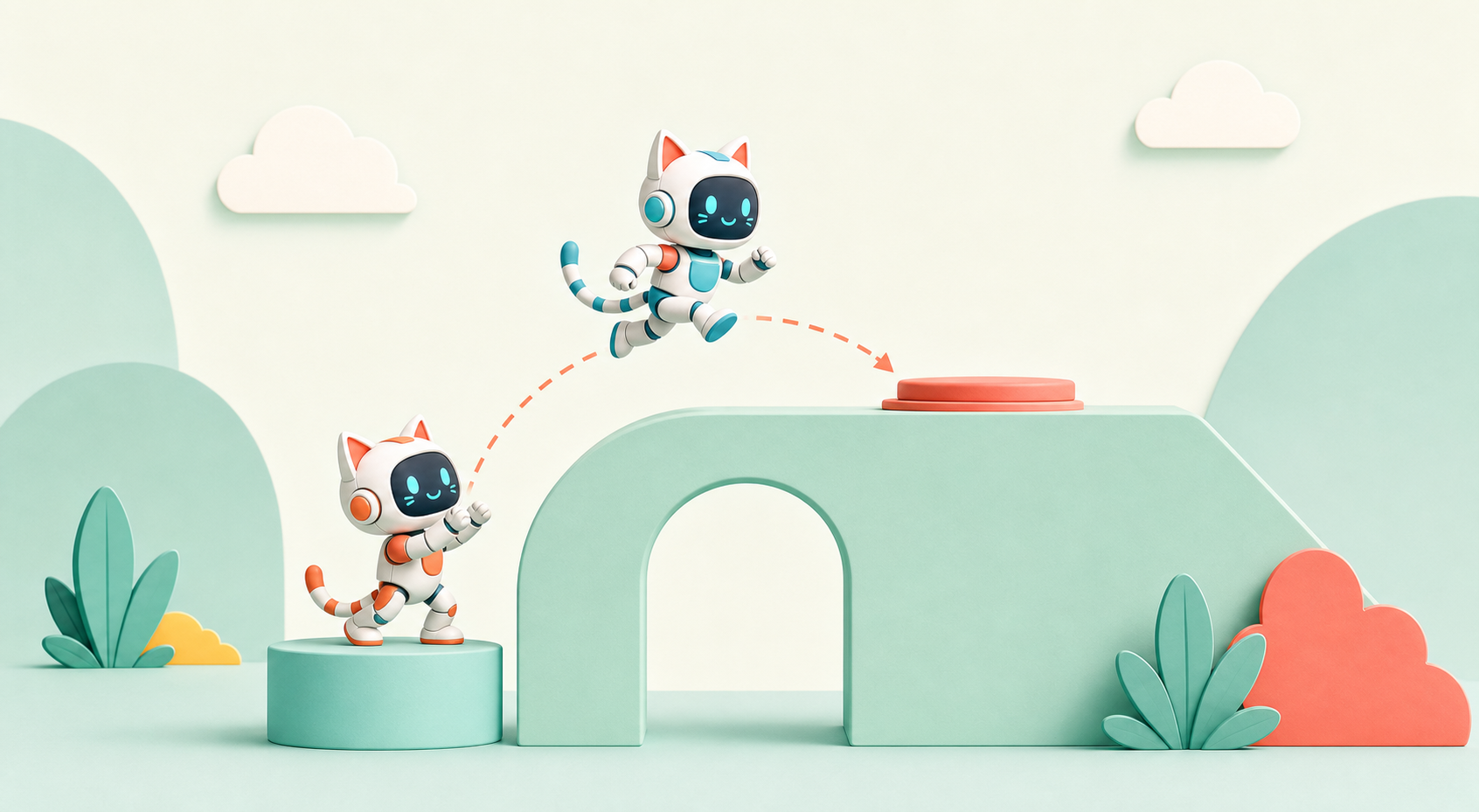
Co-op mechanics: boost jumps, switches that need two players, fair coin-splitting. What makes co-op fun instead of chaos.
AI this week: AI as design partner: brainstorm co-op mechanics, then build the best one with AI-written logic you review.
Your signature two-player move, in the game.
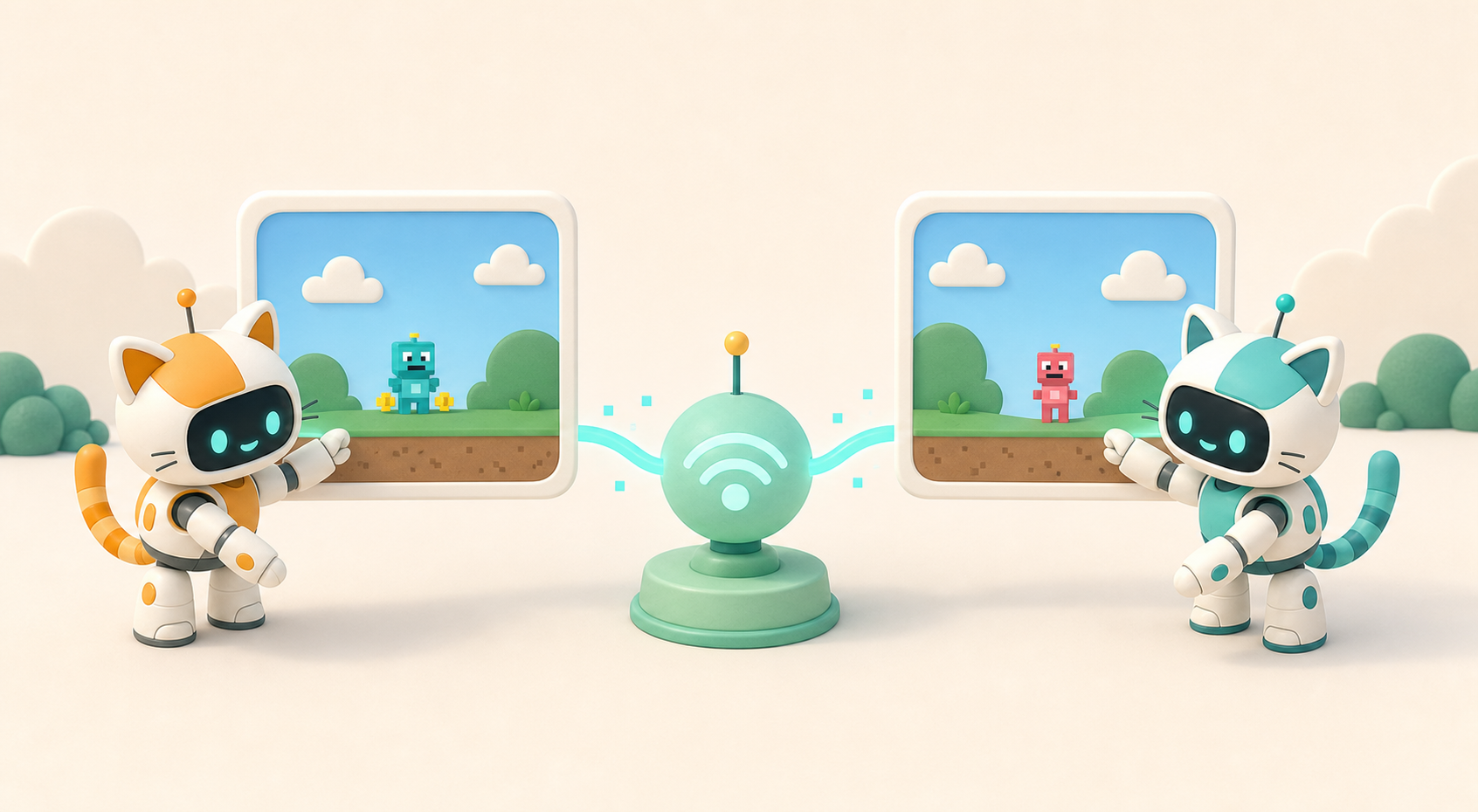
The big ideas: client and server, IP addresses, latency, rooms. Why you can’t just “send your game” to a friend.
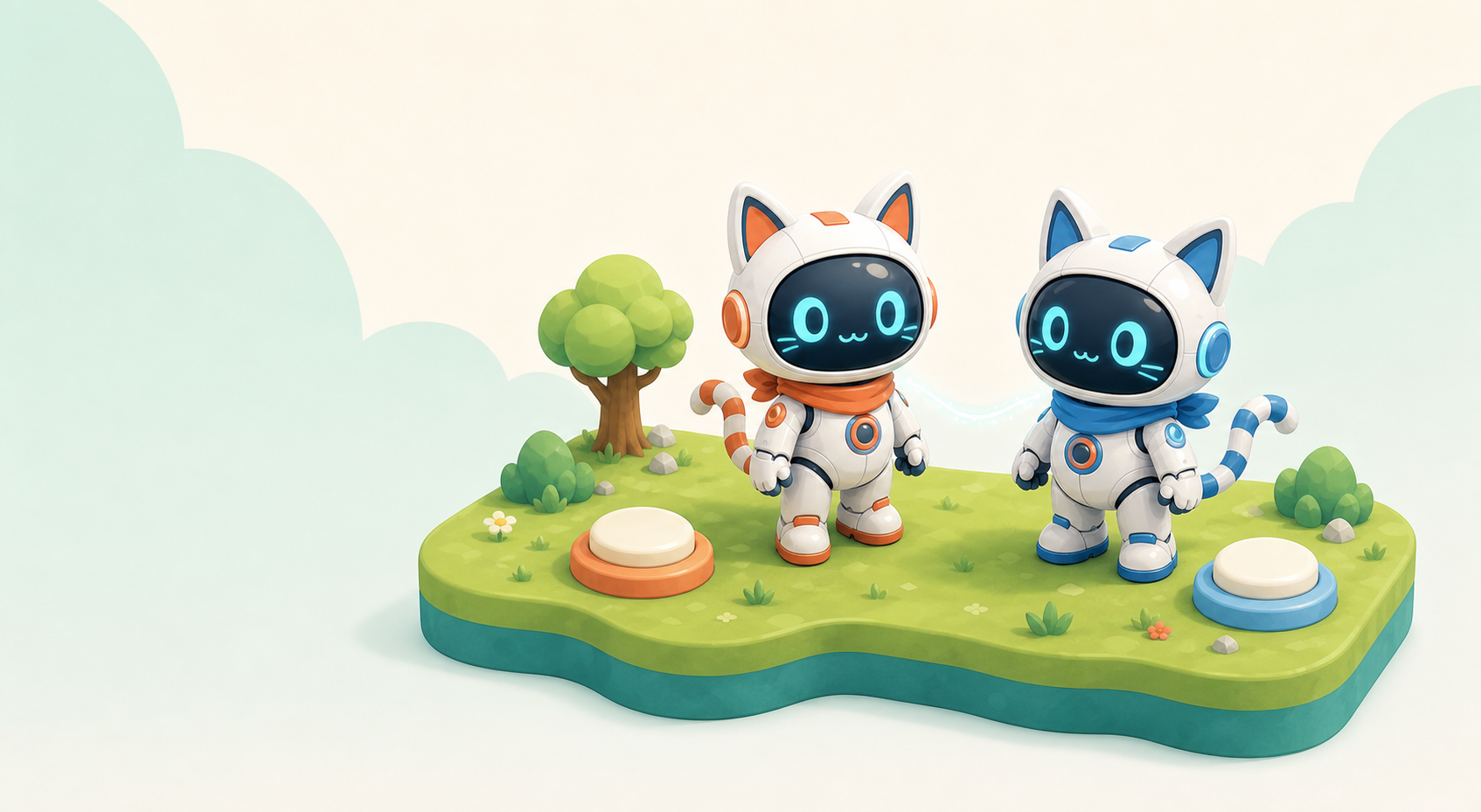
AI this week: Draw the architecture with AI, then connect your game to the Airbotix game relay and see two browser windows share one world.
Two windows on one computer, perfectly in sync.
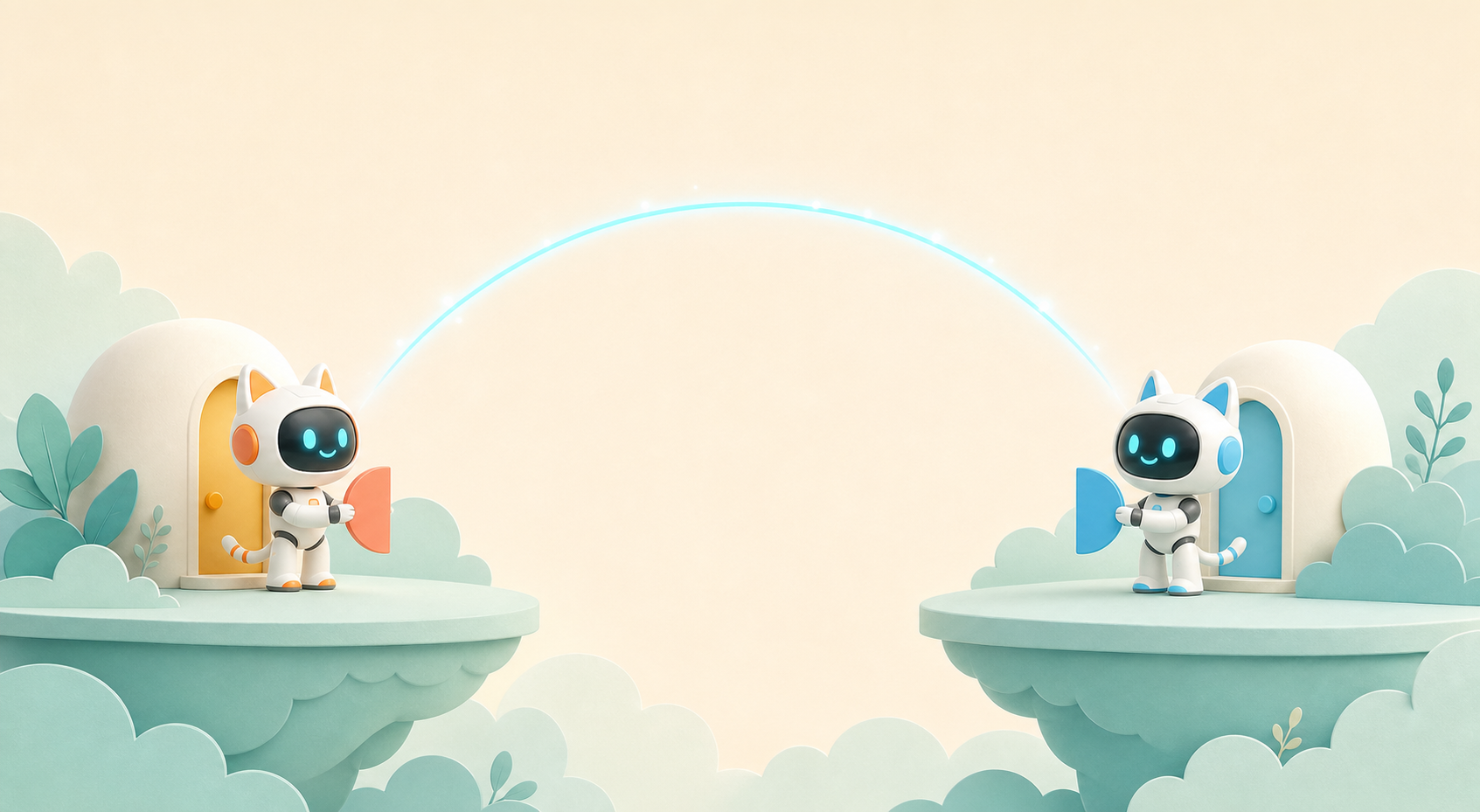
Room codes, joining from another machine, and keeping two players in sync over a real network.
AI this week: AI helps write the sync code (positions, jumps, coins) — you test it live with a classmate on another machine, over the real internet.
A real online co-op session between two machines over the internet.
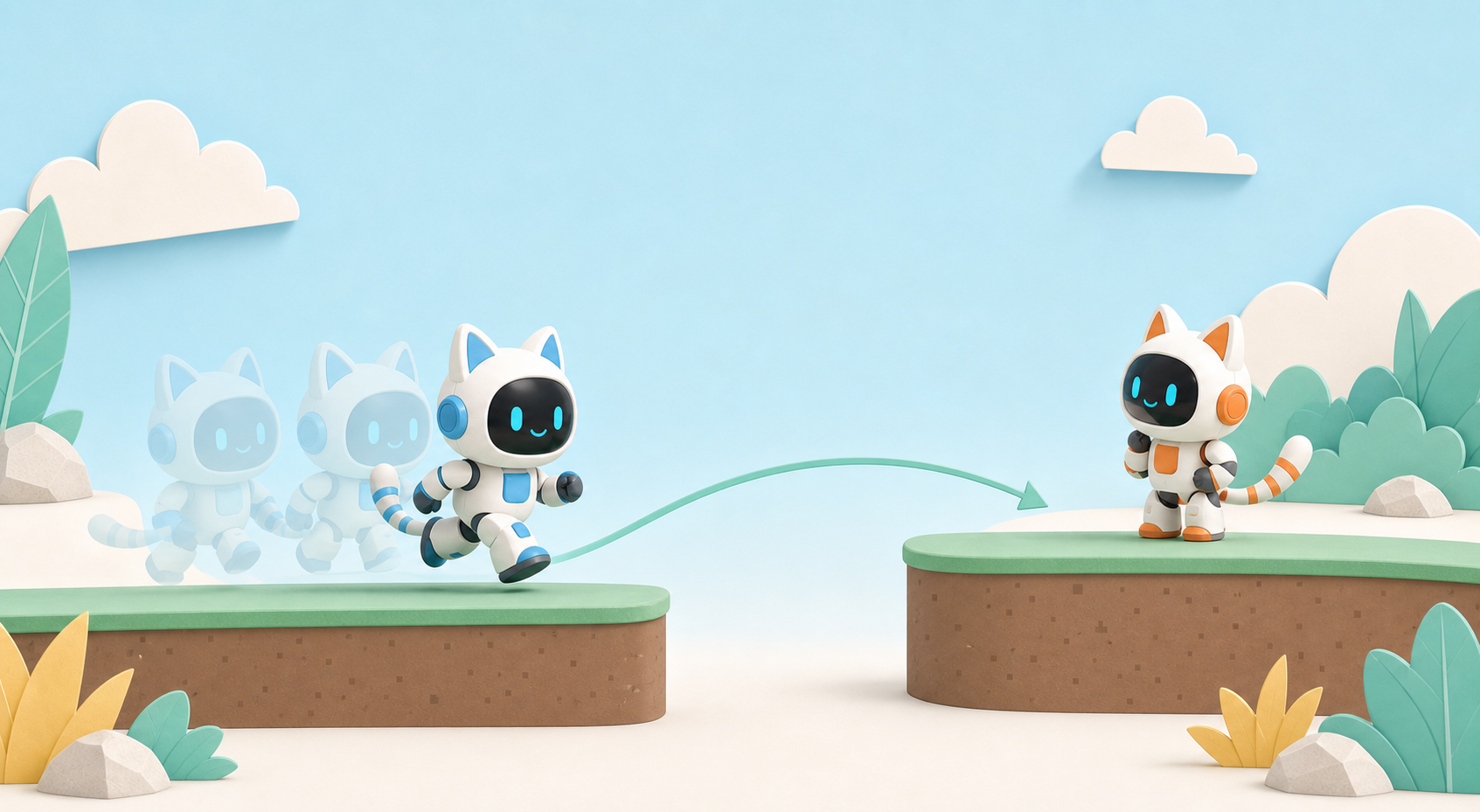
Why characters teleport and stutter online — and the tricks real games use: interpolation and prediction, in plain words.
AI this week: Use AI to add smoothing, then A/B it: laggy build vs smooth build. Feel the difference, explain the difference.
Online play that feels smooth — and you can say why.
Rebuild your favourite level for online co-op, and set up private rooms with invite codes — your world, your guest list.
AI this week: AI helps remix the level layout for two players and wire up room creation and invites.
A level built for online co-op, in your own private room.
Score, win conditions (co-op and friendly versus), and a watch-only spectator link. Polish for an audience.
AI this week: AI-generate the scoreboard UI art and write the spectator mode; you decide what counts as winning.
A match your family can watch live from a link.
Playtest, balance, fix the last online bugs, deploy. Then an in-person class tournament for families to watch.
AI this week: AI as debugging partner for the final netcode bugs, plus an AI-made tournament bracket card and trailer.
A public multiplayer game + a class tournament your family watched live.
Delivered in person as a hands-on workshop. 8–15 kids per cohort. 9 weekly sessions, ~90 min each. Requires Level 1 or similar experience.
Built in Kids OpenCode on top of each kid’s Level 1 game. Online play runs through the Airbotix game relay (private rooms, kid-safe). Art via Flux/SDXL, sound via ElevenLabs — all through our DeepRouter gateway with kid-safe defaults.
9 sessions · A$60 per session
Free 15-min consult first · refundable if the cohort doesn’t fill.
Yes. The class meets face to face, even though the games students build can connect and play online.
Level 1 (Build a Super Mario Game with AI) or similar experience is required — kids continue building on the game they made, so they arrive with their own hero, world and working game. If your kid built a similar game elsewhere, talk to us and we’ll check the fit.
Yes. Games connect through Airbotix’s own game relay — private rooms with invite codes, classmates and invited friends only, no public matchmaking, no chat with strangers. Built and run by Airbotix under the same kid-safe rules as the rest of our platform.
Really learn it. Client vs server, what latency is, why games stutter and how interpolation fixes it, how two screens stay in sync — these are the same concepts behind every online game and most of the internet. They just happen to learn it inside a game they built themselves.
Please contact us before the next class. We will check the lesson they missed and arrange the best available option for that group.
Book a free 15-min consult — we’ll check it’s the right fit and tell you when the next cohort starts.
Register Interest