
Start here: who Level 2 is for
| What parents need to confirm | Current course details |
|---|---|
| Age | 12-17 years |
| Prerequisite | Level 1 or equivalent experience maintaining a 2D game project |
| Format | In-person hands-on workshop, 8-15 students |
| Duration | 9 weeks, approximately 90 minutes each week |
| Price | A$540 for nine sessions |
| Core environment | Kids OpenCode; Creative Code Studio may support visual and level prototyping |
| Final outcome | Original multiplayer game, private rooms, sync, scoring and an in-person tournament |
Students continue from an existing original game. They do not need professional networking knowledge, but they must be ready to read code, use development tools, record evidence from two devices and keep debugging after the first attempt fails.
The final project: a multiplayer world the student can host
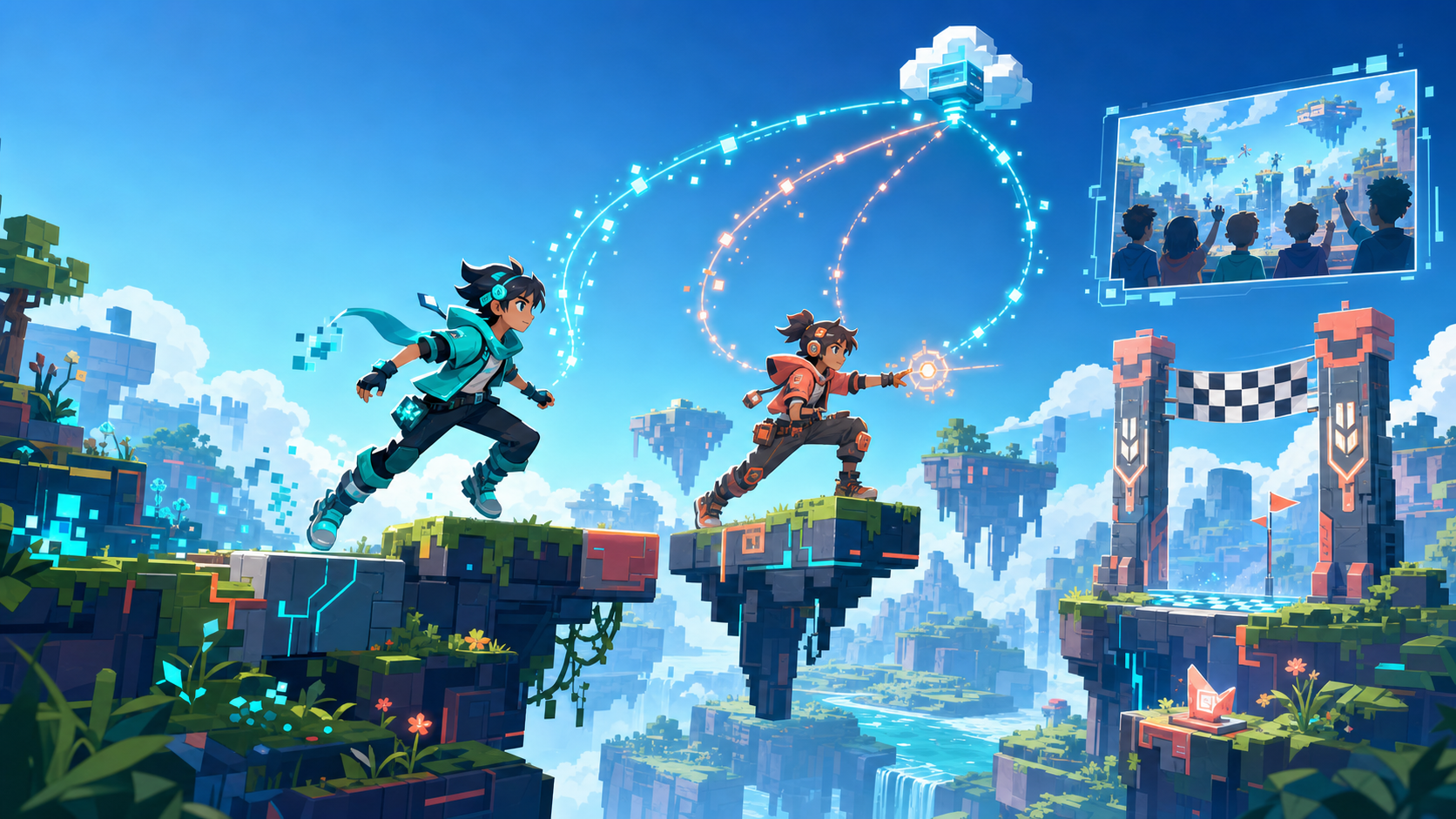
The final project includes local two-player controls, a shared camera, a signature co-op move, private invite-code rooms, real state synchronisation, lag smoothing, a redesigned co-op level, authoritative scoring, one clear win condition, a watch-only spectator mode and an in-person tournament presentation.
The game page and match room have different boundaries. A page may be shared according to course arrangements, while match rooms require invite codes. There is no public matchmaking or stranger chat. Characters, art, music and levels remain original.
Weeks 1-2: Player Two and the shared camera
Week 1: Player Two joins
- Goal: Upgrade the Level 1 project so two people can play on one keyboard.
- Student work: Design a second original hero, create character select, map two control sets, and read the input-handling logic.
- Core concepts: Multiple inputs, character state, control mapping and fairness.
- AI support: Draft a matching sprite set and explain how both players enter the same game loop.
- Visible result: Two heroes run and jump independently in the same level.
Week 2: Camera and teammate rescue
- Goal: Keep both players visible and make teamwork matter.
- Student work: Compare midpoint, zoom-out and boundary camera strategies; choose one; add shared lives and teammate rescue.
- Core concepts: Coordinate averages, view bounds, team state and recovery.
- AI support: Produce comparable camera drafts; the student chooses based on play feel.
- Visible result: A co-op section with both heroes visible and a working rescue.
Weeks 3-4: Co-op mechanics and online architecture
Week 3: Design a signature co-op move
- Goal: Create one mechanic a solo player cannot complete.
- Student work: Design a boost jump, two-player switch or tandem move; run a chaos test; implement and explain the condition that requires both players.
- Core concepts: Co-op mechanics, combined conditions, balance and anti-grief design.
- AI support: Suggest candidates and help implement the student’s chosen design.
- Visible result: One original two-player move that works reliably in a live demonstration.
Week 4: How online games work
- Goal: Understand clients, servers, rooms, messages, latency and authoritative state through a visible system.
- Student work: Draw two clients and the course private-room service; label jump, position and coin messages; connect two browser windows.
- Core concepts: Client/server, rooms, messages, latency and state ownership.
- AI support: Explain the architecture and connection draft line by line.
- Visible result: Two local browser windows stay in sync through one room.
Weeks 5-6: Real networking and lag smoothing
Week 5: Two devices, really online
- Goal: Move from two windows to two classroom devices connected over a real network.
- Student work: Define the shared game state, add room codes, test positions, jumps, coins and rescues, and record disagreements between screens.
- Core concepts: State sync, continuous state, events, conflicts and authoritative results.
- AI support: Draft sync code; the student explains what sends continuously and what sends only when an event occurs.
- Visible result: A real co-op session between two devices plus a reproducible bug list.
Week 6: Fight the lag
- Goal: Feel and explain how interpolation reduces teleporting and stutter.
- Student work: Keep the laggy build, add interpolation for remote movement, compare both versions and document the smoothness/responsiveness trade-off.
- Core concepts: Latency, sampling, interpolation, prediction and reconciliation.
- AI support: Explain and draft smoothing logic; the student validates it through an A/B test.
- Visible result: A switchable laggy/smooth comparison the student can explain.
Weeks 7-8: Private rooms, scoring and spectators
Week 7: Private rooms and levels made for two
- Goal: Redesign a solo level so both players have meaningful work.
- Student work: Add parallel paths, two-player gates and the signature move; build host, invite code, lobby and ready states.
- Core concepts: Multiplayer level design, room lifecycle, host permissions and access boundaries.
- AI support: Help remix the layout and scaffold the lobby; the student judges whether cooperation is genuine.
- Visible result: An invite-only room containing a level that requires two players.
Week 8: Shared scoring and spectator mode
- Goal: Make players and spectators see the same result.
- Student work: Choose one win condition, keep authoritative score through the room service, connect the provided spectator scaffold, and verify spectators cannot control the game.
- Core concepts: Authoritative score, permissions, read-only state and audience experience.
- AI support: Draft scoreboard UI and explain player-versus-spectator permissions.
- Visible result: A match with one agreed result and a third device watching live.
Week 9: Ship and run the in-person tournament
- Goal: Complete real-network testing and put the project in front of players and families.
- Student work: Run a launch checklist, fix the highest-impact online bugs, balance a five-minute match, deploy, create a room and rehearse the introduction.
- Core concepts: Distributed debugging, release checks, balance, deployment and presentation.
- AI support: Use evidence from both screens to locate bugs and help create a concise bracket card.
- Visible result: A deployed multiplayer game and an in-person class tournament.
A short trailer is an optional extension for early finishers, not a core Week 9 requirement.
The networking knowledge students can actually demonstrate
| Concept | What students see in their own game |
|---|---|
| Client / server | Two devices send actions to one room service |
| State sync | Both screens must agree on positions, coins and score |
| Latency | Remote information arrives late and movement stutters |
| Interpolation | Smooth transitions reduce remote teleporting |
| Authority | The room service decides coin ownership and final score |
| Permissions | Players can act; spectators can only read |
The goal is not vocabulary memorisation. Students should be able to trace “the two screens disagree” to a specific message, state or permission problem.
Tools and class format
- Kids OpenCode is the core environment for the Level 1 multi-file project, sync code, room connections, logs and debugging.
- Creative Code Studio may support rapid comparison of second-player concepts, co-op mechanics, level routes and scoreboard visuals. It is a companion, not a requirement for every project.
The course runs in person for 8-15 students. Each week follows a consistent loop: observe the problem, draw the system, build with AI support, test from both sides, record evidence, revise and explain. AI may draft and explain; students must run, compare, judge and fix.
Before enrolling: Level 2 readiness
A good fit
- The student completed Level 1 or has an equivalent playable 2D game.
- They can use a keyboard, files and basic development tools.
- They will read AI-assisted code instead of accepting output blindly.
- They are genuinely interested in co-op, networking, rooms, lag or multiplayer level design.
Not the right starting point yet
- The student has not completed a playable game.
- They only want to play multiplayer games and do not want to debug.
- They expect a separate project every week rather than one evolving system.
- They cannot attend a continuous course that depends on paired testing.
Parent questions
- Is Level 1 required? Level 1 or equivalent experience is required because students continue developing an existing game.
- Is online play safe? Match rooms use invite codes, with no public matchmaking or stranger chat; spectator access is read-only. Sharing still follows course and parent-consent rules.
- Do students really learn networking? Yes. They work directly with client/server structure, state sync, latency, interpolation and permissions.
- What are the price and format? A$540 for nine approximately 90-minute sessions, delivered in person to a group of 8-15 students.
Cohort dates and places change. Scan Website on the next page for current information, or use Sales to contact Rain about prerequisite assessment and enrolment.
Review the complete networking pathway, then check Level 2 readiness
Visit the Website for current course information, or contact Rain through Sales to discuss prerequisites, dates and enrolment.
Current course page
View the current public course information. Check the website for changes to dates, places or arrangements.
 airbotix.ai/programs/classes/super-mario-advanced ↗
Contact Rain
Ask about prerequisite assessment, cohort dates, places and payment arrangements.
 Rain - Sales on WeChat ↗