
Start with your child’s interests
Does your child love stories, games or discovering how things work? Start with their interests. This pathway moves from storytelling into AI creation, complete products and real-world pilots.
| Level | Suggested ages | What your child explores |
|---|---|---|
| Level 1 | 5-6 | Story foundations |
| Level 2 | 7-8 | Making stories |
| Level 3 | 8-10 | Interactive story worlds |
| Level 4 | 8-10+ | Creative AI missions |
| Level 5 | 10-12 | Build for real users |
| Level 6 | 12-14 | Build complete AI products |
| Level 7 | 14-16 | Launch and work together |
| Level 8 | 16-18 | Lead real-world pilots |
L1-L3 use Story Blocks to develop story understanding and creation. L4 introduces AI-assisted building. Ages are a guide; L3 and L4 overlap. We can discuss the right starting point based on your child’s experience.
Level 1 · Story foundations
Suggested ages: 5-6. Start with familiar stories. Your child explores characters and events, practises understanding and expression, then makes an interactive story.
T1 · Story Steps
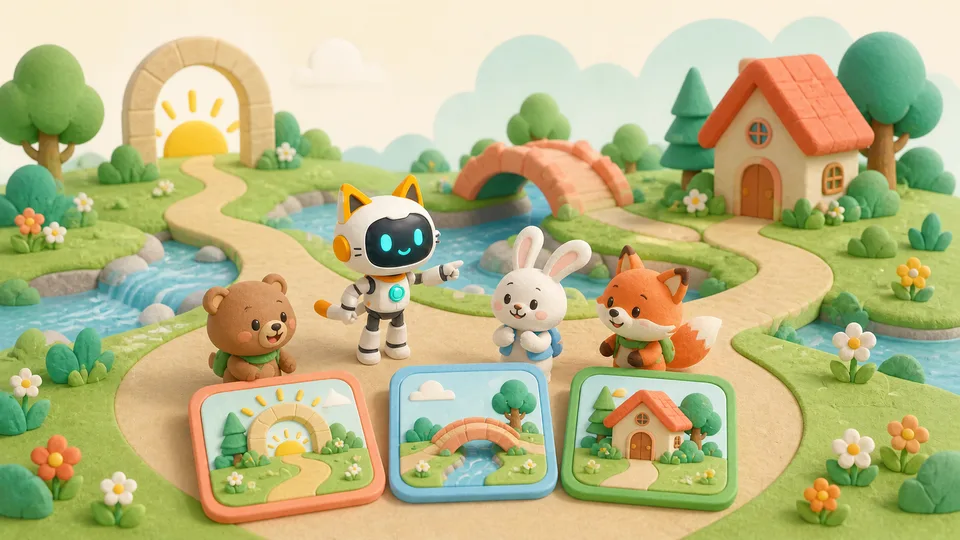
The experience: Putting a story in order is a little puzzle. Your child finds the characters, setting and goal, then connects the events.
Their project: A clear story sequence your child can explain.
T2 · Why Did It Change?
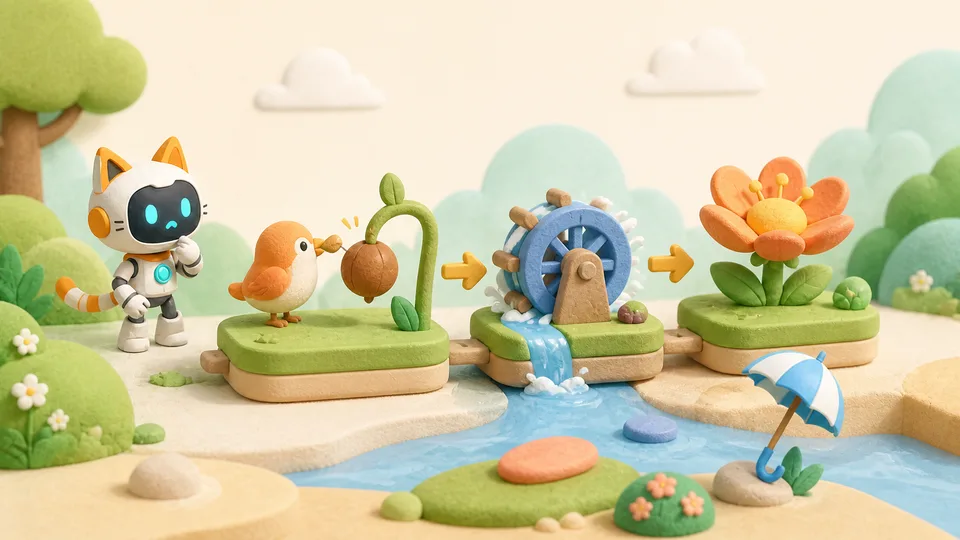
The experience: One event changes. What happens next? Your child follows causes and effects, then repairs parts of the story that do not make sense.
Their project: A revised story with a clear chain of cause and effect.
T3 · Characters Together
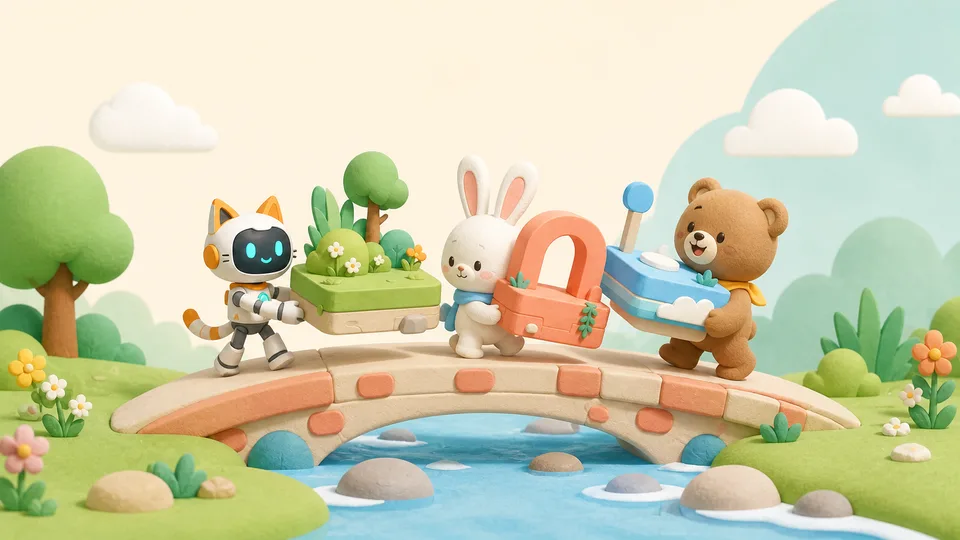
The experience: Each character has different needs. Your child explores their viewpoints and uses turn-taking, responses and cooperation to move the story forward.
Their project: A story scene in which characters work together.
T4 · My First Story World
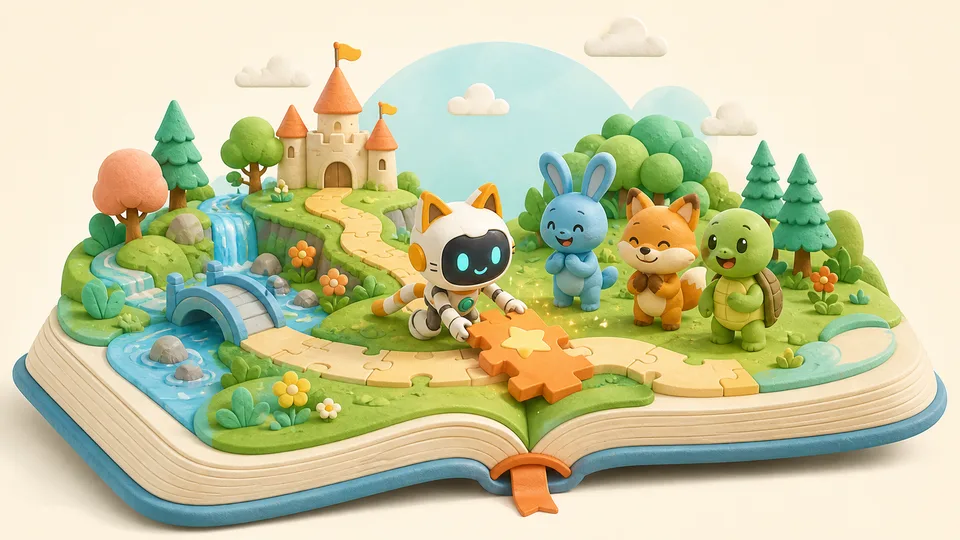
The experience: Who is the hero, where do they live and what happens? Your child brings these choices together in an interactive story.
Their project: A first interactive story to show the family.
Level 2 · Making stories
Suggested ages: 7-8. Why did the character do that? Your child uses motives and clues to explain events and tell a more connected story.
T1 · Character Quest
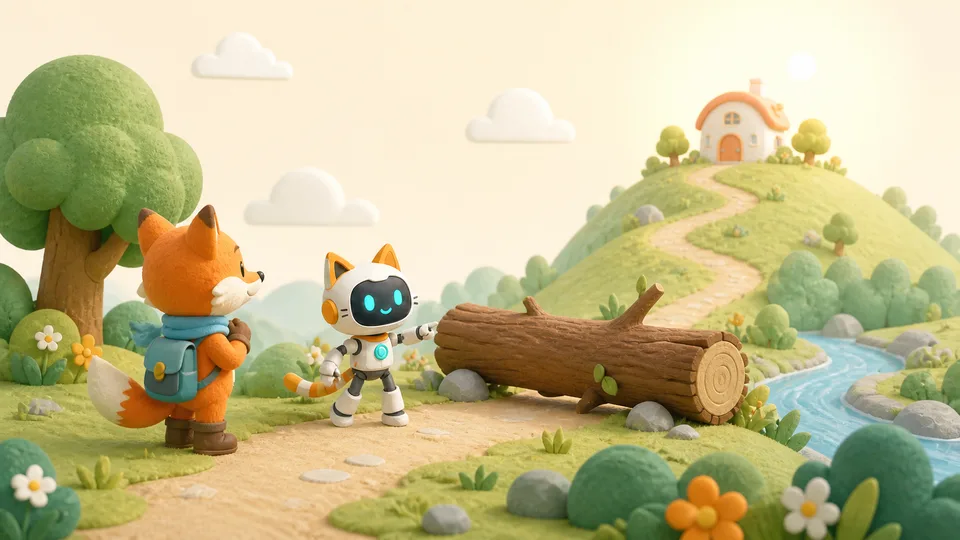
The experience: Follow a character on a quest. Your child explores what they want and what stands in their way, then predicts what could happen.
Their project: A character story with a goal, an obstacle and a possible outcome.
T2 · Story Connections
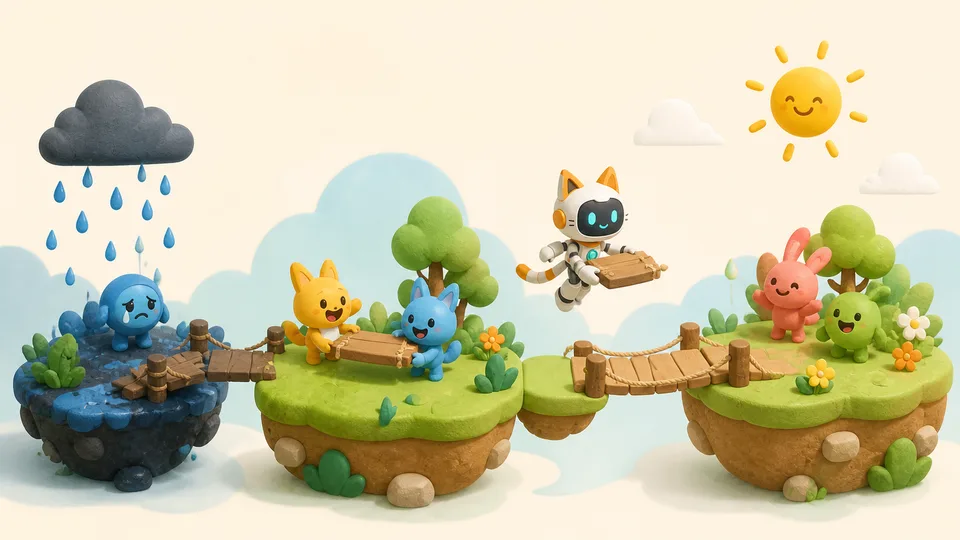
The experience: A good story helps its audience follow along. Your child connects separate events into a beginning, development and ending.
Their project: A complete story with a clear structure.
T3 · Clues & Teamwork
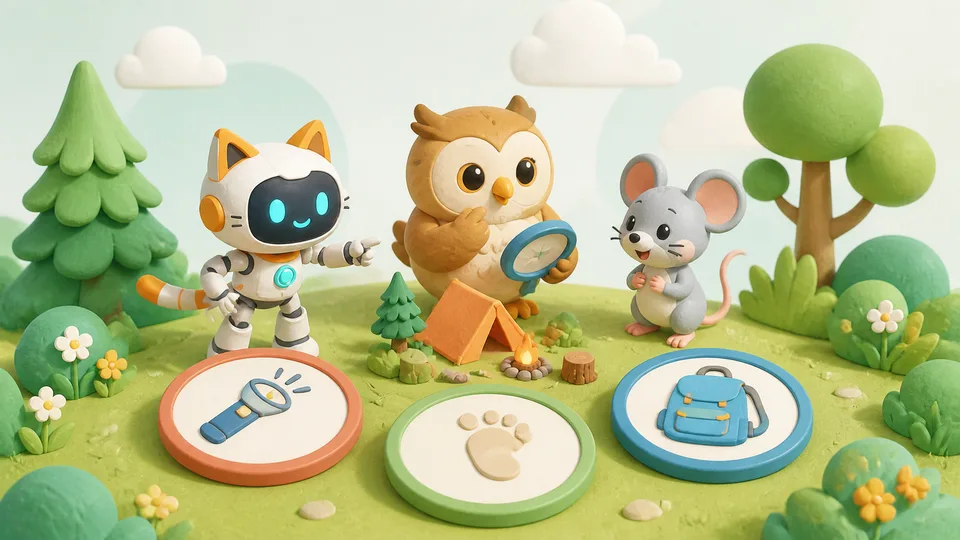
The experience: Several characters have found different clues. Your child compares the evidence and helps them solve the problem together.
Their project: A mystery solved through evidence and teamwork.
T4 · Story Maker Studio
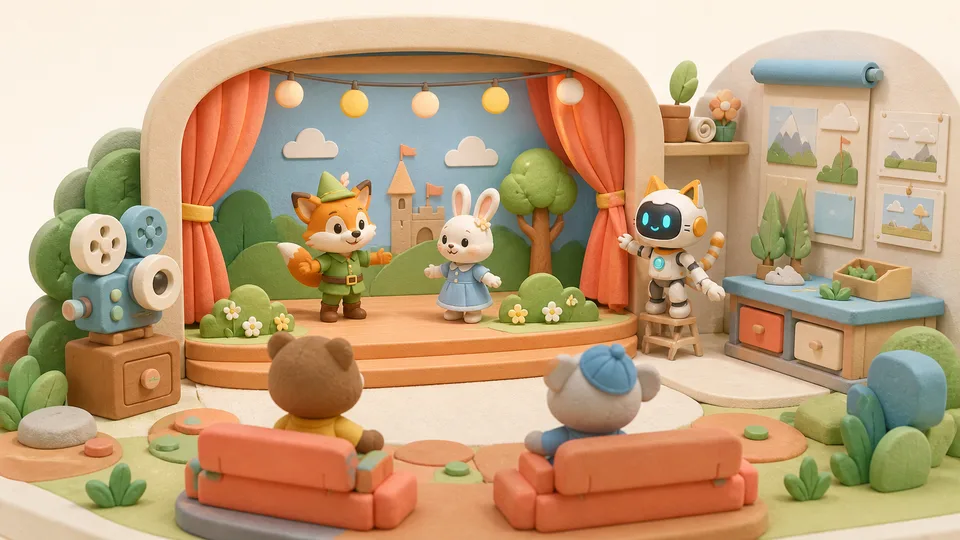
The experience: Bring a story to an audience. Your child adapts and performs it, notices confusing parts, then uses feedback to improve it.
Their project: A complete story refined through performance and testing.
Level 3 · Interactive story worlds
Suggested ages: 8-10. Design an imaginary world, then invite readers to try it. Their feedback helps your child make the story clearer and more engaging.
T1 · Mystery & Evidence
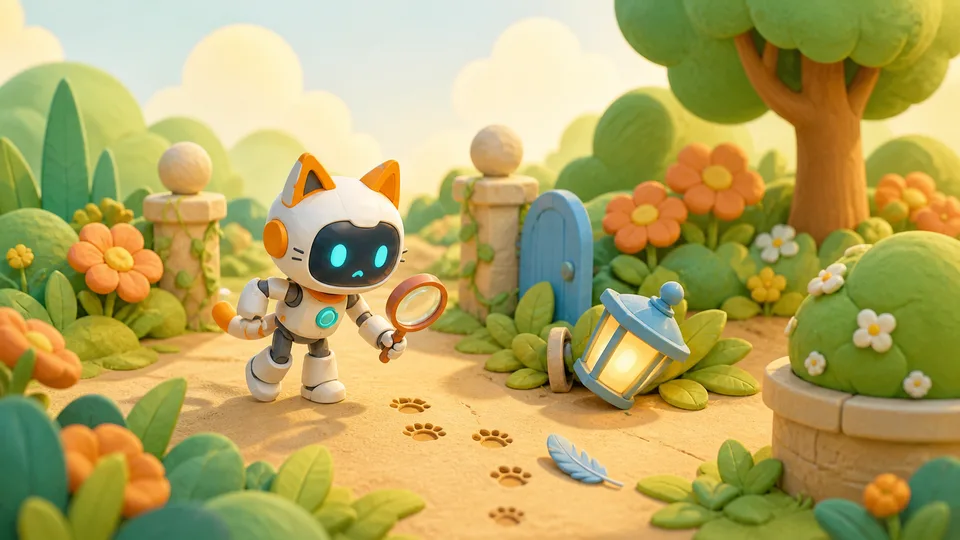
The experience: Become a story detective. Your child tracks people, events and clues, then uses evidence to find and repair gaps in the plot.
Their project: A story with clearer clues and a more convincing plot.
T2 · Worlds & Rules
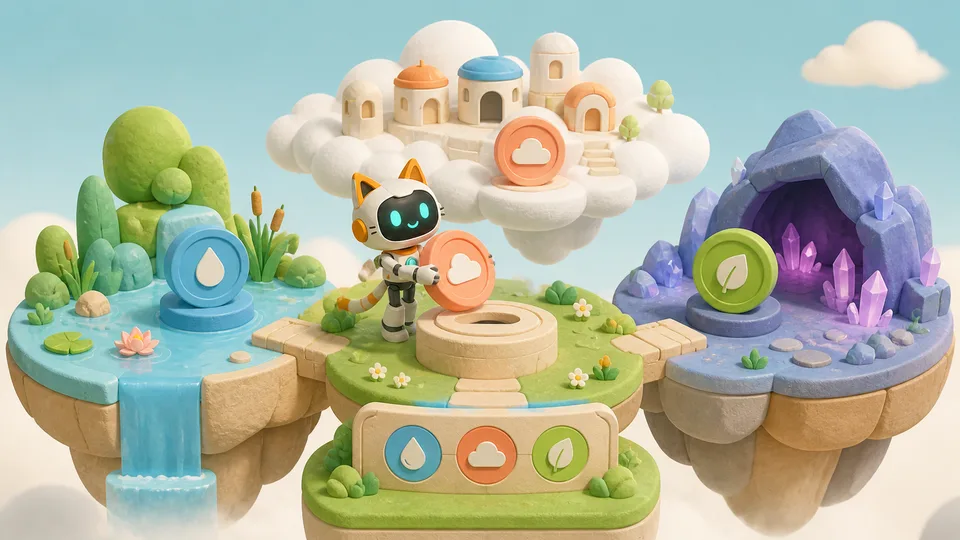
The experience: Create the rules of an imaginary world. Your child changes one rule and tests how it affects everything else.
Their project: A story world with consistent, tested rules.
T3 · Messages & Choices
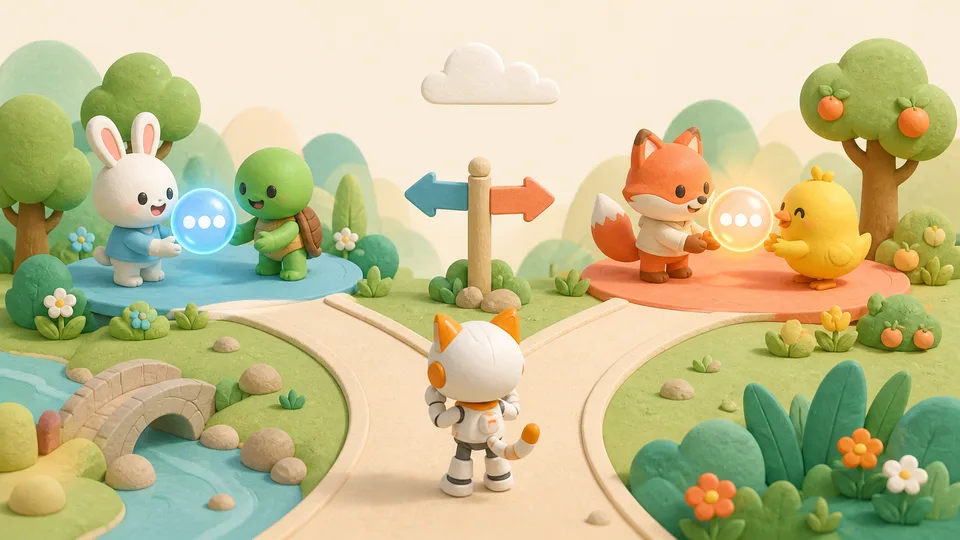
The experience: One message can change a character's next move. Your child explores how information shapes choices and compares different endings.
Their project: An interactive story with choices and different outcomes.
T4 · Story Creator Showcase
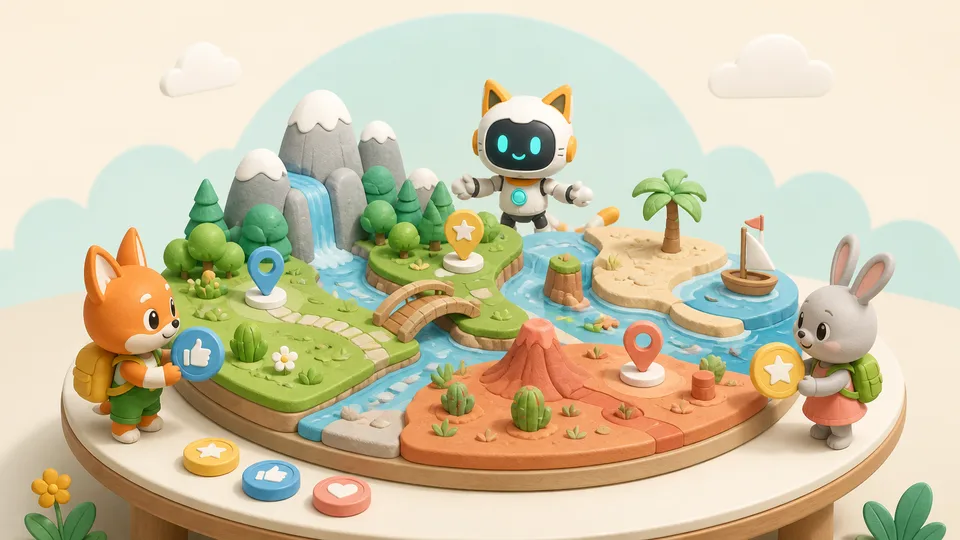
The experience: Your child plans an original story world and invites another reader to explore it independently. Reader feedback guides the next revision.
Their project: An original interactive world tested and improved with readers.
Level 4 · Creative AI missions
Suggested ages: 8-10+. Turn an interest in animals, dinosaurs and imaginary worlds into small AI projects your child can build and share.
T1 · Wildlife Ranger Mission
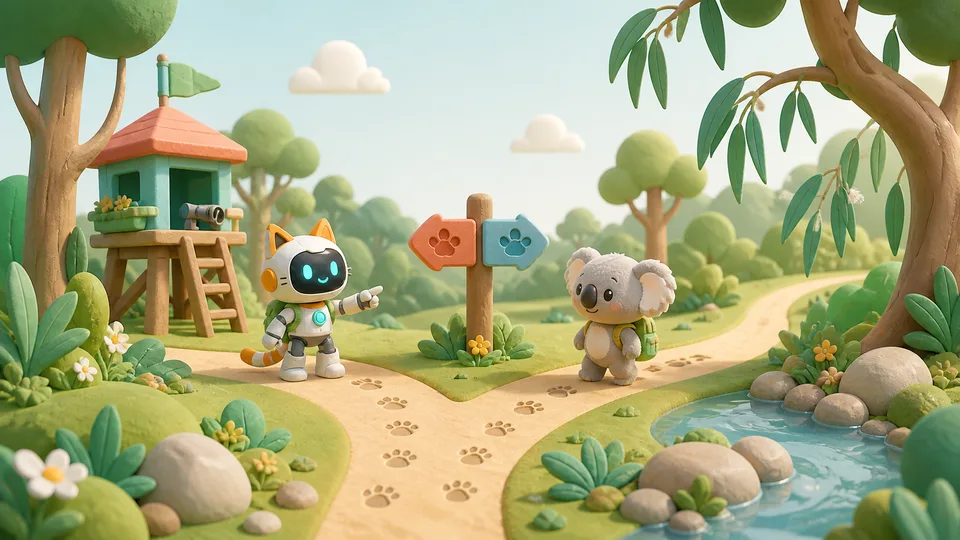
The experience: Become an Australian wildlife ranger. Your child meets five animals and turns food, habitat or safety facts into playable missions. Each mission has its own starting point.
Their project: Stand-alone playable missions based on animal knowledge.
T2 · Dinosaur Survival Mission
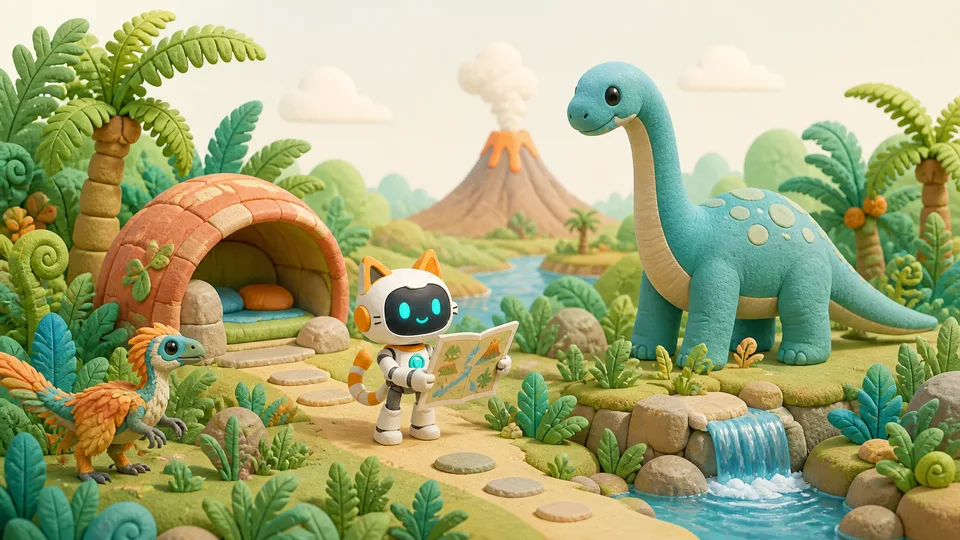
The experience: Bring dinosaur knowledge into an adventure. Your child checks the facts, then uses them to create survival rules and a short animation.
Their project: A dinosaur survival animation grounded in checked facts.
T3 · My Talking AI Pet
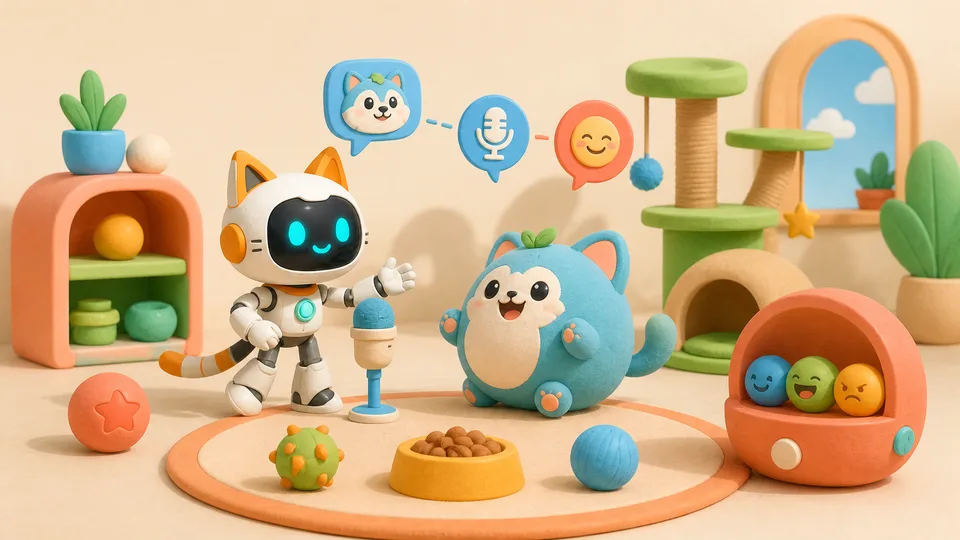
The experience: Create an AI pet with a voice and moods. Your child chooses its look and interactions while making decisions about a Star tool-credit budget.
Their project: An interactive AI pet to share with others.
T4 · Build Your Own Island
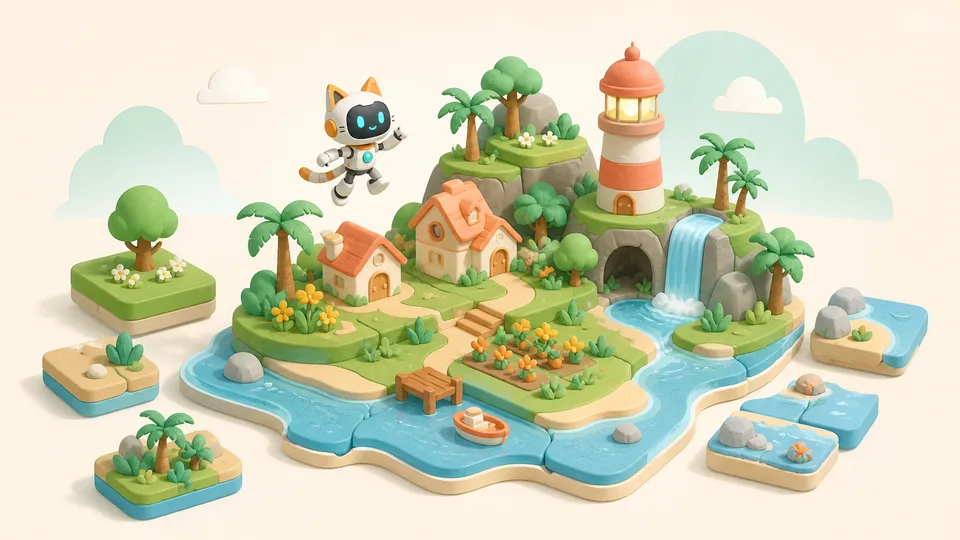
The experience: What places, residents and secrets belong on your island? Your child designs a map, adds interactions and hides a surprise for visitors.
Their project: An original island with residents, interactions and a hidden discovery.
Level 5 · Build for real users
Suggested ages: 10-12. Design for a particular person, observe their experience and improve the work from what they do.
T1 · Build a Super Mario Game with AI
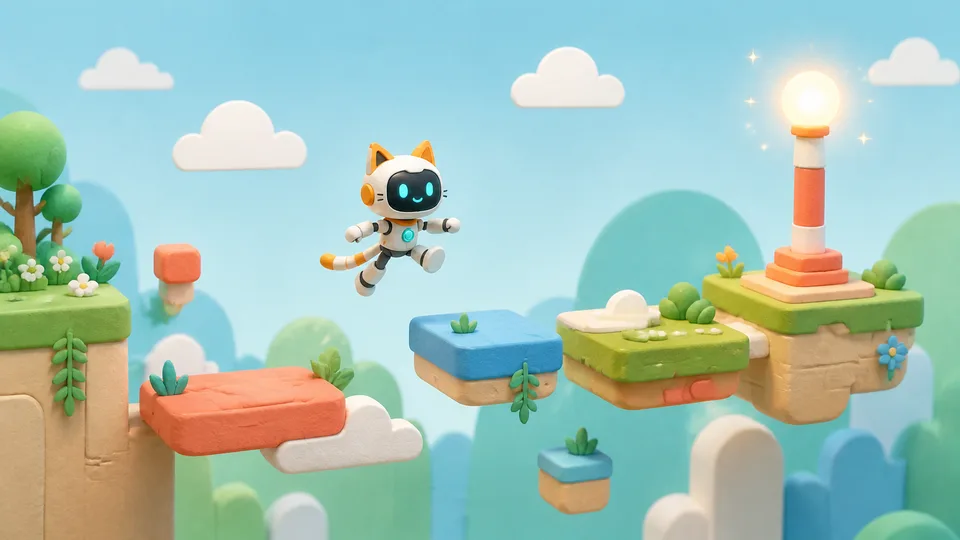
The experience: Enjoy playing platform games? Try designing one. Your child builds for a target player and uses playtesting to make challenges more balanced.
Their project: A complete platform game refined through playtesting.
T2 · Build a Personal Learning Buddy
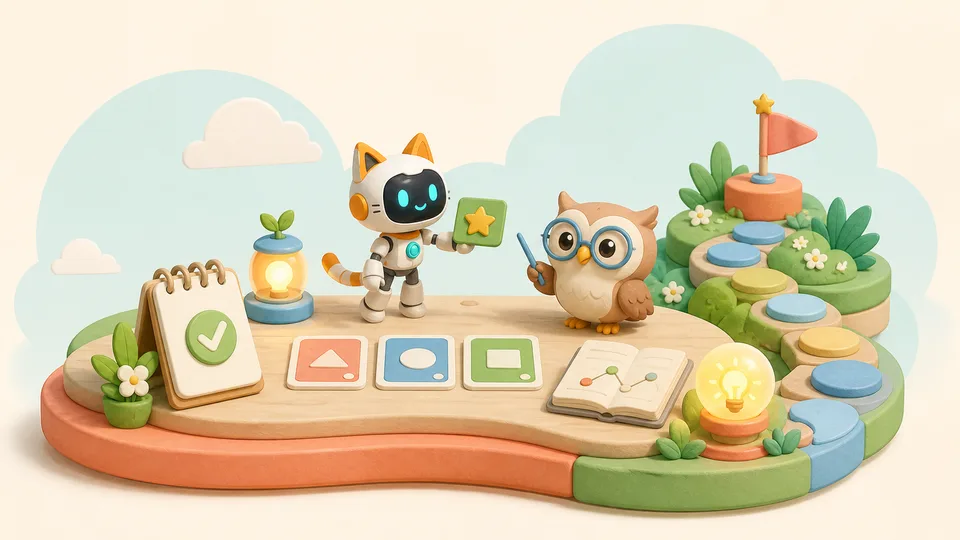
The experience: Make a learning companion for someone with a real need. Your child designs a quiz coach or tutor and checks whether its feedback is trustworthy.
Their project: A quiz coach or learning buddy for a specific learner.
T3 · Build Your Own AI 3D Museum
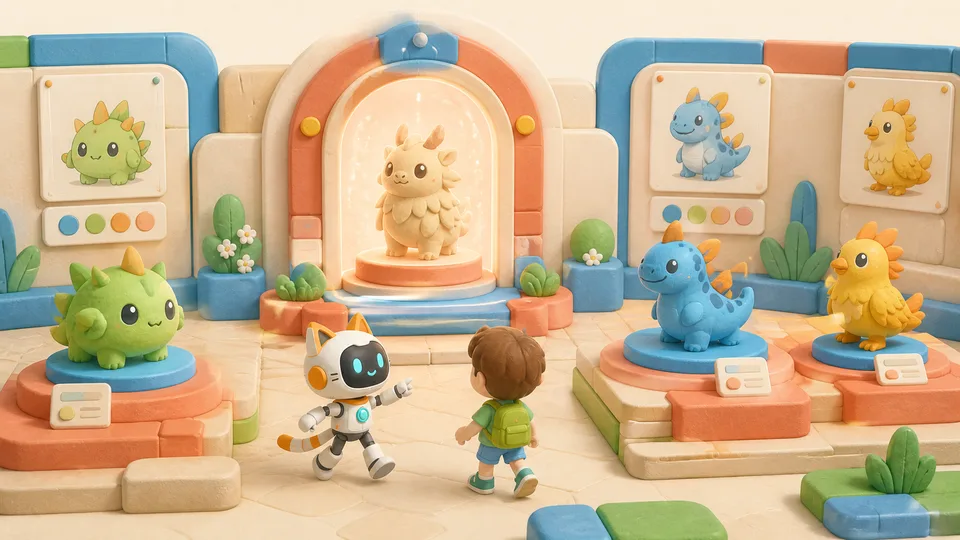
The experience: Turn original images into 3D exhibits. Your child arranges them in a Three.js museum that visitors can explore.
Their project: An explorable digital museum of original 3D exhibits.
T4 · Build a Board Game for Your Family
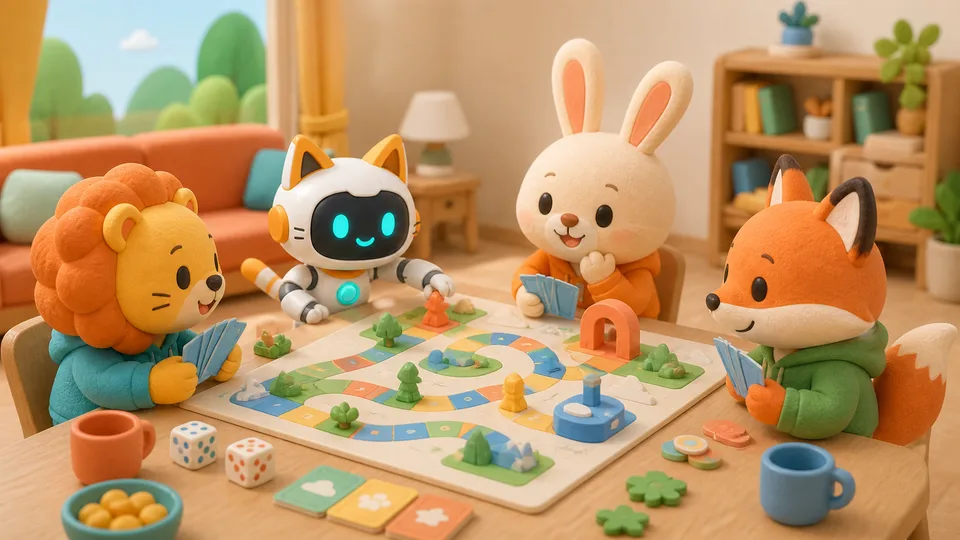
The experience: At family game night, try a game your child designed. They build a prototype, invite the family to play and improve the rules.
Their project: An original, printable board game tested with family.
Level 6 · Build complete AI products
Suggested ages: 12-14. Connect features and saved data to build pet worlds, stores and learning companions that can keep working over time.
T1 · Build Your Own Virtual Pet World
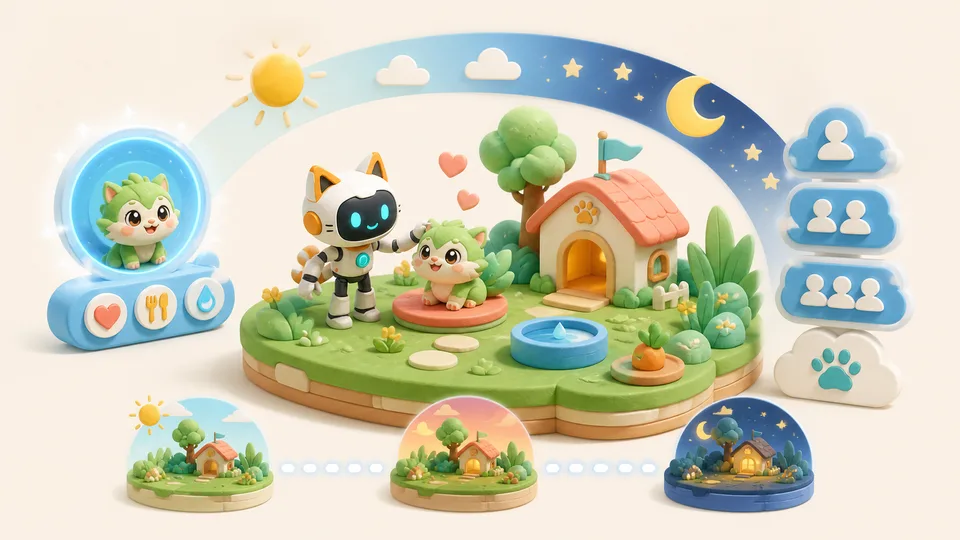
The experience: Build a virtual pet world that remembers its state. Your child connects accounts, care rules and saved data so the experience can continue.
Their project: A virtual pet product with accounts, saved state and care rules.
T2 · Launch Your Own AI Brand & Store
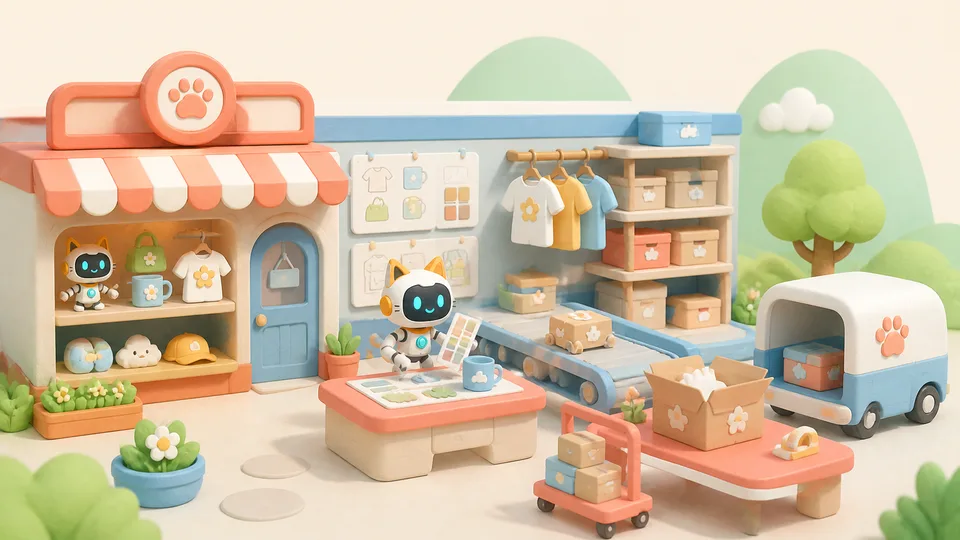
The experience: Create an original brand and its own store. Your child connects a catalogue, inventory and simulated orders to see how a shop works.
Their project: A brand store with products, inventory and simulated orders.
T3 · Build Your Personal AI Tutor 2.0
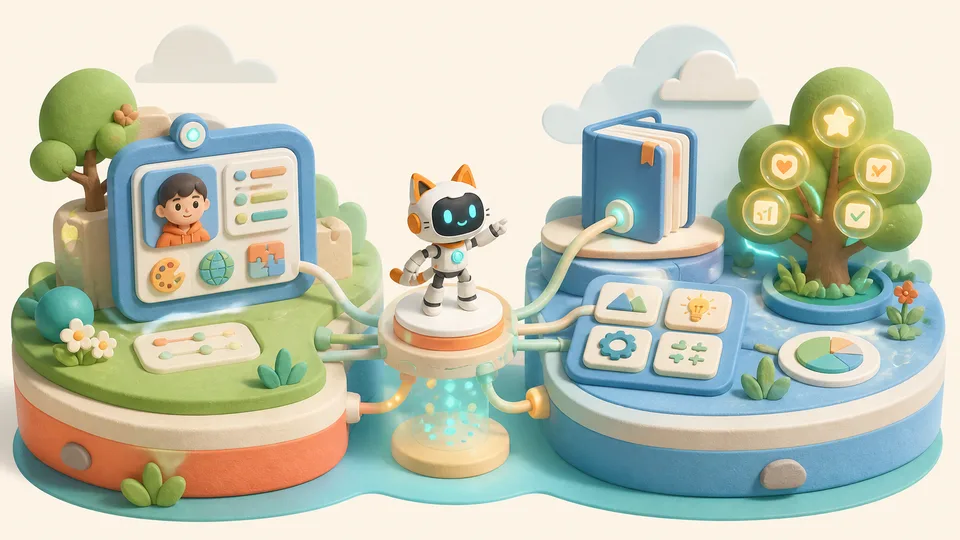
The experience: Build a learning buddy that remembers progress. Your child identifies misconceptions and uses trusted sources to adapt the next practice activity.
Their project: An AI tutor with saved progress and adaptive practice.
T4 · Build Your Own AI RPG Adventure
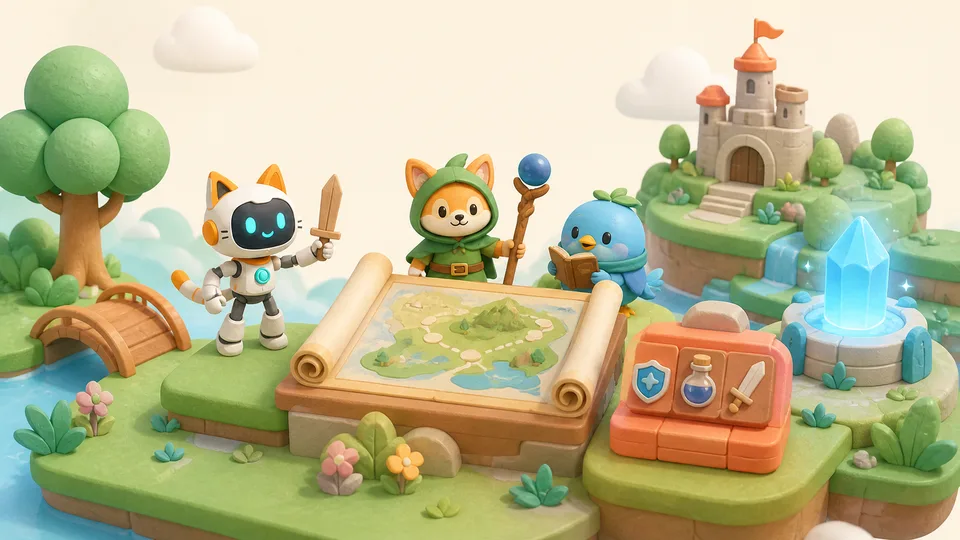
The experience: Create an adventure that players can return to. Your child connects characters, quests, inventory and saved progress in an original world.
Their project: An original RPG with connected quests, inventory and saved progress.
Level 7 · Launch and work together
Suggested ages: 14-16. Bring projects onto phones, the web or robots. Collaboration and testing help your child learn to deliver reliable products.
T1 · Build & Ship Your First Mobile App
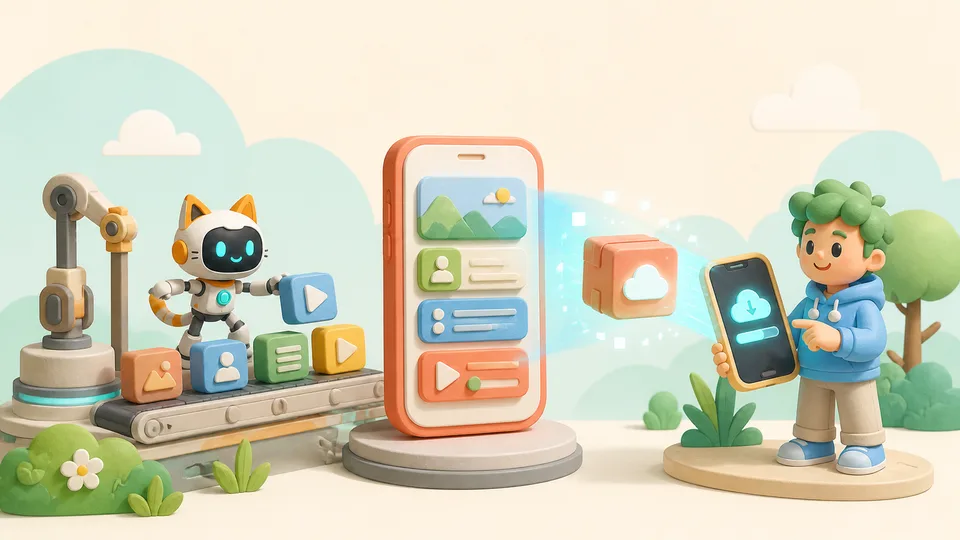
The experience: Bring an idea onto a phone. Your child connects several app modules and verifies a controlled installation on a test device.
Their project: A mobile app with evidence of a controlled installation.
T2 · Build & Launch a Multiplayer Game with AI
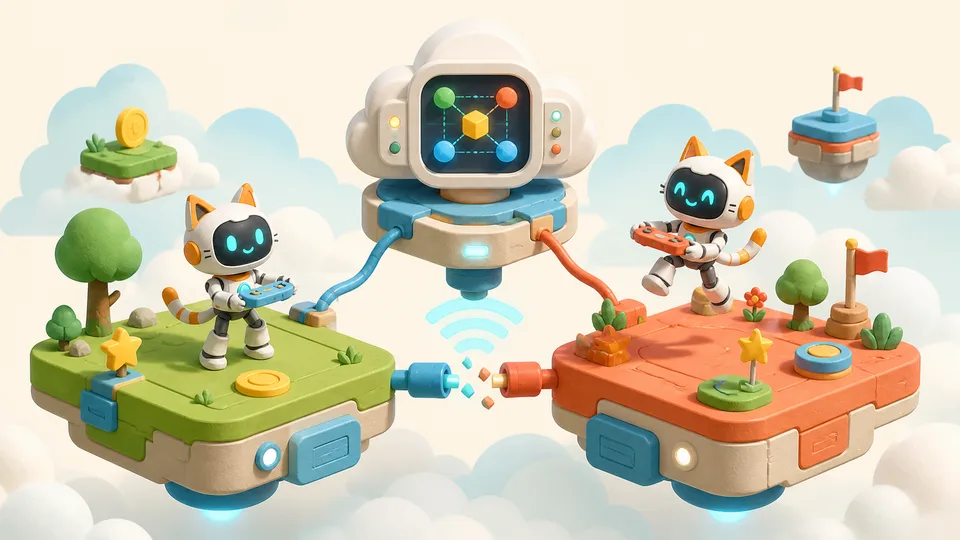
The experience: Create a game people can play together. Your child handles shared game state and tests what happens when a player disconnects and rejoins.
Their project: An original multiplayer game with shared state and reconnection handling.
T3 · Build & Launch Your Own AI Creator Studio
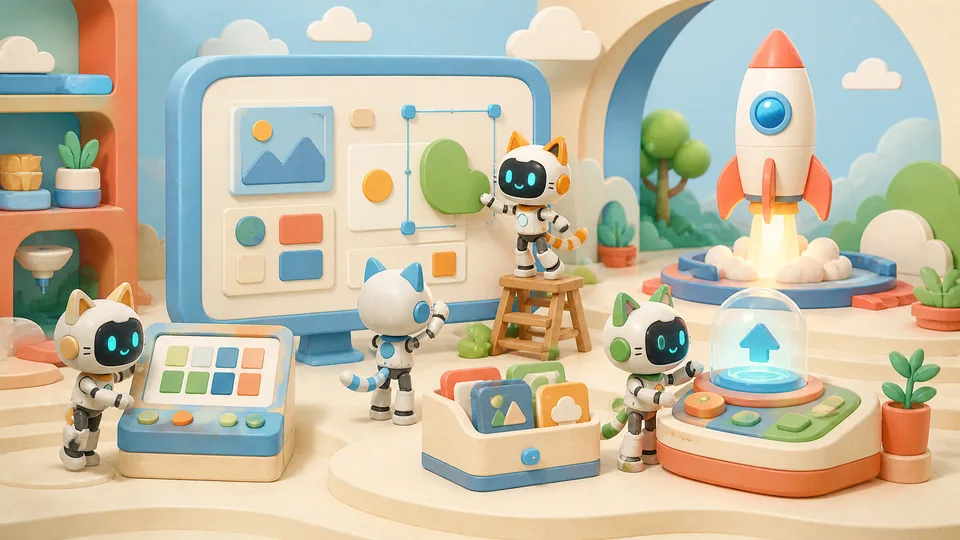
The experience: Build a small tool that helps other people create. Your child designs an age-appropriate Canva-style workflow and launches it for creators to use.
Their project: A small AI creator studio that others can use.
T4 · Build & Deploy Your Own AI Robot
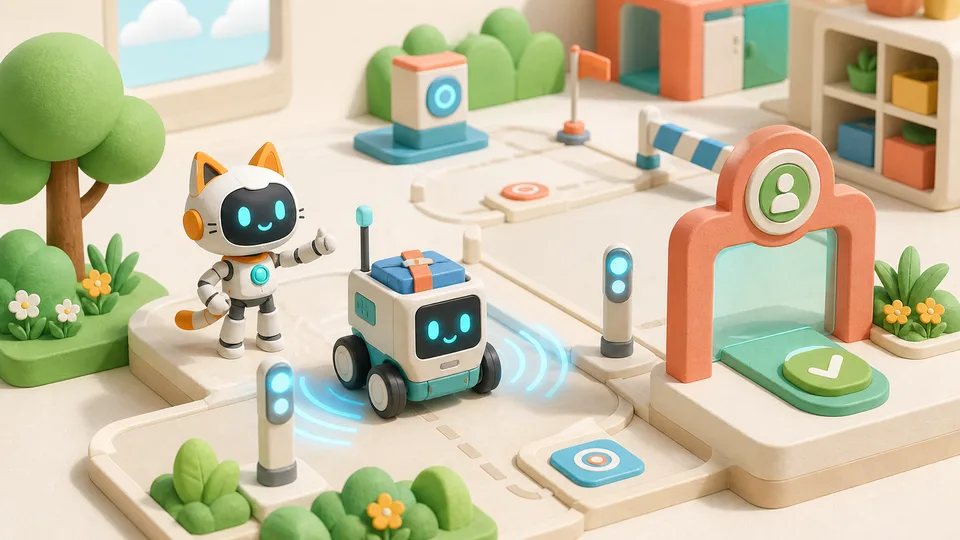
The experience: Bring a screen-based idea into a real robot. Your child deploys a safe task to an Airbotix wheeled robot with a small screen.
Their project: A safe task product deployed to a physical robot.
Level 8 · Lead real-world pilots
Suggested ages: 16-18. Let real users try a project. Your child uses evidence to judge its value, take responsibility and choose the next step.
T1 · Build & Launch Your Own AI Streaming Platform
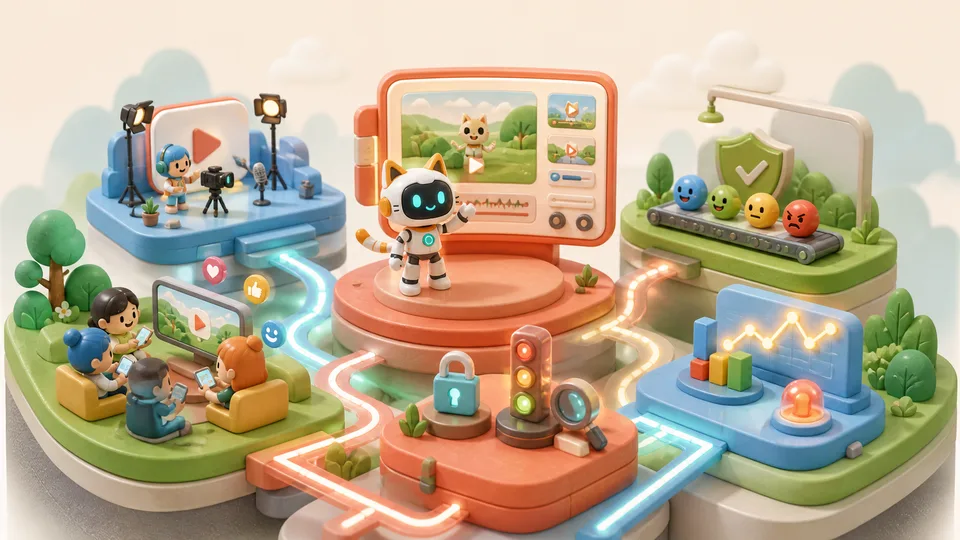
The experience: Build a content platform with accounts, recommendations and analytics. Your child runs a responsible pilot and observes how people use it.
Their project: A content-platform pilot with accounts, recommendations and analytics.
T2 · Train & Launch Your Own AI Model
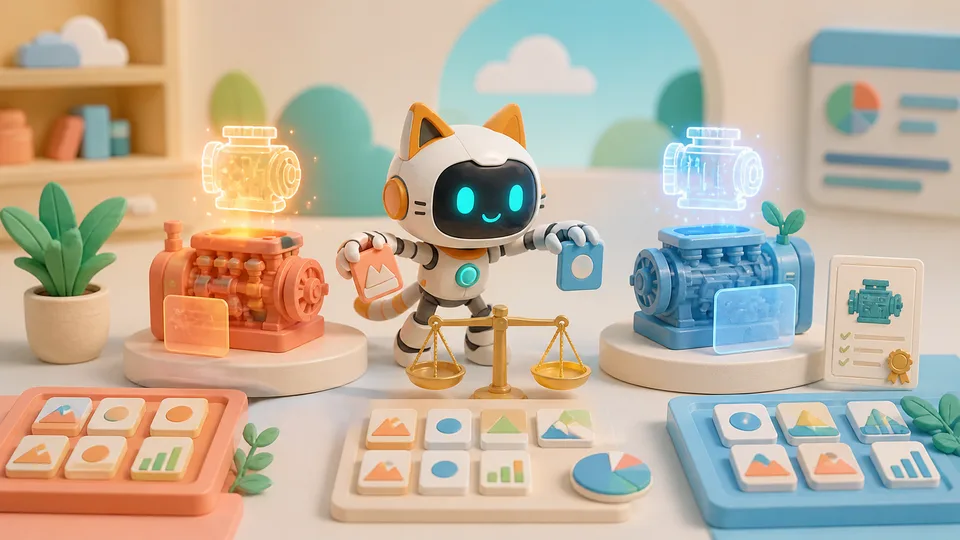
The experience: Train an approved small AI model and compare it with a baseline. Your child explains what it can do and where its limits are.
Their project: An evaluated model and a Model Card describing its uses and limits.
T3 · Build an AI Agent for a Real Organisation
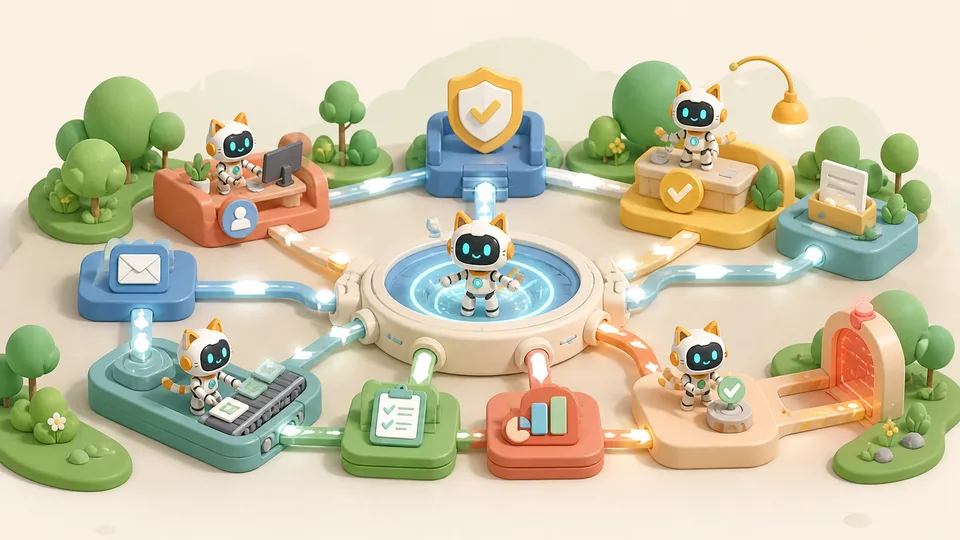
The experience: Design an AI assistant workflow for a real organisation. Your child defines permissions, human approvals, logs and a fallback if something goes wrong.
Their project: An agent workflow with permissions, oversight, logs and fallback.
T4 · Young AI Founder Capstone
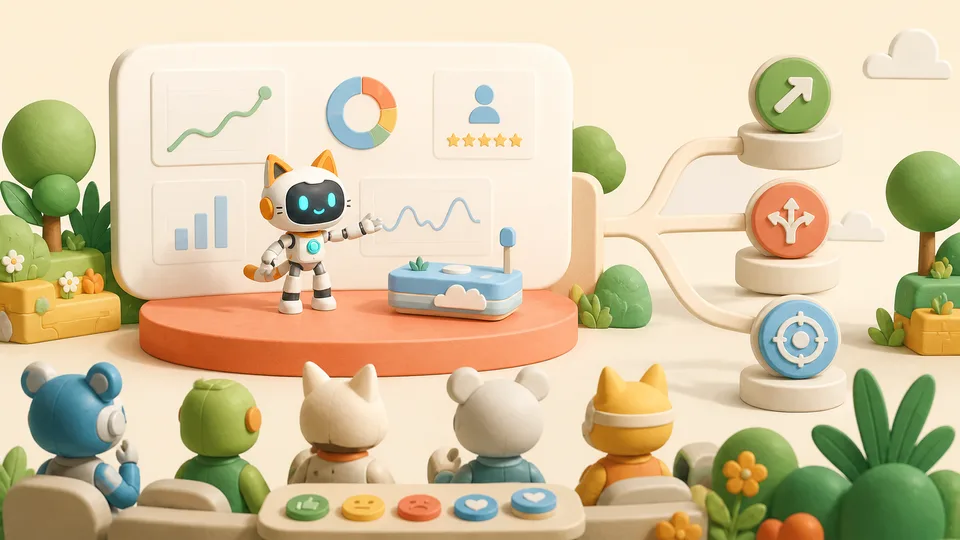
The experience: Lead a published project through a real pilot. Your child presents evidence and responsibility considerations, then decides to continue, pivot, narrow or stop.
Their project: A published capstone pilot and an evidence-based pitch for the next decision.
Choosing a course together
If a project catches your child’s interest, note its name and tell us what they have already tried. We can discuss a suitable starting point together.
Course arrangements
Each Level lists four courses. T1-T4 show their positions in the four-term pathway. Dates, duration, fees, location, equipment and entry requirements need confirmation for the chosen course. L4 emphasises complete starting points for independent missions; Wildlife Ranger Mission allows entry at any mission.
Seeing your child’s progress
Invite your child to explain a design choice or something they changed. Their explanation can help you see what they understand. Project descriptions show course goals; completion varies with experience and learning progress.
Skills and sources
Each course highlights two or three skills selected from its capability data and learning activities. Tags describe teaching emphasis, not measured student scores.
Course content and suggested ages come from the Airbotix learning pathway, reviewed on 6 September 2026. Course names retain the original English titles.
Explore the Airbotix learning pathway
Print on A4 portrait at 100% scale. For double-sided printing, choose long-edge binding.
Find a starting point that fits
Share the stories, games or projects your child enjoys. Together, we can discuss suitable courses and confirm dates, location, fees and entry requirements.
Explore the learning pathway
Browse the courses, then confirm current arrangements with us before booking.
 airbotix.ai/programs/pathway ↗